
A Copilot Studio agent uses a custom connector to call a third-party weather service API that requires an API key passed as a query string parameter named 'apikey'. The developer must configure authentication for this connector so the API key is automatically appended to every request without exposing it in the topic designer or to end users. Which authentication type and configuration correctly implements this?
Select an answer to reveal the explanation.
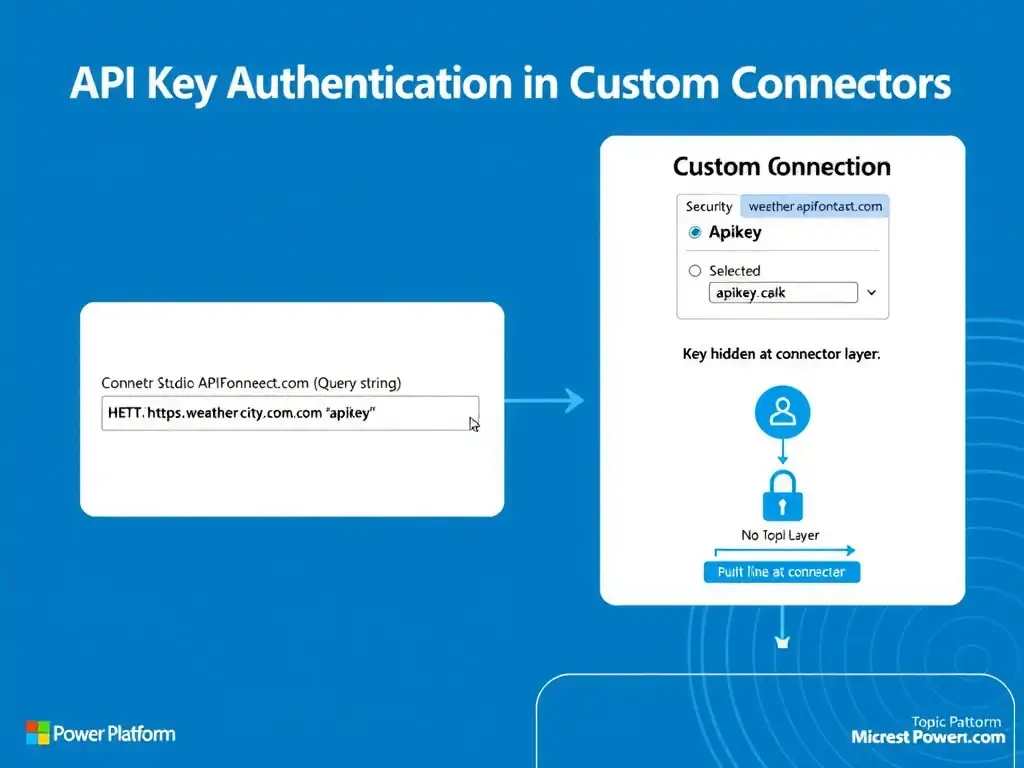
Short Explanation
Set the connector to API Key authentication, name the parameter apikey, put it in the Query location, and store the key in the connector's connection configuration. It gets appended automatically to every request, so you don't expose it in the topic designer or to end users.
Full Explanation
Custom connectors in Power Platform (which Copilot Studio agents use for HTTP-based external service calls) support a dedicated 'API Key' authentication type. When configured, this authentication type automatically appends the API key to every request made through the connector — either as a query string parameter or in a header — without requiring any explicit handling in the topic designer or Power Automate flow that uses the connector. The correct configuration is to set the connector authentication to 'API Key,' specify the parameter name as 'apikey,' set the parameter location to 'Query,' and store the key value in the connector's connection configuration when the connection is created, not in the topic. The key is stored encrypted in the connection record and is never visible in the topic canvas or to conversation users. The option that sets the connector authentication to 'Basic,' uses the API key as the password field, and configures the connector to Base64 encode it in the Authorization header is incorrect because Basic authentication sends credentials in an Authorization header formatted as Basic {base64(username:password)}. This is a different authentication scheme than a query string API key. While technically some APIs accept both, using Basic authentication when the API expects a query parameter named 'apikey' would not work and misrepresents how the API expects to receive authentication. The option that creates a topic variable named 'apiKey,' hardcodes the key value in the topic designer, and passes it as an input parameter to every connector action call is incorrect because hardcoding API keys in topic variables is a serious security anti-pattern. Variables in the topic designer are visible to all developers with access to the agent, may be logged in conversation traces, and cannot be rotated without modifying the topic. This approach violates credential security principles. The option that stores the API key in a Copilot Studio environment variable and references it using the {System.EnvironmentVariables.apikey} expression in each connector action is incorrect because Copilot Studio environment variables are not natively accessible via that syntax in connector action calls within topics. Environment variables in Power Platform store configuration values for flows and canvas apps, but they don't automatically inject into connector authentication headers or parameters. Even if accessible, this approach would still expose the key in the topic designer. Exam tip: API key authentication is connector-level configuration, not topic-level. The security principle is that credentials should be stored and applied at the infrastructure layer, invisible to application logic.