
While testing, a Condition node never takes the expected branch even though the user answered the question. What Test pane practice helps diagnose fastest?
Select an answer to reveal the explanation.
Short Explanation
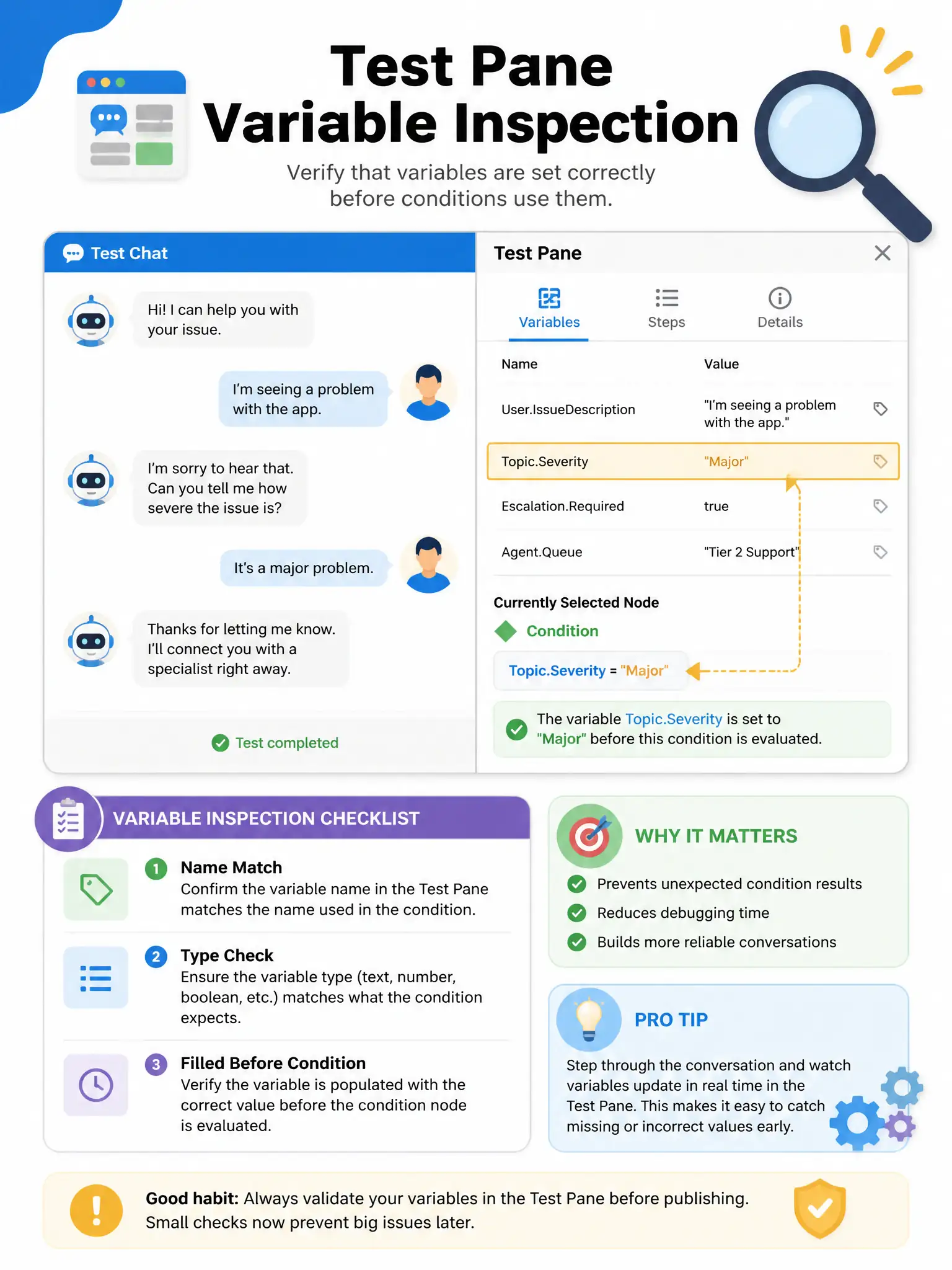
Use the Test pane with variable inspection or trace to see the variable name, type, and value right before the Condition node. If the variable is blank, wrong type, or named differently, the branch won’t fire. Don’t debug that in Production.
Full Explanation
Maker testing tools show topic, node path, and variable values. Use test conversation with variable inspection or trace to confirm variable name, type, and value before the Condition node. Publishing to Production, deleting conditions, or changing display language does not diagnose runtime variables. Exam tip: test before publishing; validate trigger, variables, action outputs.