
When configuring the connection between Copilot Studio and an Azure AI Foundry agent, which authentication mechanism is used to authorize Copilot Studio to invoke the Foundry agent?
Select an answer to reveal the explanation.
Short Explanation
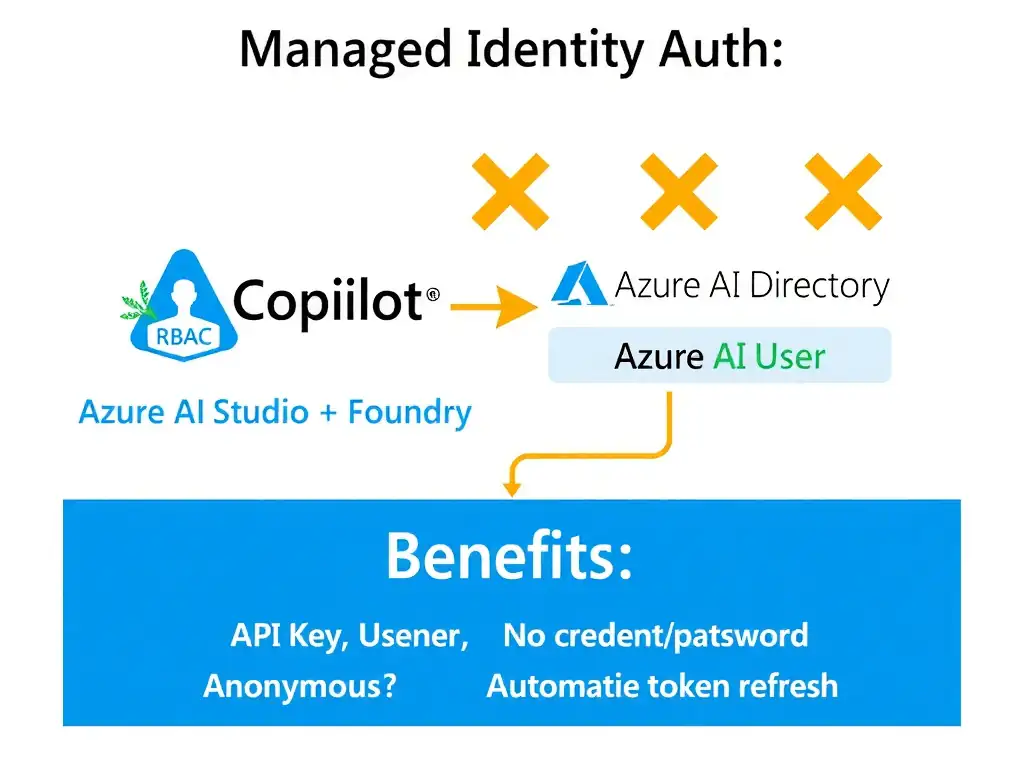
You use a managed identity assigned to the Copilot Studio environment and grant it access to the Foundry resource. That gives the service an Azure AD identity without passwords, API keys, or human credentials in the loop.
Full Explanation
Azure services communicate with each other securely using managed identities, formerly Managed Service Identity or MSI. A managed identity is an Azure AD identity automatically managed by Azure, and it has no credentials that need to be stored or rotated by administrators.
For Copilot Studio to invoke an Azure AI Foundry agent, you assign a system-assigned or user-assigned managed identity to the Copilot Studio Power Platform environment, or use the environment's service principal, then grant that identity the appropriate RBAC role, such as Azure AI User or Cognitive Services User, on the Foundry resource.
The shared API key stored in a Power Platform environment variable would work for some HTTP integrations, but it is not the native, recommended authentication mechanism for Copilot Studio to Foundry integration. It introduces credential management overhead.
The username and password credentials of the agent author's account would tie authorization to a human account. If that person leaves the organization, the integration breaks, making this an anti-pattern for service-to-service authentication.
The anonymous public endpoint on the Foundry agent accessible without authentication is a security violation. Foundry agents with fine-tuned models and sensitive data should never be exposed publicly without authentication.
Exam principle: service-to-service authentication in Azure uses managed identity plus RBAC. This pattern applies broadly across Azure AI services.