
An agent author is deciding whether to use a Power Automate cloud flow or a native connector action when adding a tool to a Copilot Studio topic that needs to send an email notification after a refund is processed. Which scenario would make a Power Automate flow the BETTER choice over a native connector action?
Select an answer to reveal the explanation.
Short Explanation
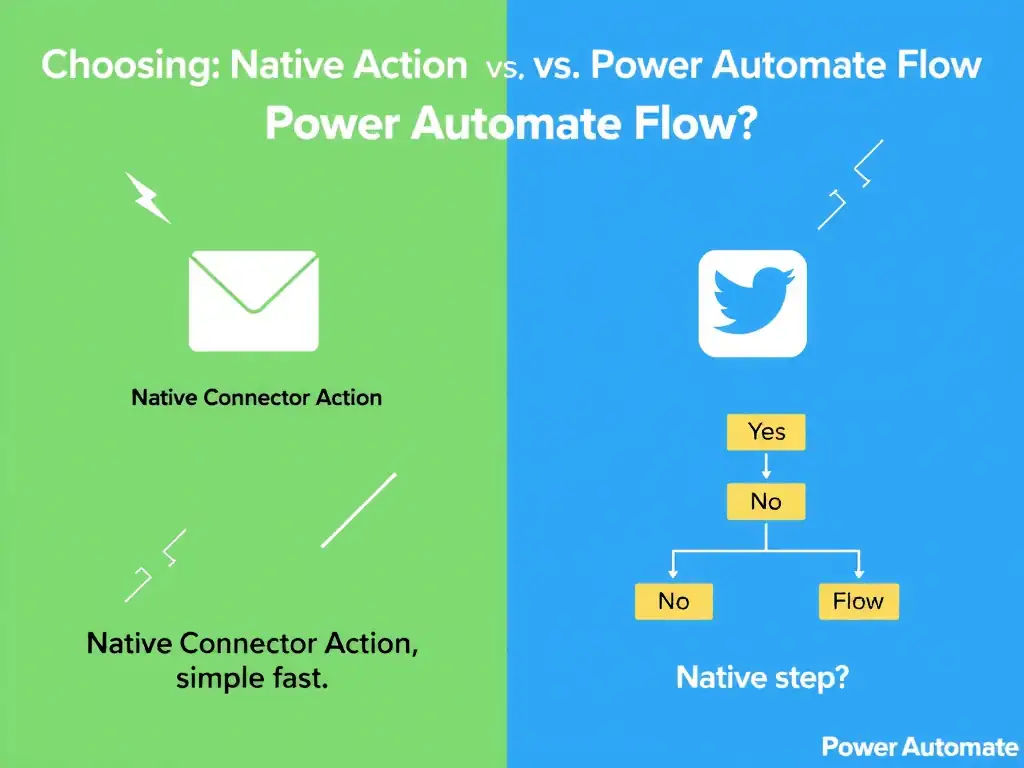
When the email needs multi-step logic—querying recipient details, formatting the message, then sending it—you want the Power Automate flow. Native connector actions are best for a single direct call, so don't use them when you need to orchestrate several steps or connectors.
Full Explanation
Choosing between a native connector action and the Power Automate cloud flow comes down to complexity. Native connector actions are ideal for simple, single-operation calls: get a record, send an email, update a row. The Power Automate flow is the right choice when the business logic involves multiple sequential steps, conditional branching, data transformation, calling multiple connectors, error handling, or retry logic.
In this scenario, querying a database for recipient details, formatting a message, and sending the email is three steps with potential dependencies. The Power Automate flow handles this cleanly as a visual workflow, returning only the final result to the Copilot Studio topic. The topic node remains simple — one 'Run a flow' action — while the complexity is encapsulated in the flow.
The scenario where the email needs to be sent using the Office 365 Outlook connector, which is available natively in Copilot Studio, points to a native connector action. If the task is simply 'send an email with data already available,' the native Outlook connector action is sufficient and simpler. The flow would be overkill.
The scenario where the author wants to reduce the number of topic nodes in the canvas is not the better reason. Using a flow actually doesn't reduce nodes; it replaces multiple native action nodes with one flow invocation node. This is a benefit but not the primary driver.
The scenario where the agent is deployed in an environment that does not support Power Automate licenses is a red herring. Power Automate cloud flows require Power Automate licenses, so an environment without them couldn't use flows.
Exam heuristic: 1 step → native connector action. Multiple steps, multiple connectors, complex logic → Power Automate flow.