
Your IT security team wants to prevent Copilot Studio agents in the HR environment from sending data to any social media connectors, while still allowing agents to use SharePoint and Microsoft Teams connectors. Which Power Platform governance tool should you configure?
Select an answer to reveal the explanation.
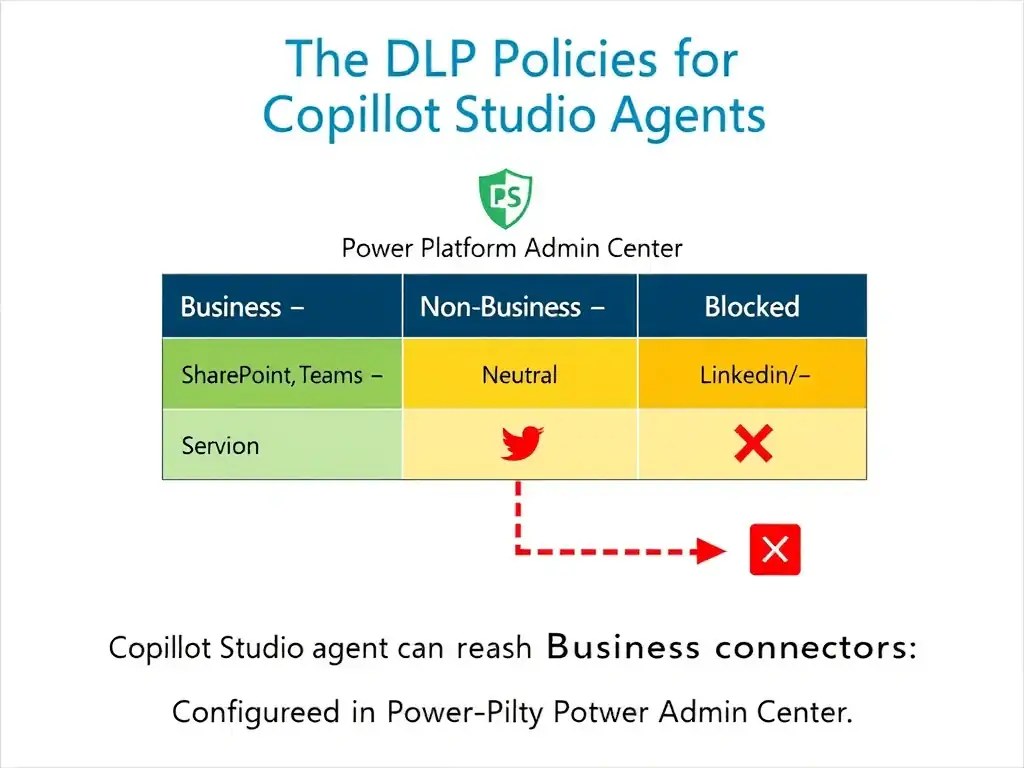
Short Explanation
DLP policies in Power Platform are like a traffic cop for connectors — they sort connectors into Business, Non-Business, or Blocked lanes and prevent agents from mixing lanes. You put social media in Blocked and SharePoint/Teams in Business, so your HR data can't reach Twitter or LinkedIn.
Full Explanation
Data Loss Prevention (DLP) policies in the Power Platform Admin Center govern which connectors Copilot Studio agents (and Power Apps/Automate flows) can use and how they can be combined. Connectors are classified into three buckets: Business, Non-Business, and Blocked. Business connectors can interact with each other; Non-Business connectors can interact with each other but not with Business connectors; Blocked connectors cannot be used at all in the governed environments.
To meet the requirement in the HR environment, create a DLP policy that places SharePoint and Microsoft Teams in the Business group and places social media connectors (Twitter/X, LinkedIn, Facebook, etc.) in the Blocked group. This prevents any agent in that environment from using social media connectors, while preserving full access to SharePoint and Teams.
A Microsoft Purview sensitivity label policy to block social media data flows classifies content based on sensitivity — it doesn't control which connectors an agent can use. It's about data classification, not connector governance.
An Azure Active Directory conditional access policy to prevent connector authentication controls authentication at the identity layer — blocking a connector's service principal authentication is possible but not the intended mechanism and is complex to manage.
Environment-level firewall rules in Copilot Studio to block outbound requests to social media domains do not exist as a feature — Copilot Studio does not have environment-level outbound firewall configuration.
Exam tip: DLP policy = Power Platform Admin Center = connector classification (Business / Non-Business / Blocked). This is the primary governance tool for controlling what connectors agents can use. DLP policies can be scoped to specific environments or applied tenant-wide.