
Your legal department requires that any document summary produced by a Copilot Studio agent that contains confidential contract data must automatically be labeled as 'Confidential – Legal' and have encryption applied. Which Microsoft technology enables this automatic labeling on agent outputs?
Select an answer to reveal the explanation.
Short Explanation
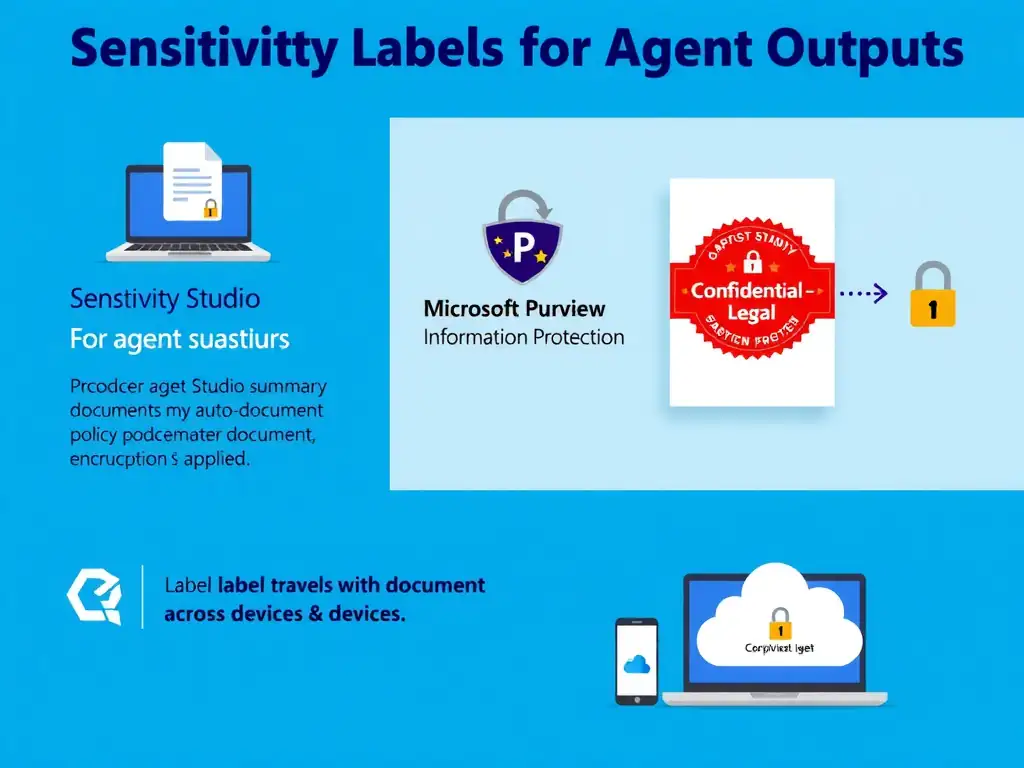
You need Microsoft Purview Information Protection sensitivity labels with auto-labeling policies. Purview can spot confidential contract patterns and stamp the 'Confidential – Legal' label automatically, so encryption and access controls travel with the document.
Full Explanation
Microsoft Purview Information Protection provides sensitivity labels that can be applied to documents, emails, and other content. When combined with auto-labeling policies, Purview can inspect content for sensitive patterns, such as legal contract keywords, PII, or confidential markers, and automatically apply the appropriate sensitivity label. That label then applies encryption, watermarking, and access restrictions. For agent-generated outputs saved as files, such as Word or PDF documents, Purview auto-labeling works across Microsoft 365 services. The label travels with the file, so even if someone copies it to a USB drive, the encryption persists. The approach of configuring a Copilot Studio topic to append the label text 'Confidential – Legal' to every agent response adds a text string but provides zero enforcement: no encryption, no access control, just words, and someone could delete the text. The approach of enabling the 'Require classification' setting in the Power Platform DLP policy is not a real Power Platform DLP feature for content classification; DLP governs connectors, not document content labels. The approach of creating an Azure Policy definition that tags resources containing contract data with a 'Confidential' tag tags Azure infrastructure resources, such as storage accounts and VMs, not document content or agent outputs. Key exam distinction: Purview sensitivity labels provide content-level protection with encryption and access control, applied to documents. DLP policies provide connector-level control for Power Platform. These are complementary but different tools. For protecting what is inside agent outputs, meaning document content, Purview is the answer.