
While configuring an HTTP action for a Copilot Studio agent to call a third-party REST API, you need to pass an API key in the request header. The key must not be visible to agent authors in plain text. Which authentication configuration should you use?
Select an answer to reveal the explanation.
Short Explanation
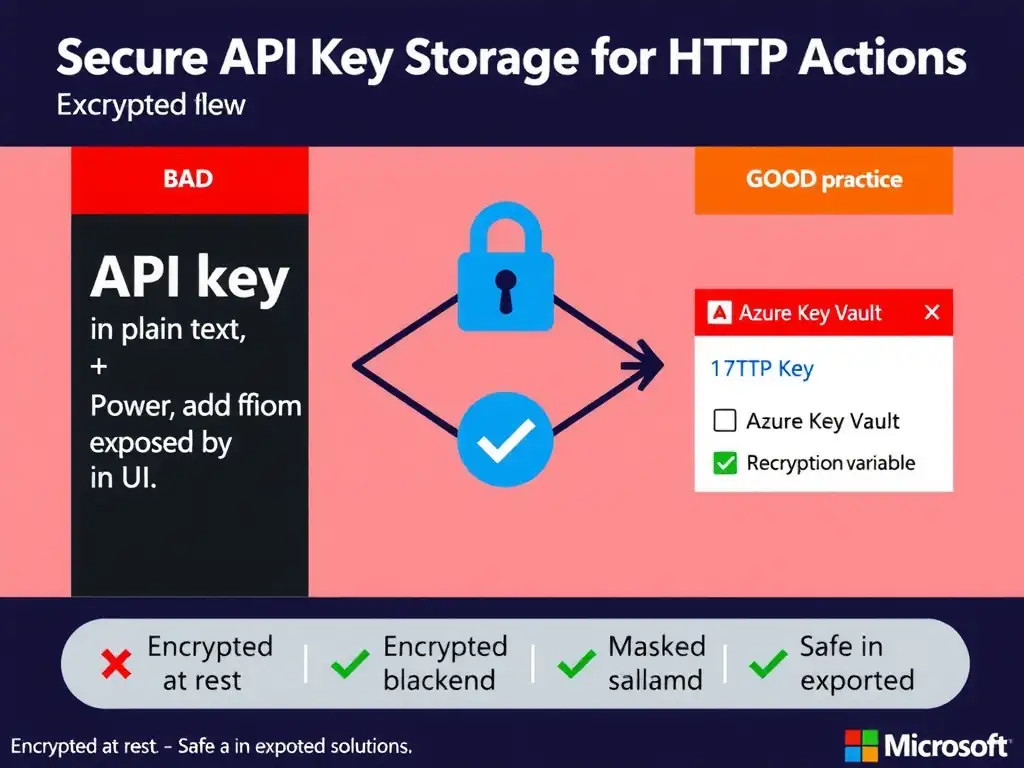
Don’t write your house key on the front door. Store the API key in a Power Platform environment variable of type Secret and reference it in the HTTP action authentication settings. It’s encrypted at rest and masked in the UI, so authors can use the key without seeing it in plain text.
Full Explanation
When configuring HTTP actions in Copilot Studio, credentials like API keys should never be stored or displayed in plain text. The correct approach is to store the API key in a Power Platform environment variable of type Secret and reference it in the HTTP action authentication settings. Power Platform environment variables support a 'Secret' type that encrypts the value using Azure Key Vault under the hood. Authors can reference the variable by name in HTTP action headers without ever seeing the actual key value.
The plain-text topic variable approach exposes the key to anyone with access to the topic editor and to conversation logs — a security anti-pattern.
The hard-coded UI approach is the worst option — the key is visible to all Copilot Studio authors who open the action configuration and may appear in exported solution files.
The no-authentication plus IP allowlisting approach is a network-layer control only. It doesn't protect the API if the allowlisted network is compromised and doesn't address the header-key requirement at all.
On the exam: Secret type environment variables are the correct mechanism for keeping API credentials masked in Power Platform / Copilot Studio. The variable is set once by an admin, and the HTTP action references it as a named variable. When the solution is exported, the secret value is not included — it must be set in each target environment separately, which is also good ALM hygiene.
Also recall: for OAuth-protected APIs, Copilot Studio supports OAuth 2.0 configuration directly in the HTTP action settings, which is preferable to API keys when the provider supports it.