
Lena is building a custom connector in Power Platform for Apexeon Analytics. The third-party REST API she is integrating requires callers to pass a static secret key in an HTTP header named 'X-Api-Key'. There is no OAuth or Azure AD flow involved — just a single header value that never changes per customer. Which authentication type should Lena select when configuring the custom connector's security settings?
Select an answer to reveal the explanation.
Short Explanation
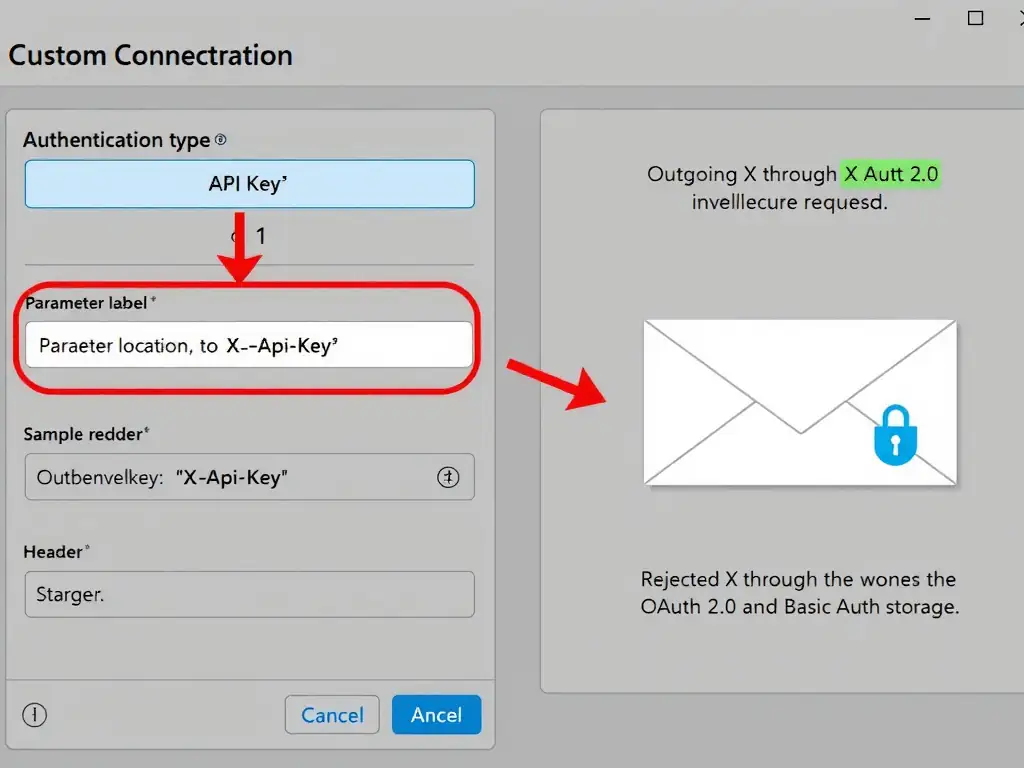
You pick API Key, set the parameter name to X-Api-Key, and choose Header as the location. Power Platform then injects the key into every request automatically, so you don't need OAuth or manual header passing.
Full Explanation
Power Platform's custom connector security configuration supports several authentication types: No Auth, API Key, Basic Authentication, OAuth 2.0, Windows Authentication, and Microsoft Entra ID. Choosing the right one depends on what the target API expects.
The API Key choice, specifying the parameter name as X-Api-Key and the parameter location as Header, is correct. When a REST API uses a single static key transmitted in an HTTP header, the API Key authentication type is the correct choice. During connector setup, the developer sets the parameter name to X-Api-Key and the location to Header. When users create a connection using this connector, they are prompted to enter their API key once — Power Platform stores it securely and injects it into the specified header on every subsequent request, without exposing it to the caller.
The OAuth 2.0 choice, which assumes all modern REST APIs require token-based authentication and the API key should be exchanged for a bearer token before each call, is incorrect. OAuth 2.0 is used when the API issues short-lived access tokens through an authorization code or client credentials flow. The API in this scenario uses a static key with no token exchange, so OAuth 2.0 would fail because there is no authorization endpoint to call.
The Basic Authentication choice, which suggests sending the API key as the username with a blank password to simulate a static credential, is incorrect. Basic Authentication encodes a username and password as Base64 and sends them in an Authorization: Basic header — not in a custom header named X-Api-Key. Using Basic Authentication to approximate an API key would send the wrong header name and format, causing the API to reject the request.
The No Authentication choice, which says to manually add X-Api-Key as a required input parameter in the connector's action definition so users supply it each time they call the action, is incorrect. Setting authentication to No Auth and surfacing the key as an action input would expose the API key as a visible, unencrypted value in every flow run. This is a serious security anti-pattern. The API Key authentication type was specifically designed to store and transmit secrets securely without exposing them in flow inputs or outputs.
Exam tip: The custom connector security wizard maps directly to authentication patterns. API Key = static header/query value; Basic Authentication = username+password; OAuth 2.0 = token-based flow with an authorization server. Memorize these mappings — the exam frequently tests which type fits the described API behavior.