
Dominic is a Power Platform developer at Crestview Financial. He is creating a Power Automate cloud flow that a Copilot Studio agent will call when a customer requests to freeze their credit card. The agent must pass the card's last four digits to the flow, and the flow should immediately execute when triggered by the agent. Which trigger should Dominic configure in Power Automate, and what must he do to make the flow callable from Copilot Studio?
Select an answer to reveal the explanation.
Short Explanation
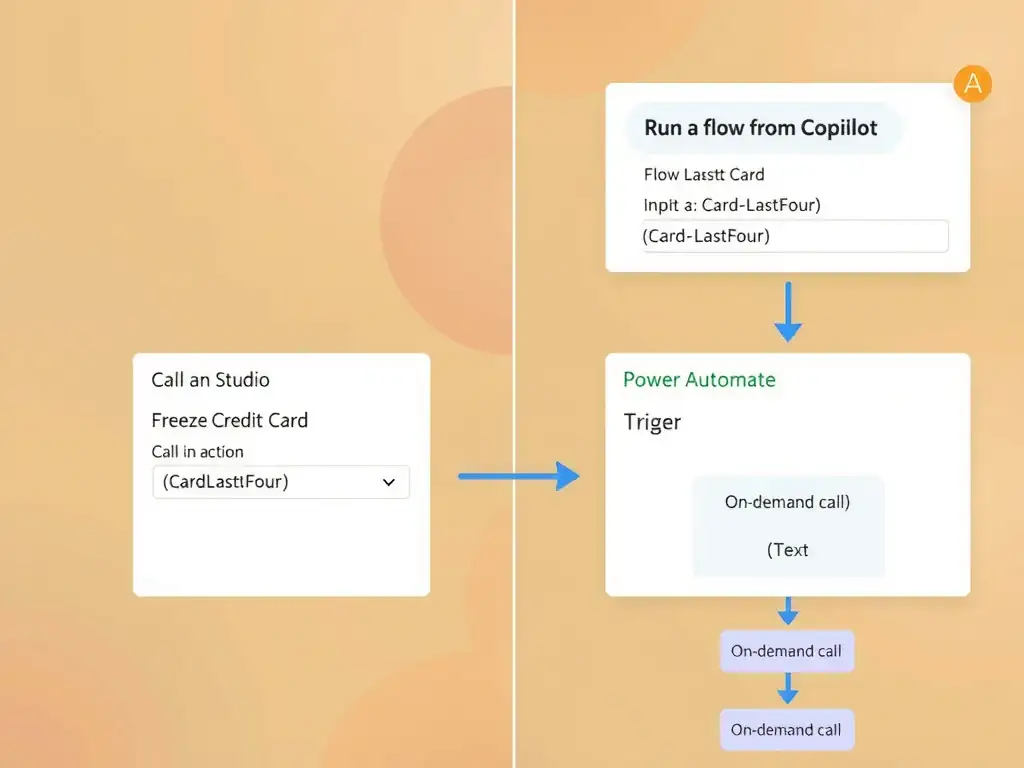
You need the 'Run a flow from Copilot' trigger, also labeled 'When an agent calls a flow', because it makes the flow callable from Copilot Studio as an action. Define an input parameter for the card's last four digits, and the agent can pass it when calling the flow.
Full Explanation
When a Copilot Studio agent needs to call a Power Automate flow on demand, the flow must use a specific trigger designed for that integration. Microsoft provides the 'Run a flow from Copilot' trigger, shown in Power Automate as 'When an agent calls a flow', which is the only trigger that makes a cloud flow discoverable and invokable as a Copilot Studio action.
The 'Run a flow from Copilot' trigger is correct because it serves two purposes: it registers the flow in the agent's action picker inside Copilot Studio, and it allows the designer to define strongly-typed input and output parameters. Dominic would add an input parameter named 'CardLastFour' with a Text data type, and Copilot Studio will automatically map topic variables to that parameter when calling the flow.
The scheduled trigger set to run every minute is incorrect because a Scheduled trigger runs on a timer; it cannot be triggered on demand by an agent. The customer would have to wait up to a minute, or longer, for the next scheduled run, which is unacceptable for a real-time freeze request.
The automated cloud flow trigger based on a Dataverse row creation event is incorrect because it requires the agent to first create a Dataverse record, adding unnecessary complexity. More importantly, Dataverse-triggered flows are not discoverable as callable actions in Copilot Studio's action picker.
The HTTP Request trigger is incorrect because it generates a URL that can be called by any HTTP client, but it requires the agent to make a raw HTTP call, bypassing Copilot Studio's built-in action parameter mapping and authentication handling. The 'Run a flow from Copilot' trigger is the correct choice for agent-initiated flows because it integrates cleanly with Copilot Studio's action framework.
Exam tip: The trigger name has changed slightly across product versions: 'When a Power Virtual Agents topic calls a flow', then 'Run a flow from Copilot', then 'When an agent calls a flow'. All of these refer to the same trigger. Recognize it by its purpose: enabling on-demand agent invocation with typed parameters.