
A developer is adding chat with an existing Copilot Studio agent to an internal .NET web app. Employees already sign in to the app with Microsoft Entra ID, and the agent uses Authenticate with Microsoft. The developer wants a supported, code-first integration that sends the employee's identity to the agent. Which approach should the developer use?
Select an answer to reveal the explanation.
Short Explanation
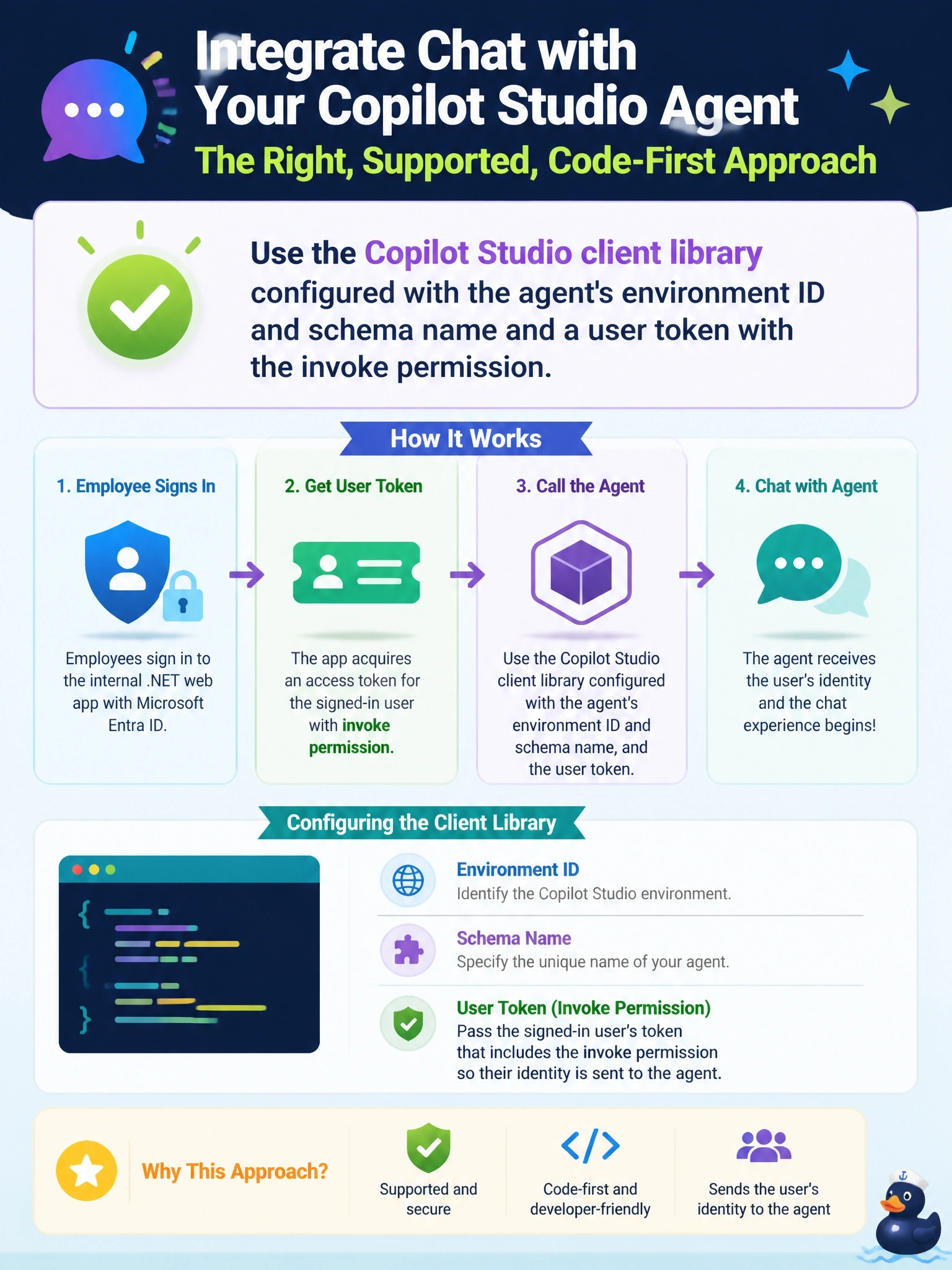
If you want to talk to the agent, use the phone line built for it: the Copilot Studio client library. Give it the agent's address, meaning environment ID and schema name, plus the employee's token. Poking at transcript tables or knowledge files is reading the call log, not making the call.
Full Explanation
The Copilot Studio client library, part of the Microsoft 365 Agents SDK and available for .NET, JavaScript and Python, is the supported way for custom code to converse with a Copilot Studio agent. The app supplies the agent's environment ID and schema name, from the agent's advanced metadata settings, or the connection string from the channel page, and a Microsoft Entra ID token for the signed-in employee. The app registration needs the delegated CopilotStudio.Copilots.Invoke permission. Creating rows and polling transcript tables through the Dataverse Web API does not start a conversation; transcripts record past conversations and are not an input channel. The Organization service executes Dataverse messages and has no request that runs a Copilot Studio topic. Knowledge sources such as a SharePoint library are content the agent reads, so writing a question there produces no answer. Exam caveat: Direct Line remains an option when the client library does not support a scenario, but for a signed-in user in a .NET app the client library is the intended path. Operational check: configure the settings, sign in as a test employee, start a conversation and confirm the agent's greeting arrives before sending a question.