
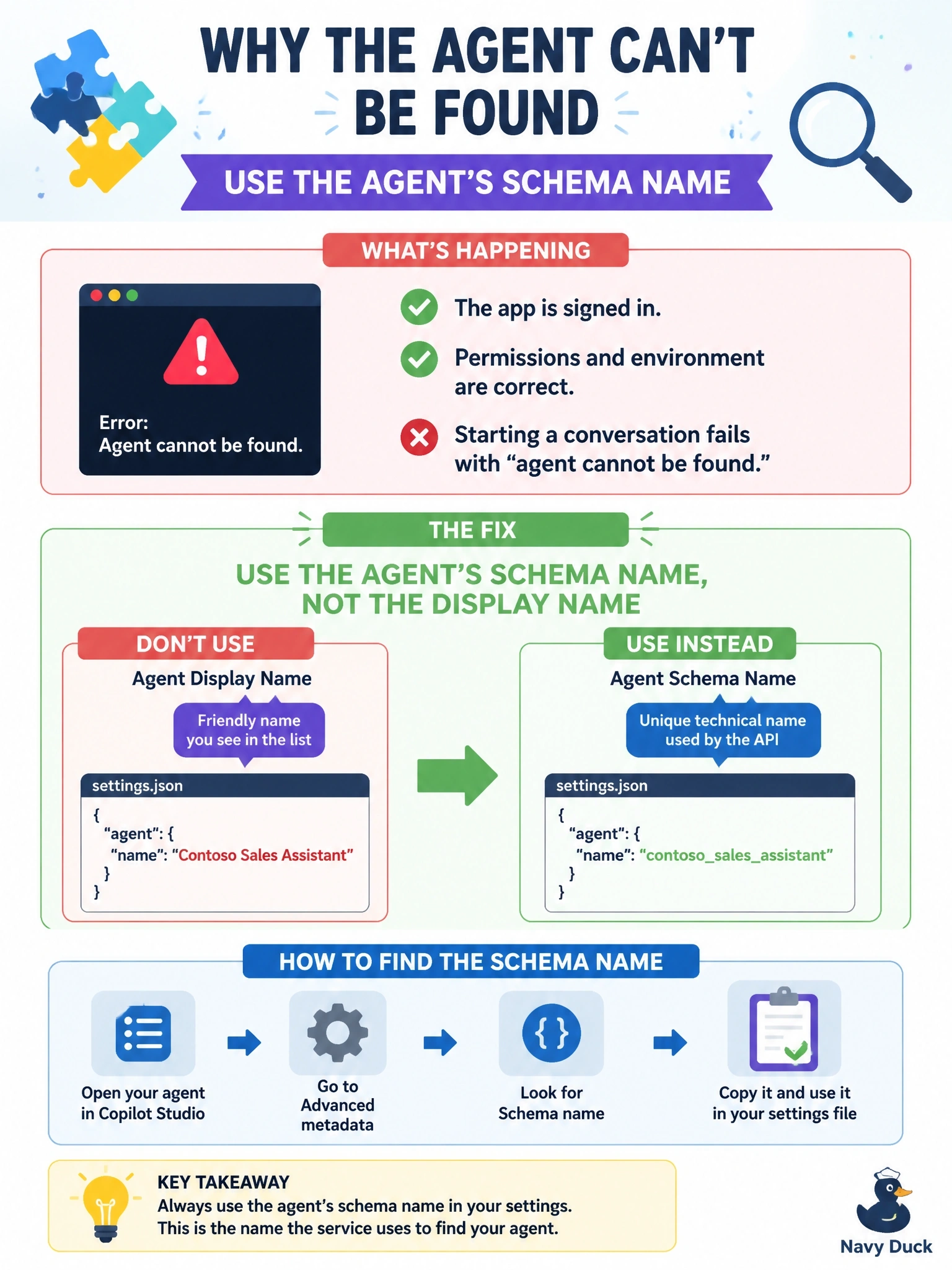
A console app uses the Copilot Studio client library. The app registration has the delegated Copilot Studio invoke permission with admin consent, and the user signs in successfully. Starting a conversation fails with an error that the agent cannot be found. The settings file contains the correct environment ID and the agent name exactly as it appears in the Copilot Studio agent list. What should the developer change?
Select an answer to reveal the explanation.
Short Explanation
It's like addressing a letter to someone's nickname instead of their legal name; the post office can't find them. The client library wants the agent's schema name, not the friendly name in the list. Your sign-in already works, so you can stop fiddling with permissions.
Full Explanation
The client library identifies an agent by environment ID plus schema name, the unique internal name shown under the agent's advanced settings in the metadata section. The display name in the agent list is a friendly label that can contain spaces and can be changed, so it does not resolve to an agent and produces a not-found result even with a valid token. Because the user signs in and the delegated invoke permission is consented, authentication is not the failing step here. Adding the Dataverse user_impersonation permission targets a different API and does nothing to help locate the agent. Moving the app registration to a web platform with a secret would change how the token is obtained but not which agent is addressed, and the sample deliberately uses a public client for interactive sign-in. Switching the agent to No authentication would weaken security and still leave the wrong identifier in the configuration. Exam caveat: a missing or unconsented invoke permission fails earlier, at token acquisition or with an authorization error, rather than as agent not found. Operational check: copy the schema name and environment ID from the agent's metadata, or use the connection string from the channel page, and start a conversation again.