
A developer is restyling several screens in a code app and wants to see each change against real environment data within seconds, without publishing a new version for every edit. What should the developer do?
Select an answer to reveal the explanation.
Short Explanation
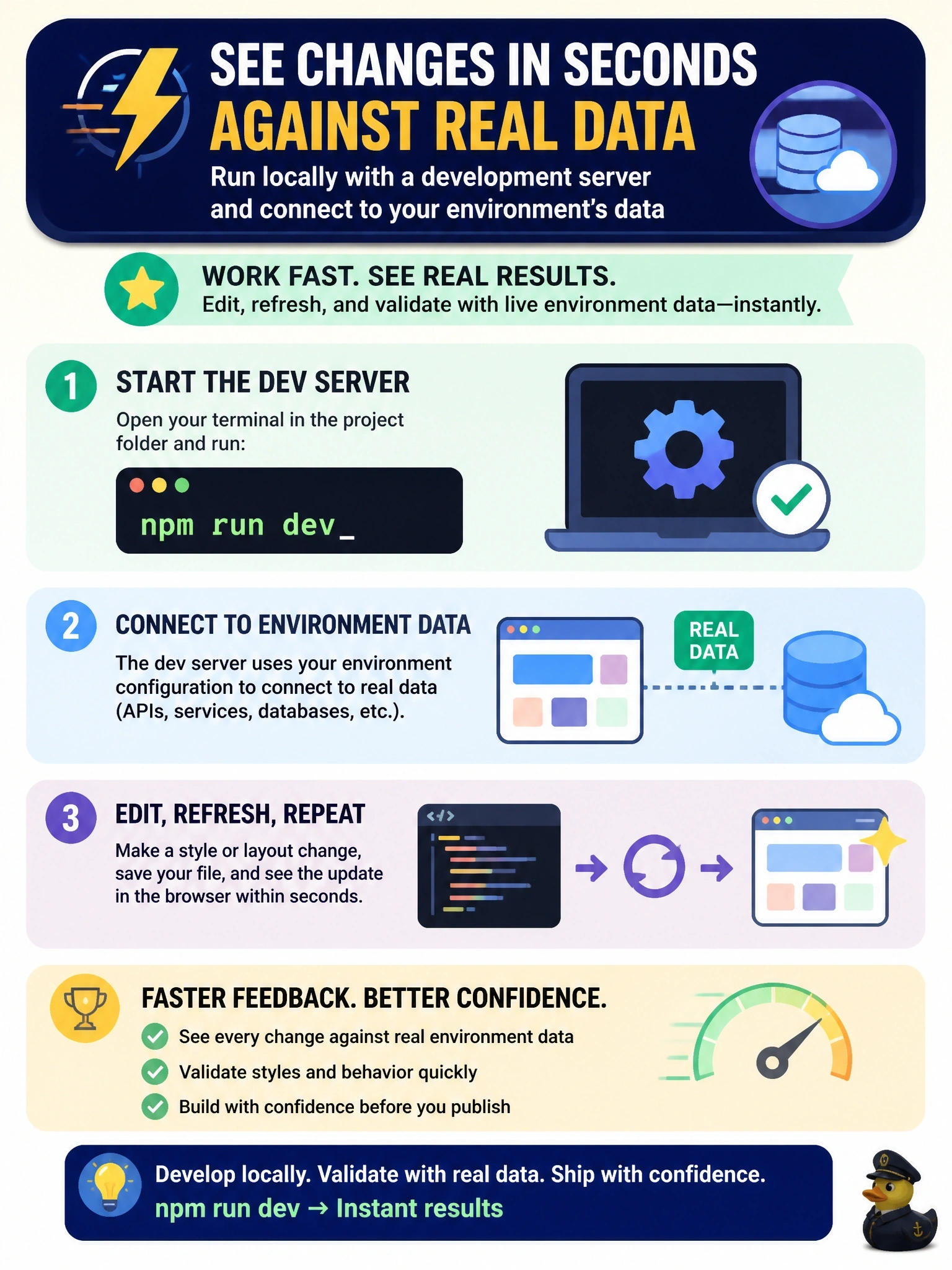
You don't repaint a house by moving out and back in after every brushstroke. Run the dev server locally, and your changes hot-reload in seconds while the app still talks to real environment data. Pushing for every tweak is slow, and there's no secret draft push to save you.
Full Explanation
Code apps are designed for a local inner loop. Running the project's development server, for example with npm run dev, serves the app from the developer's machine while the Power Apps client library connects it to the environment's connectors and Dataverse under the developer's signed-in identity. Changes rebuild and reload almost immediately, so styling work is checked against real data without publishing. The Power Apps CLI also provides pa app run to start the Power Apps local host for the app. pa app push publishes a new version to the environment each time it runs; it does not offer a private draft mode, and pushing on every edit slows the loop and creates many versions. Editing a deployed bundle in developer tools changes only the browser's in-memory copy, which is discarded on reload and cannot be written back to the environment. Mock JSON files can help with unit tests but are not required, since local runs can reach environment data, and mocks would hide real data shapes during styling. Exam caveat: local runs use the developer's permissions, so security-dependent behavior must still be tested with a representative user after publishing. Operational check: start the dev server, open the app, change a style, and confirm the update appears without a push.