
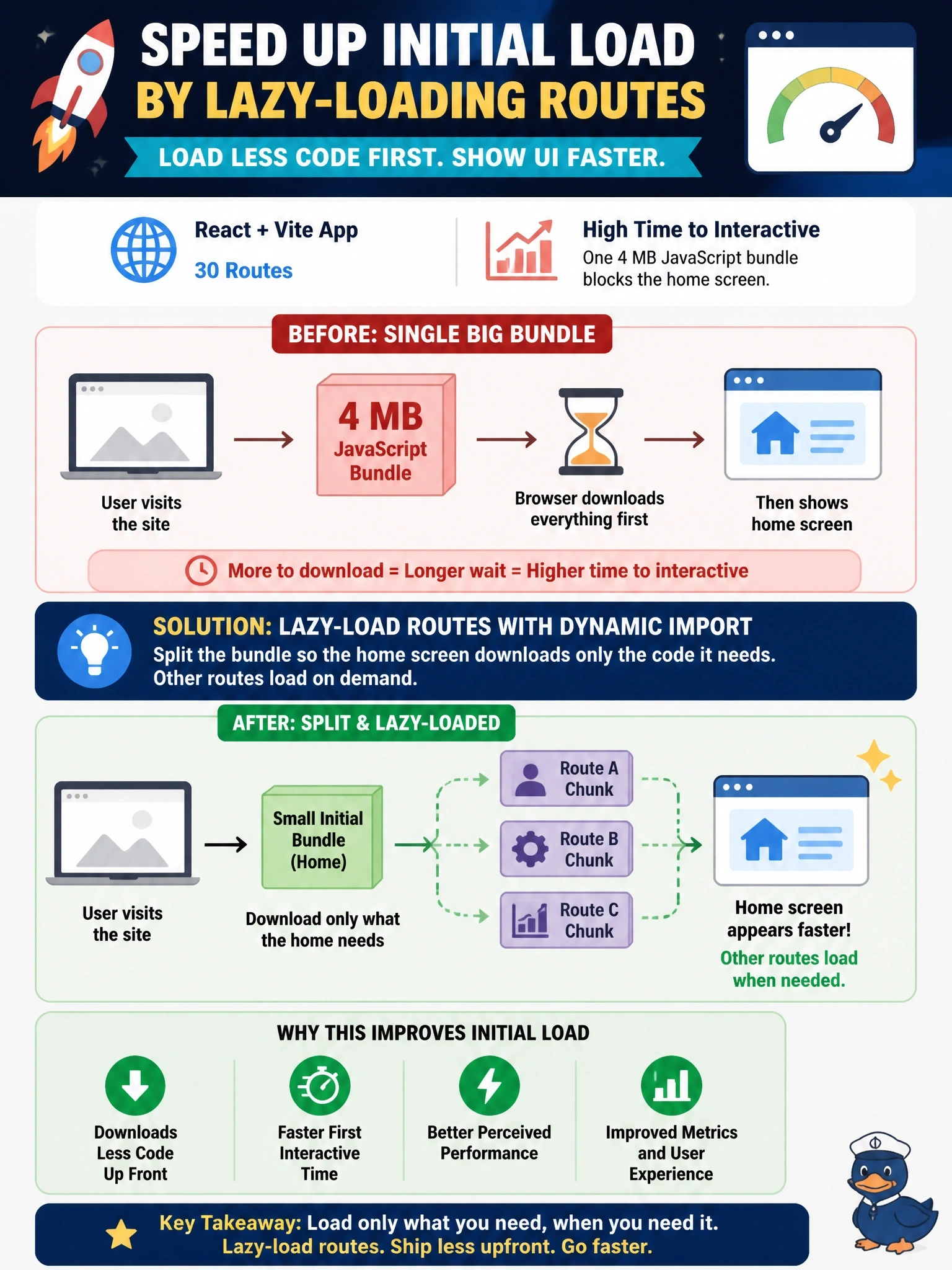
A React and Vite code app has grown to 30 routes. Application Insights shows a high time to interactive because the browser downloads one 4 MB JavaScript bundle before showing the home screen. Which change most directly reduces initial load?
Select an answer to reveal the explanation.
Short Explanation
Shipping all 30 rooms of furniture before anyone can sit down is a slow move-in. Code-split your routes so the home screen loads first and the rest arrive when someone visits them. Tweaking data calls won't help when the bottleneck is the size of your JavaScript.
Full Explanation
The measured symptom is a large single JavaScript bundle that must download and parse before the first screen is interactive. Code splitting addresses that directly: wrapping route components in lazy loading with dynamic import lets the bundler emit separate chunks, so the initial download contains only the shell and the home route, and other routes load on first navigation. The time-to-interactive measure captured by the platform's session load metric should drop accordingly. Moving all data calls into the root component makes the home screen wait for every request, which increases time to interactive. Adding more data sources generates more service code and adds to the bundle rather than shrinking it, and generated services are not loaded in parallel with the bundle in a way that hides its size. Raising maxPageSize changes the size of data pages, not the size of the JavaScript the browser must download before rendering, and larger pages can make the first data response slower. Exam caveat: the optimization should match the measured bottleneck; network-bound data delays call for select, filter and caching, while bundle size calls for splitting and removing unused dependencies. Operational check: build with a bundle analyzer, confirm route chunks are emitted, and compare the 75th percentile time to interactive before and after.