
A team published a code app with pa app push to a development environment that has Dataverse. They now need a repeatable promotion path to test and production, with dependency and connection reference checks before each deployment. What is the supported approach?
Select an answer to reveal the explanation.
Short Explanation
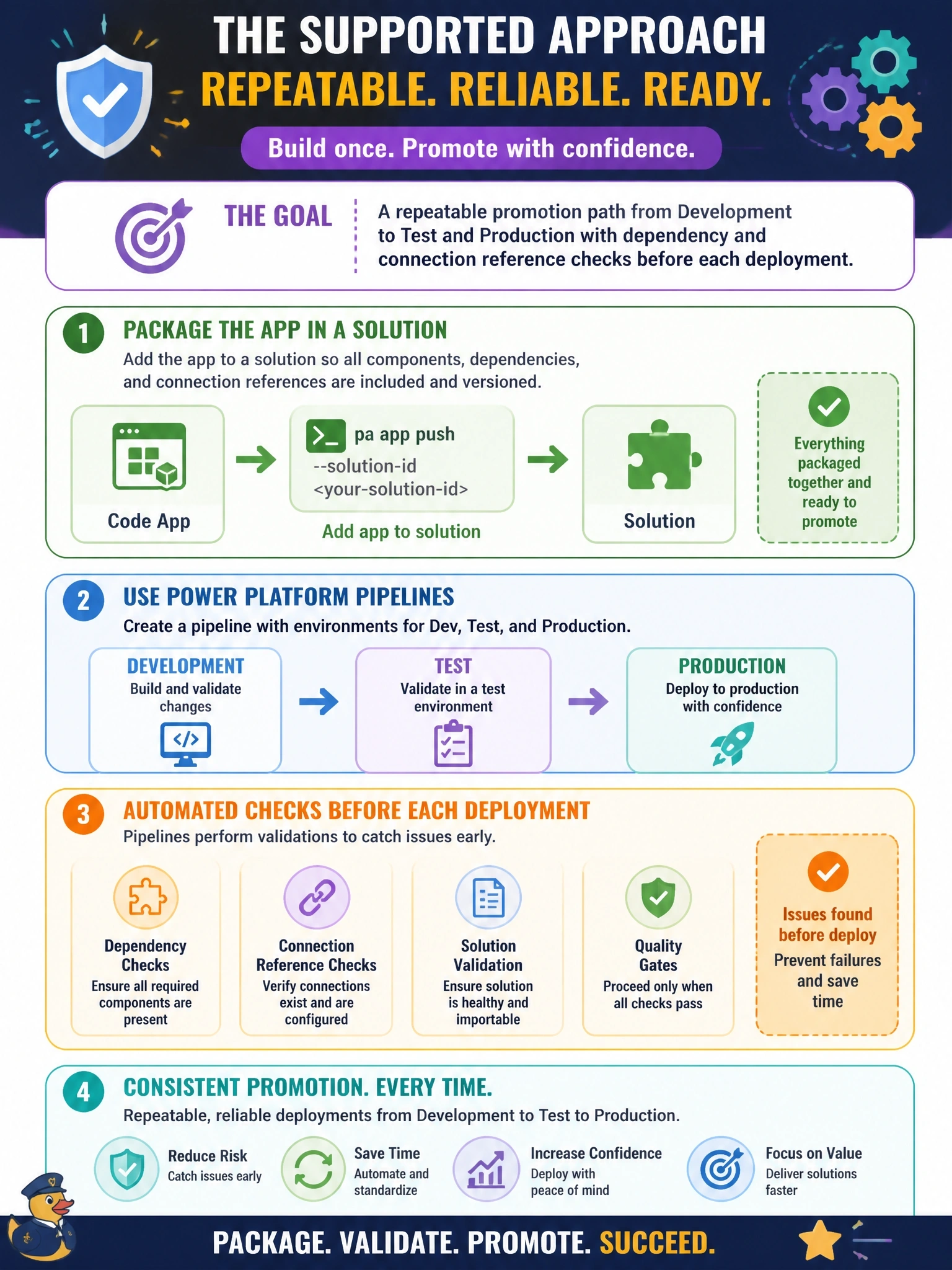
Promotion in Power Platform runs on solutions, and pipelines are the conveyor belt with a safety inspection built in. Get your code app into a solution, then let pipelines move it with preflight checks. The trap is Git integration, which code apps don't support.
Full Explanation
Code apps participate in standard Power Platform ALM through solutions. pa app push can place the app in a solution, either through automatic selection of the preferred solution on first publish or explicitly with the solution ID option, and an existing code app can also be added to a solution from the maker portal. Once in a solution, Power Platform Pipelines deploys it from development to test and production with preflight checks for dependencies and connection references, and the same process works in CI/CD by setting the solution ID through an environment variable for noninteractive runs. Power Platform Git integration is explicitly not supported for code apps, and code apps do not support source code integration through solutions. Pushing to each environment from a workstation by switching CLI accounts is manual, bypasses solution dependency checks and makes each environment's copy independent of managed ALM. A play URL is bound to one app in one environment; test and production need their own copies, which arrive through solution deployment. Exam caveat: the solution ID must be the GUID, because solution names are not accepted when targeting a solution. Operational check: confirm the app appears in the solution's components, then run a pipeline deployment to test and verify the preflight checks pass.