
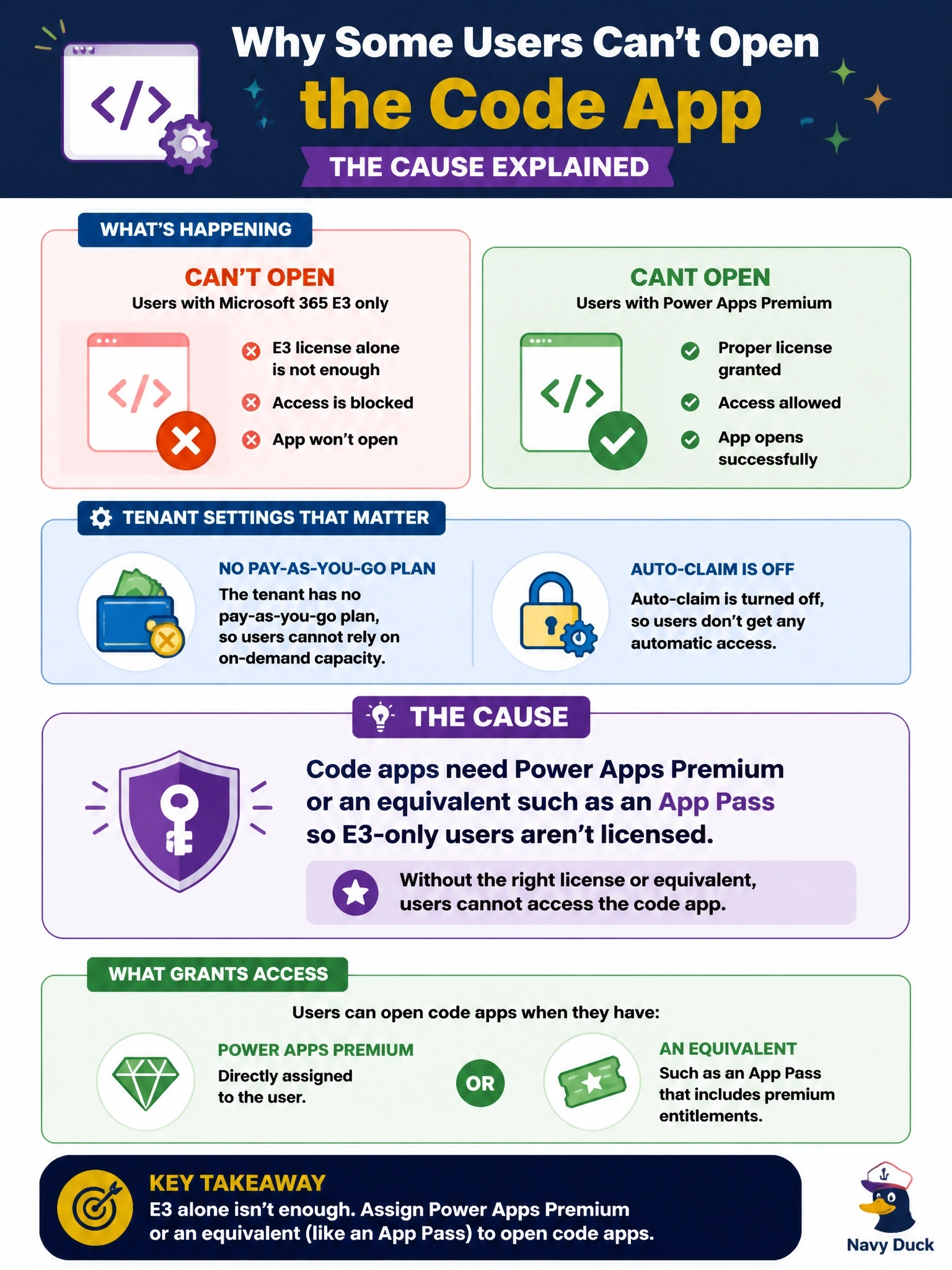
A code app was shared with a group of warehouse users. Users who hold only Microsoft 365 E3 licenses cannot open it, while users assigned Power Apps Premium can. The tenant has no pay-as-you-go plan, and auto-claim is turned off. What is the cause?
Select an answer to reveal the explanation.
Short Explanation
Think of Premium as the ticket that gets you through the turnstile. Code apps need Power Apps Premium or an equivalent like an App Pass, pay-as-you-go or auto-claim, and the E3-only users have none of those. Don't confuse running the app with roles or consent; the licence is the gate here.
Full Explanation
Microsoft lists licensing requirements for running code apps: end users need a Power Apps Premium license, or the app's environment must use pay-as-you-go, or the user needs an App Pass, or auto-claim must be enabled so a premium license is assigned automatically when available. In this tenant, pay-as-you-go is absent and auto-claim is off, so only users explicitly assigned Premium can run the app, which matches the symptom exactly. Microsoft 365 E3 includes seeded Power Apps rights for standard scenarios, but those rights do not cover code apps. The Environment Maker role governs creating resources in an environment; it is not required to play an app and is not what separates the two groups. Connector consent is presented to each end user for their own connections, and nothing restricts consent to Premium license holders. Play access is the normal level for app users, while edit access is for co-authors and service principals that publish; it does not interact with licensing. Exam caveat: once a license is assigned, users may still see a consent dialog for connectors on first run unless an administrator suppressed it. Operational check: assign Power Apps Premium or an App Pass to one failing user, ask them to sign out and back in, and confirm the app opens.