
A code app must be available to the 400 members of the Finance department, whose membership changes weekly. IT maintains a Microsoft Entra security group for Finance, and access must follow that membership without manual upkeep by the app team. What is the best way to grant access?
Select an answer to reveal the explanation.
Short Explanation
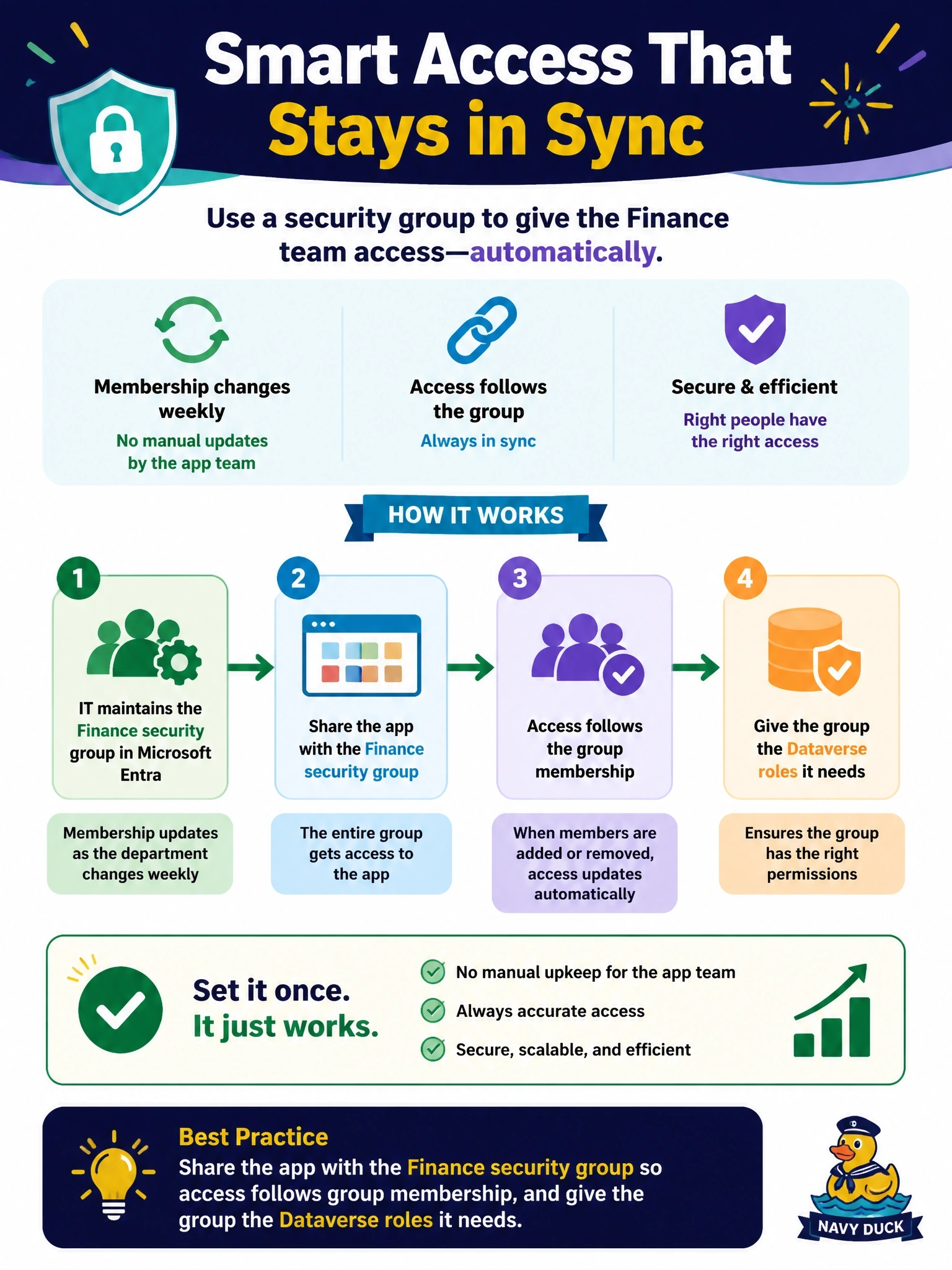
Why keep a guest list by hand when IT already keeps one for you? Share your app with the Finance security group and access tracks membership automatically. Sharing with everyone and hiding screens in React is a lock painted on a door.
Full Explanation
Code apps follow canvas app sharing behavior, including sharing with Microsoft Entra security groups and respecting managed environment sharing limits. Sharing with the Finance group means users who join gain access and users who leave lose it, with no action from the app team. Because data access is enforced separately by Dataverse, the group also needs the appropriate security roles, typically through a group team, so members can read and write the tables the app uses. A weekly script that shares with individuals violates the no-manual-upkeep requirement, leaves a window in which leavers keep access, and creates hundreds of individual shares to audit. Sharing with the whole tenant and hiding screens in React is not access control; any user could open the app and call its data services, and sharing limits in managed environments may block it anyway. A Dataverse security role alone does not grant permission to run an app; app sharing and data privileges are separate layers that both must be satisfied. Exam caveat: managed environments can restrict sharing with security groups or cap the number of individuals, so check sharing limits before planning. Operational check: add a test user to the group, confirm the app appears and loads data for them, then remove them and confirm access ends.