
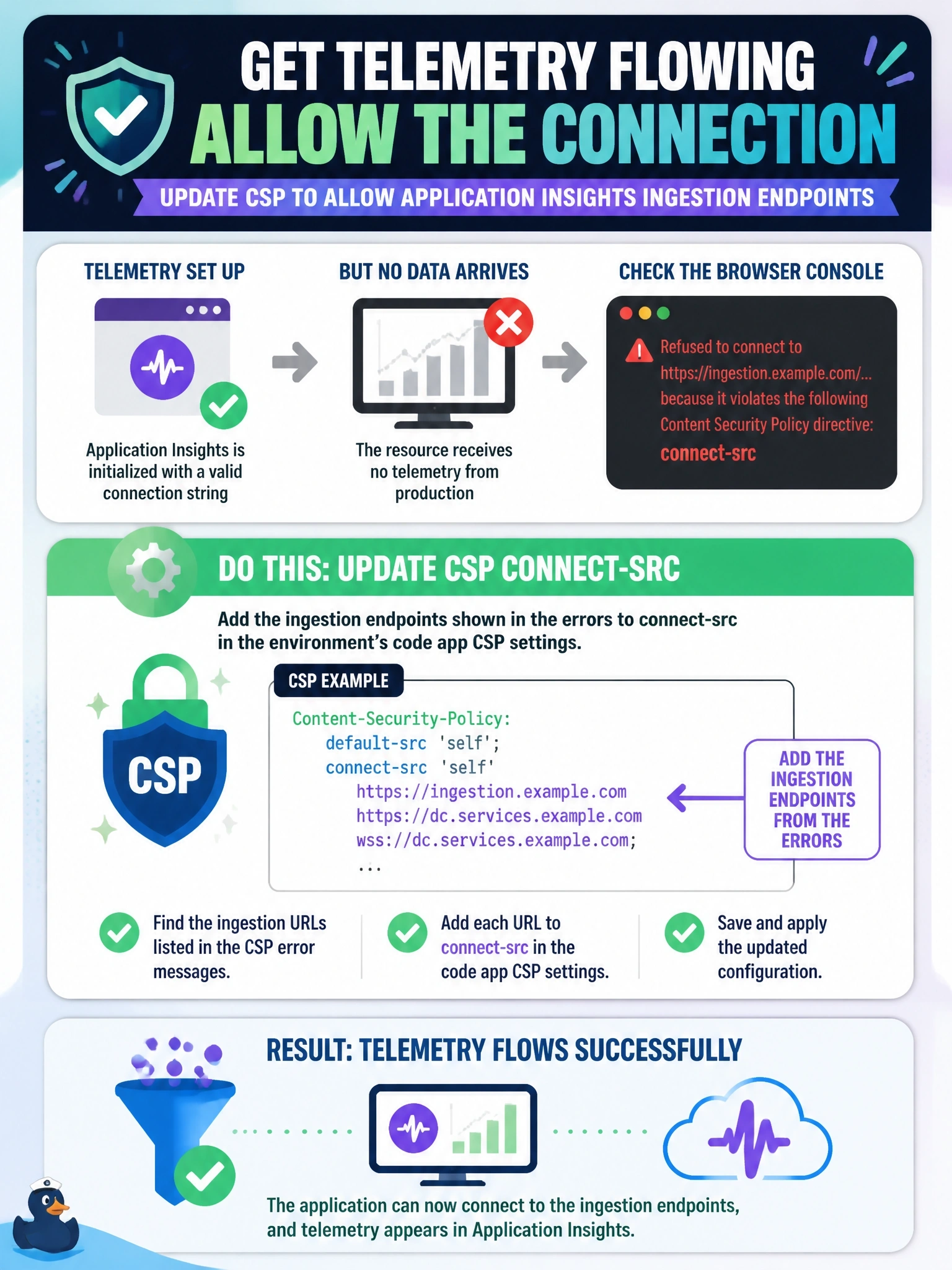
A code app initializes Application Insights with a valid connection string, yet the resource receives no telemetry from production. The browser console shows errors stating that connecting to the Application Insights ingestion URL violates a Content Security Policy directive. What should be done?
Select an answer to reveal the explanation.
Short Explanation
The SDK is packing up your telemetry and trying to mail it, but the post office is closed: connect-src is set to 'none'. Add the ingestion endpoints from the console errors to connect-src and the mail goes out. Moving the code around doesn't help when the policy is the blocker.
Full Explanation
The Application Insights SDK sends telemetry to ingestion endpoints with browser network requests. Code app CSP sets connect-src to 'none' by default, so those requests are blocked, and the console reports that connecting to the URL violates the policy. Microsoft's guidance is to read the blocked URLs from the console errors and add them to connect-src in the environment's code app CSP settings, then wait for the change to propagate. Using only an instrumentation key does not avoid the network call; the SDK still has to reach an ingestion endpoint, and that request is still subject to connect-src. Adding the endpoints to script-src does not help, because script-src governs loading scripts, not the requests a script makes. A web worker is not an escape hatch: worker-src defaults to 'none' for code apps, and requests from a worker are still governed by the policy. Exam caveat: Application Insights captures data only after the app has loaded, so startup failures appear in Monitor rather than in the telemetry, regardless of CSP. Operational check: after updating connect-src, refresh the app, confirm the console no longer reports violations, and query customEvents or pageViews for recent rows.