
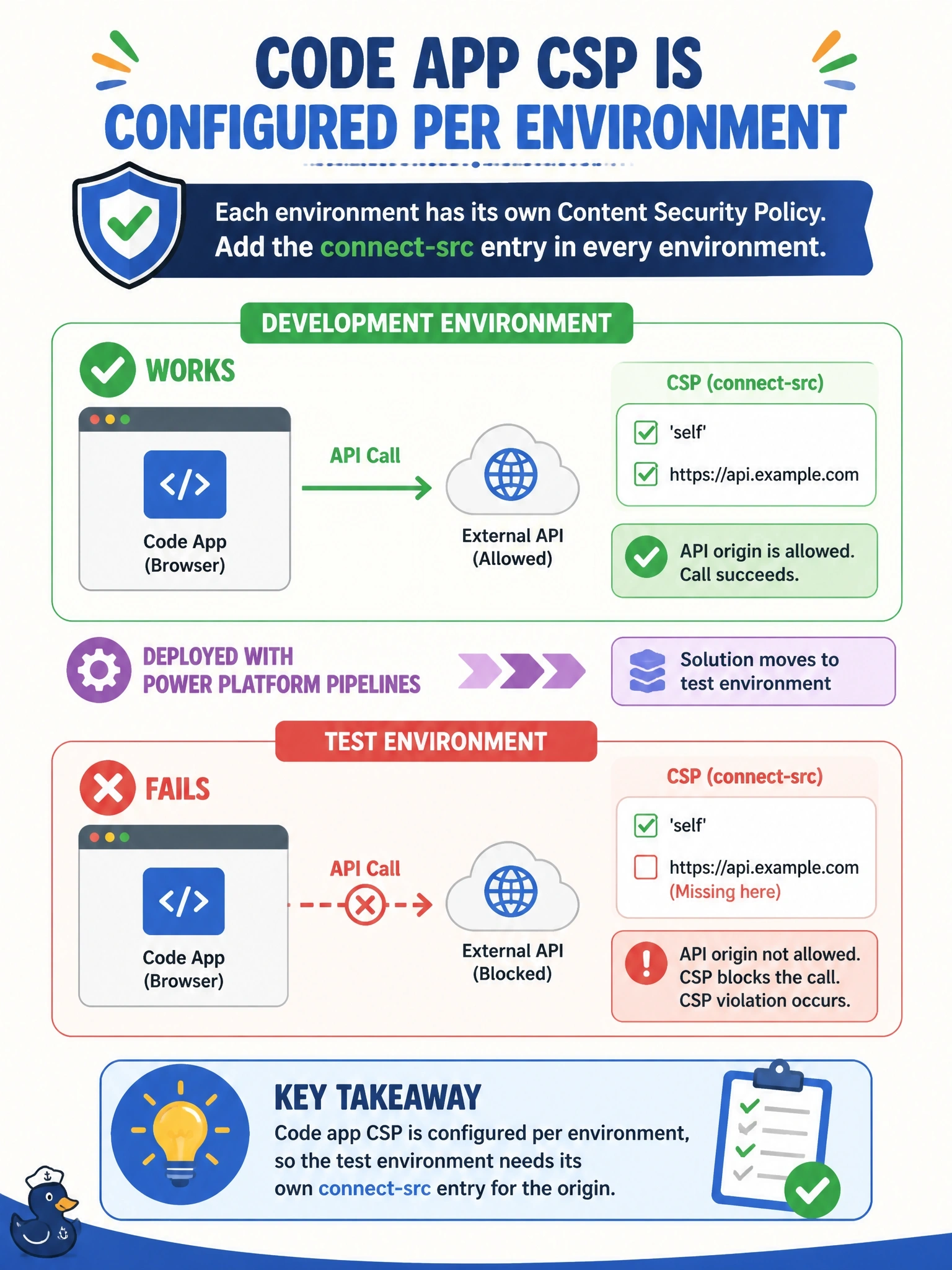
A code app calls an external API from the browser. It works in the development environment, where an administrator added the API origin to connect-src. After the solution is deployed to test with Power Platform Pipelines, the same calls fail with CSP violations. What explains this?
Select an answer to reveal the explanation.
Short Explanation
CSP for code apps lives with the environment, like building rules that belong to the building, not to the tenant moving in. Your solution carries the app, but the policy stays behind in dev. The trap is thinking the policy ships in the solution or in power.config.json.
Full Explanation
Microsoft documents code app Content Security Policy as an environment-level setting that applies to all code apps in that environment, configured by an environment administrator in the Power Platform admin center or through the environment management settings API. Because it is not a solution component, deploying a solution moves the app but not the connect-src entry that was added in development, so the test environment still enforces its own policy, with connect-src at 'none' unless an administrator changed it. The fix is to configure the same origin in the test environment's code app CSP settings, or to apply it at scale through environment groups and rules. Pipelines do not strip CSP from solutions, since the settings were never in the solution, and pushing the app again would not change the environment's policy. Managed and unmanaged solutions are both subject to the same environment CSP; importing unmanaged would only damage ALM. power.config.json holds app metadata such as data sources and settings, not the environment's CSP directives. Exam caveat: CSP changes can take several minutes to propagate, so test after waiting rather than immediately. Operational check: compare the code app CSP settings of development and test in the admin center, add the origin to connect-src in test, and retest.