
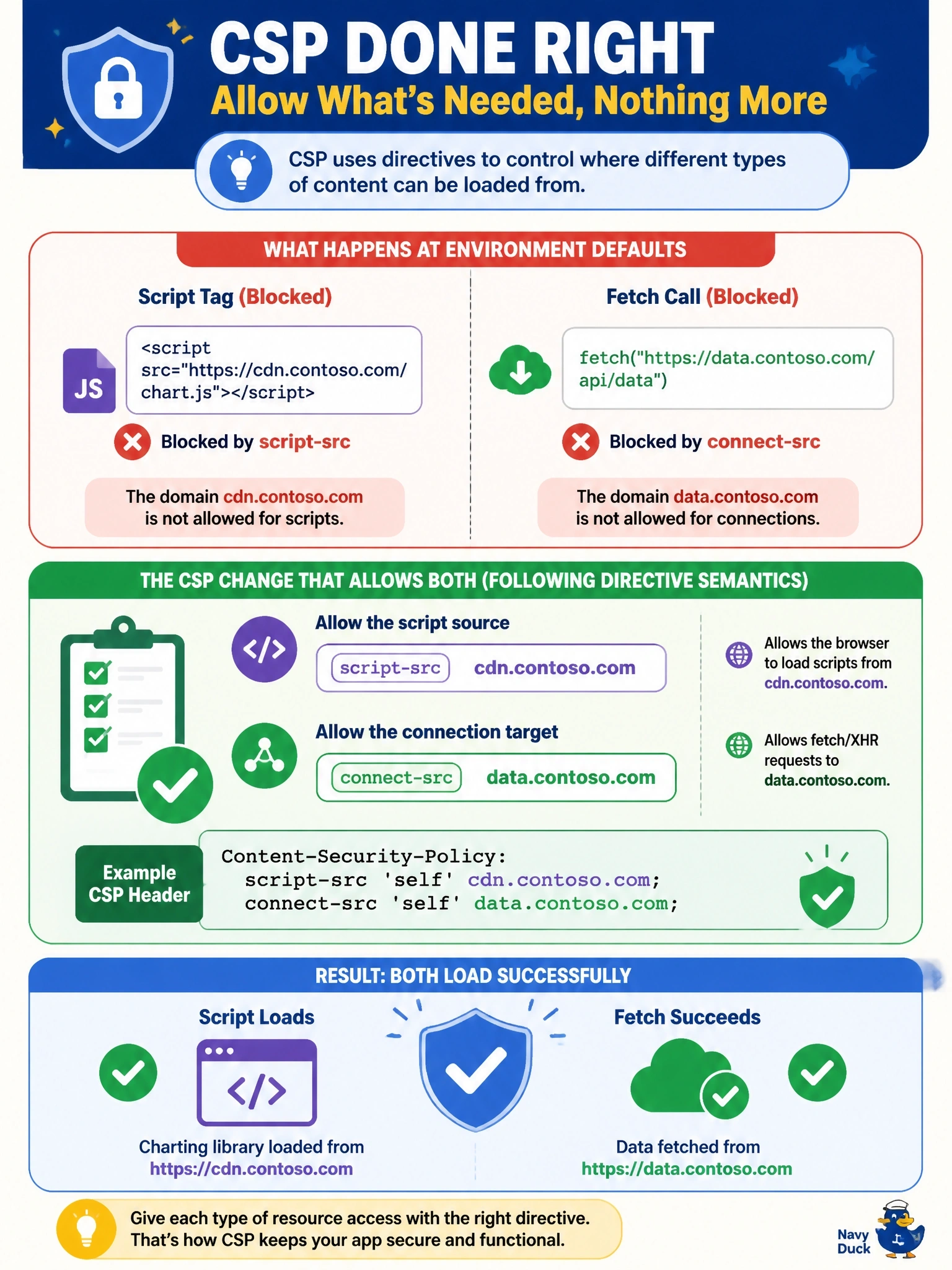
A code app loads a charting library from https://cdn.contoso.com through a script tag and also calls https://data.contoso.com with fetch. With CSP enforced at the environment defaults, both are blocked. Which CSP change allows both while following directive semantics?
Select an answer to reveal the explanation.
Short Explanation
Think of your CSP directives as separate guest lists for separate doors. Script files come through script-src, while fetch and XHR calls come through connect-src, so each origin goes on the list for the door it actually uses. The trap is default-src, which is only the fallback when a specific list isn't set.
Full Explanation
Content Security Policy splits browser resource types across directives. script-src controls the origins from which script files may be loaded and executed, so a script tag pointing at a CDN needs that origin in script-src. connect-src controls origins that script can contact through fetch, XMLHttpRequest, WebSocket and similar APIs, so the data endpoint belongs there. In code apps, connect-src defaults to 'none' and script-src to 'self' plus platform sources; custom values are appended to defaults, except where the default is 'none', in which case they replace it. Putting both origins in script-src lets the library load but leaves the fetch blocked, because fetch is not governed by the script list. Putting both in connect-src allows the data call but not the script load, since loading a script is not a connect-type request. default-src is only a fallback for directives that are not explicitly defined; because the code app policy defines script-src and connect-src, adding origins to default-src changes neither. Exam caveat: each allowed origin applies to every code app in the environment, so prefer bundling libraries locally over widening script-src. Operational check: after updating the two directives, reload the app with the console open and confirm both violation messages are gone.