
Security requires the code app CSP in production to stay at its defaults, with connect-src left at 'none'. A code app still needs data from an external REST service that publishes an OpenAPI definition. Which approach meets both requirements?
Select an answer to reveal the explanation.
Short Explanation
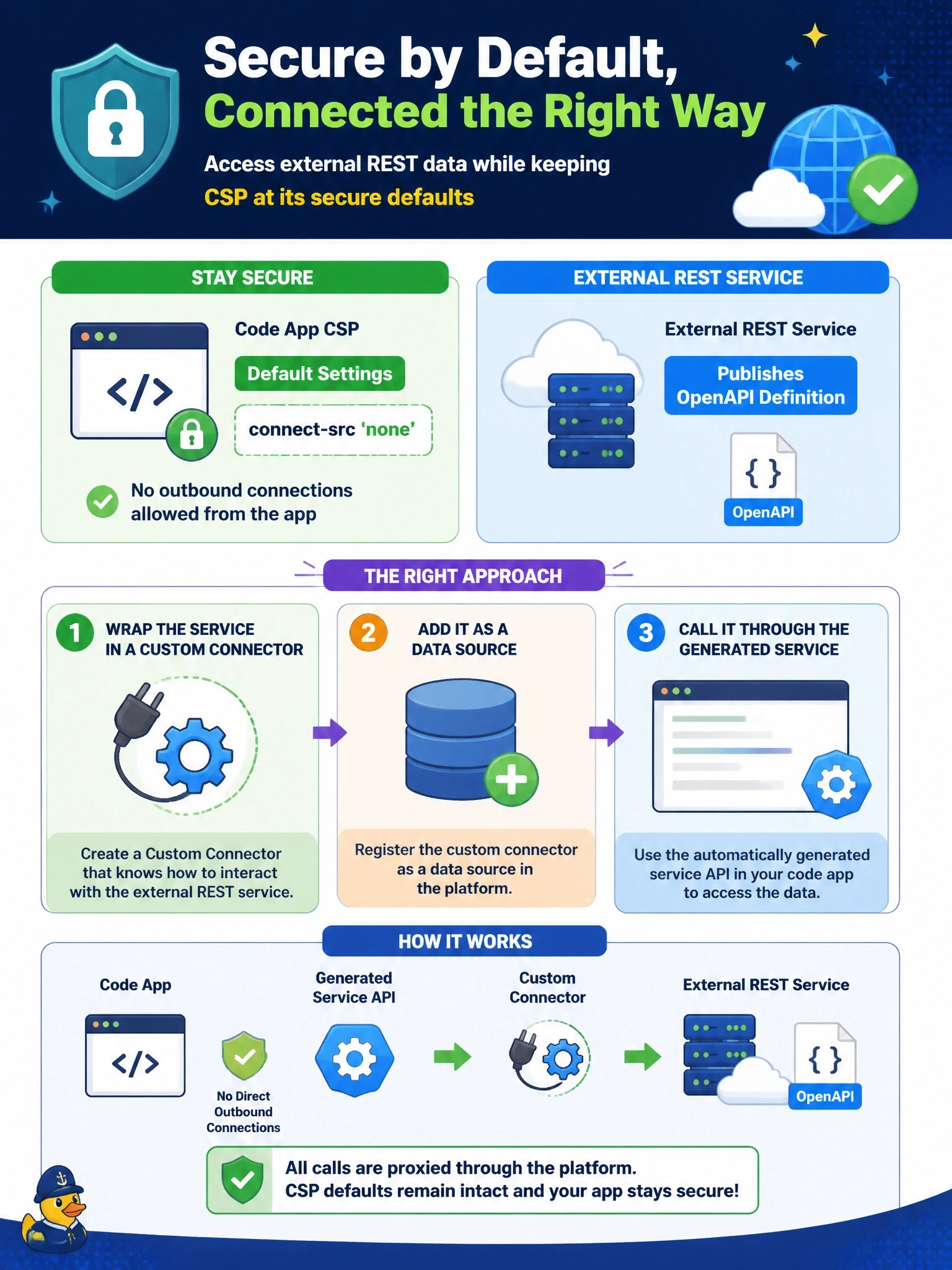
If the front door has to stay locked, use the service entrance that's already staffed. A custom connector lets your app reach the API through the Power Platform connector layer, so connect-src never needs to open. Exceptions and iframe tricks just poke holes in the policy you promised to keep.
Full Explanation
Code apps reach connectors through generated services provided by the Power Apps client library, and those calls go through the Power Platform connector infrastructure rather than through fetch requests from the app's own code to arbitrary origins. That is why apps can use Dataverse and connectors while connect-src remains at its default of 'none'. Wrapping the external service in a custom connector built from its OpenAPI definition and adding it as a data source gives the app typed access while keeping CSP strict, and data policies can govern the connector like any other. Adding the origin to connect-src, even as an approved exception, directly contradicts the requirement to keep defaults. Loading a client library from a CDN requires changing script-src, and its network calls would still be governed by connect-src, so it fails twice. frame-src defaults to 'self', so a hidden iframe on another domain is blocked, and using frames to route around policy is exactly what CSP is designed to stop. Exam caveat: a custom connector brings its own authentication configuration and is subject to data policy classification, so plan both before relying on it. Operational check: add the custom connector as a data source, call it from the app, and confirm no CSP violations appear in the console.