
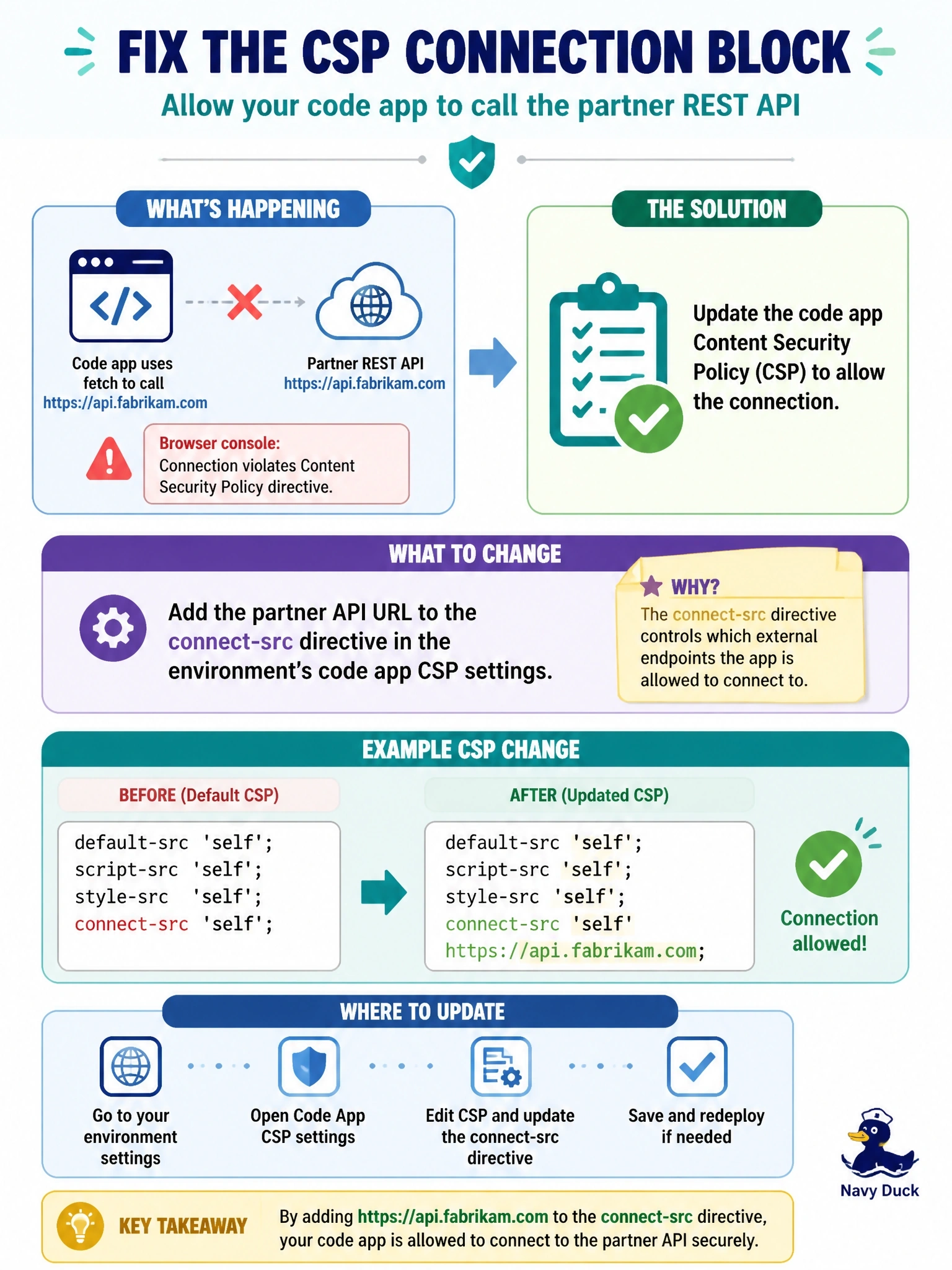
A code app calls a partner REST API at https://api.fabrikam.com by using fetch. After deployment, the browser console reports that connecting to the URL violates a Content Security Policy directive. The environment uses the default code app CSP. What should an environment administrator change?
Select an answer to reveal the explanation.
Short Explanation
CSP is the bouncer's guest list, and each directive is a different door. fetch calls come through the connect-src door, which is shut tight with 'none' by default. Adding the origin to script-src just puts your origin on the wrong list.
Full Explanation
Code apps run under a Content Security Policy that the environment controls. By default, connect-src is set to 'none', so any request the app's own code makes with fetch or XMLHttpRequest to an external origin is blocked, and the browser reports a violation naming the directive. An environment administrator adds the partner origin under connect-src in the code app CSP settings in the Power Platform admin center, or through the environment settings API; when a directive's default is 'none', custom values replace it. script-src controls where script files can be loaded from and does not govern fetch requests. frame-ancestors controls which sites may embed the app in a frame, which is unrelated to outbound calls. CORS is enforced by the partner's server through response headers; power.config.json is project metadata and cannot set CORS, and CORS would not lift a CSP block anyway. Exam caveat: CSP settings apply to all code apps in the environment, so every allowed origin widens the policy for every app there. Operational check: after updating connect-src, wait for the change to propagate, reload the app with the console open, and confirm the violation message is gone and the request succeeds.