
A code app's data sources use @envvar: references to two environment variables. The team deploys with Power Platform Pipelines from development to test. Which packaging keeps the deployment clean?
Select an answer to reveal the explanation.
Short Explanation
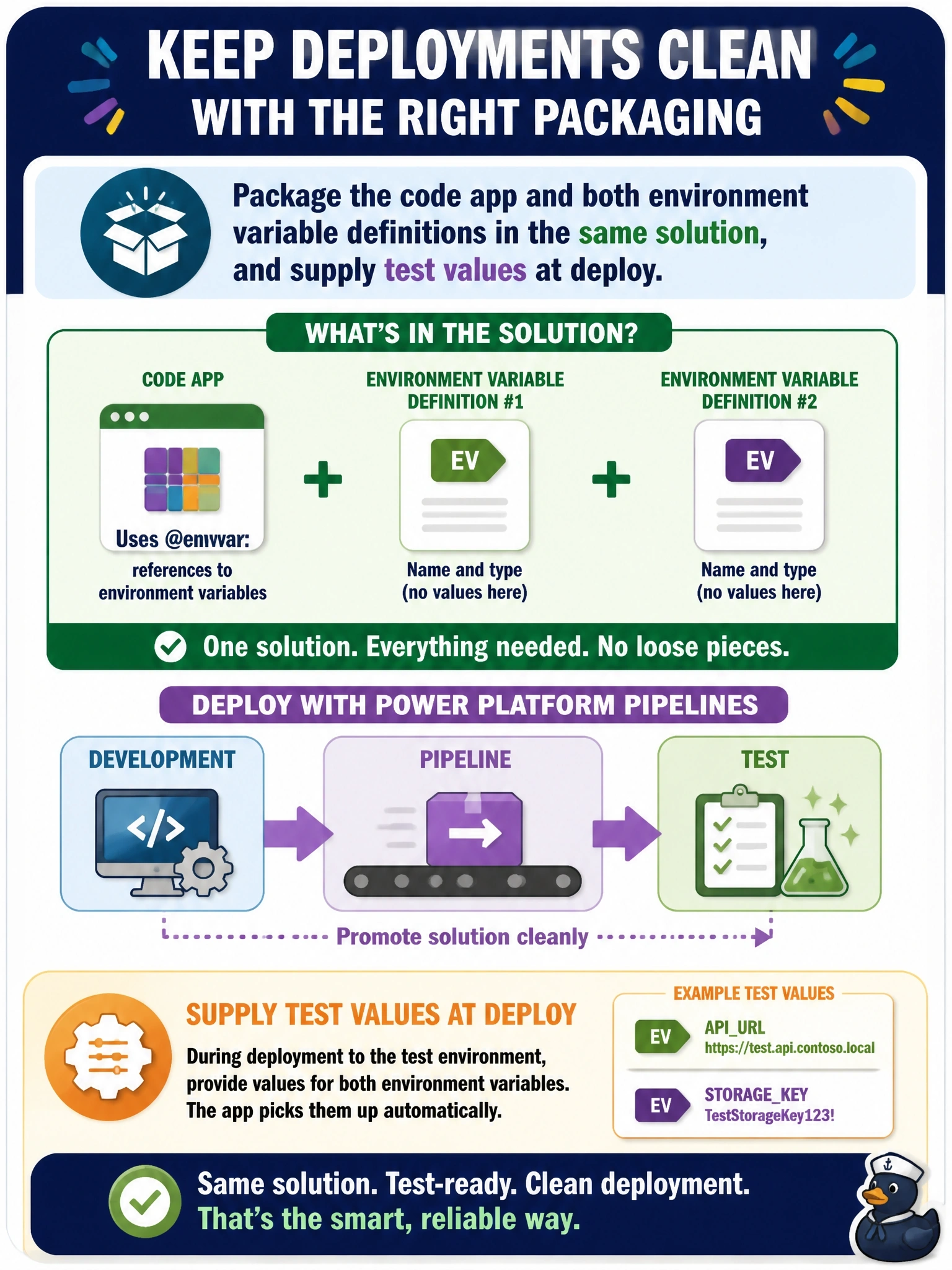
If your app depends on a labeled slot, the slot has to ship in the same box as the app. Put the code app and the environment variable definitions in one solution, then fill in test values at deployment. The pipeline won't invent missing variables for you.
Full Explanation
Environment variables are solution components, and a code app that references them through @envvar: has a dependency on their definitions. Packaging the code app and both definitions in the same solution lets Power Platform Pipelines validate dependencies and deploy them together, and the deployment step prompts for or accepts environment-specific values for test. The result is a single unit that arrives complete with values appropriate to the target. Deploying only the app's solution leaves the references dangling, because pipelines do not create components that are not in the solution, and preflight dependency checks flag the missing definitions. power.config.json stores references to the variables by schema name; it does not contain their definitions or test values, so shipping it alone cannot create them. Copying dev values into the bundle at build time defeats the purpose of environment variables and repeats the rebuild-per-environment problem that environment variables exist to solve. Exam caveat: the code app itself must be in the solution too, which happens when it is pushed with a solution ID or added to the solution as an existing code app. Operational check: list the solution components and confirm the code app and both environment variable definitions are present before starting the pipeline.