
A code app's data source references an environment variable through @envvar:. After the solution is imported into test, the app still points at the development SharePoint site. The variable's default value in the solution is the Dev site URL, and no other value was set. What is the fix?
Select an answer to reveal the explanation.
Short Explanation
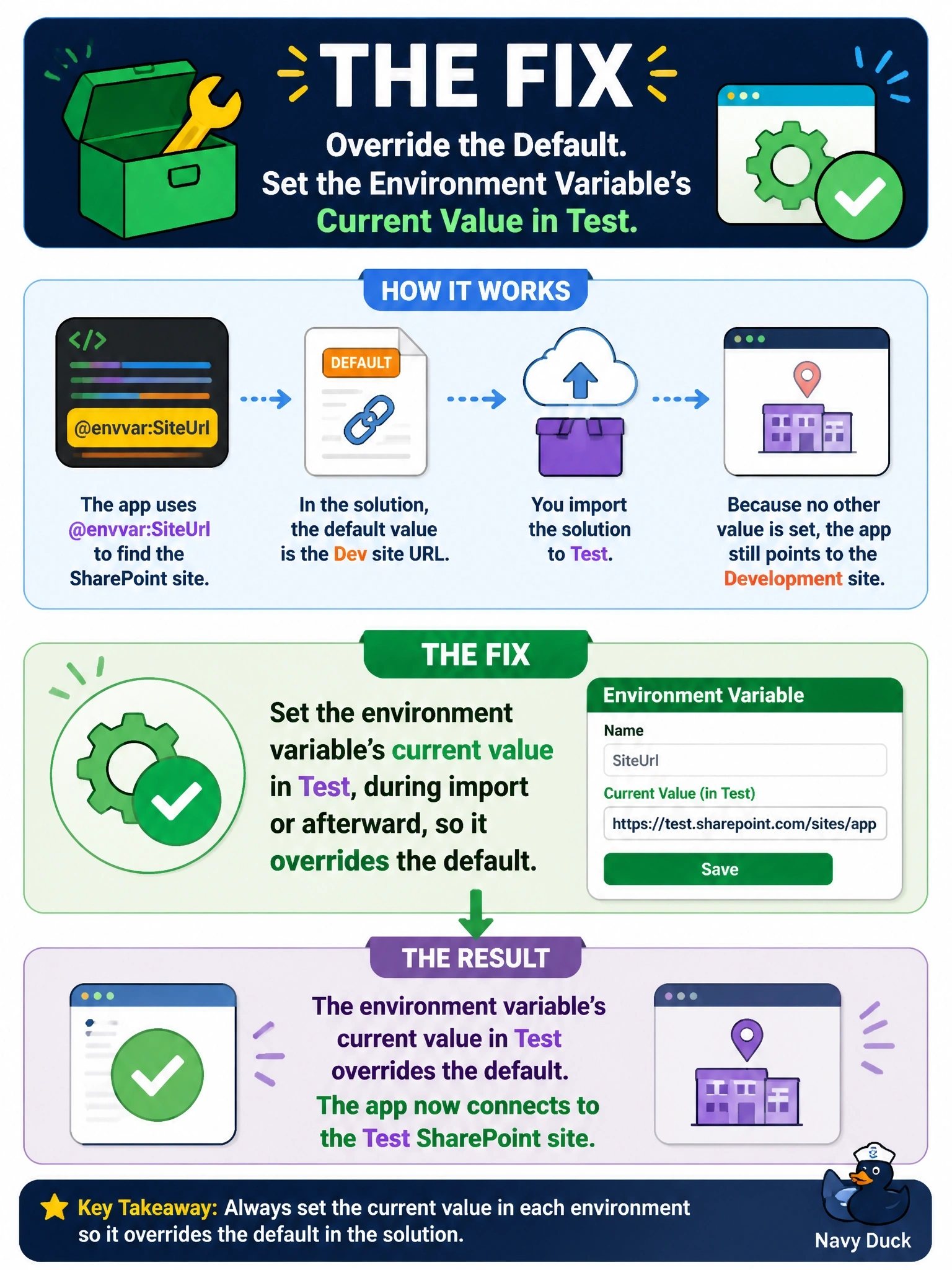
An environment variable has a default and an optional current value, and the current value wins. If test never got its own current value, it falls back to the Dev default you shipped. Don't flip the priority around; current beats default every time.
Full Explanation
A solution environment variable has a definition with an optional default value and, per environment, an optional current value. At runtime the current value is used when present; otherwise the default applies. Here the default carries the Dev site and test has no current value, so the app correctly resolves to the Dev site. Supplying the test value during import, for example through the deployment settings or the import prompt, or setting the current value afterward makes test point at its own site. Deleting and reimporting does not help, because the problem is the absence of a test value, and current values set in development are typically removed from the solution before export so they do not leak across environments. Running pa app add data-source in test misunderstands the mechanism: the @envvar: reference is stored once in configuration and resolved in each environment at runtime. Removing the default value reverses the precedence rule; the current value takes priority, and removing the default only leaves the variable empty when no current value exists. Exam caveat: the same precedence applies to environment variables used by flows and plug-ins, not just code apps. Operational check: in test, open the variable in the solution, set the current value to the test site, and reload the app.