
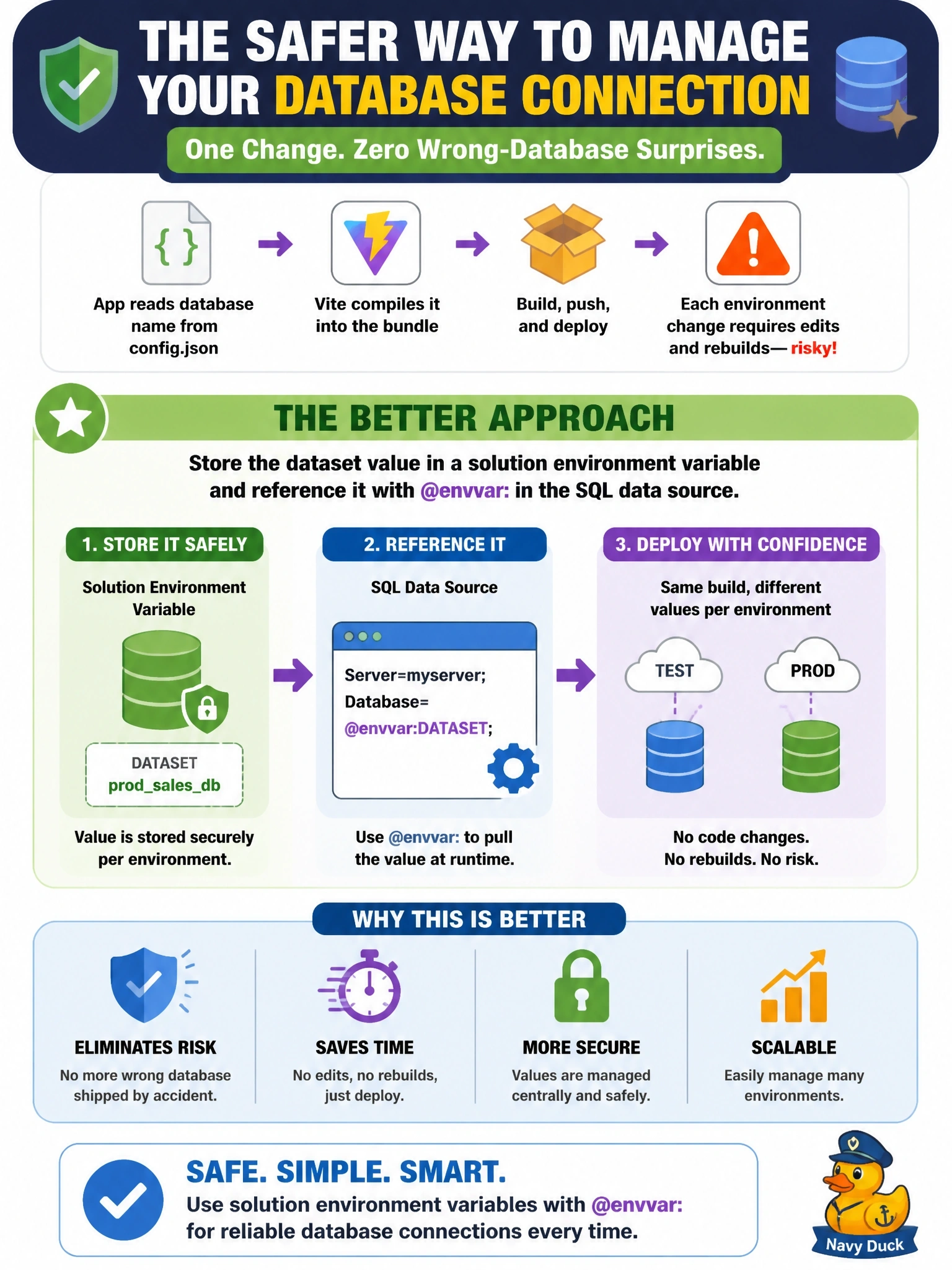
A code app reads its SQL Server database name from a config.json file that Vite compiles into the bundle. Each move from test to production requires editing the file, rebuilding and pushing, and once the wrong database shipped. What change best removes this risk?
Select an answer to reveal the explanation.
Short Explanation
Baking settings into the bundle is like welding the address onto a delivery truck. Put the value in an environment variable instead, and each environment supplies its own address at runtime. A smarter build script still leaves you rebuilding for every move.
Full Explanation
Values compiled into a code app bundle are fixed at build time, so every environment change needs a rebuild and push, and a mistake ships with the bundle. Code apps support environment variable references for tabular data source arguments: adding the SQL Server data source with the dataset supplied as an @envvar: reference to a solution environment variable stores the reference in power.config.json. In each environment, the variable's value supplies the server and database, so the same build is promoted unchanged and the database follows the environment. A pre-build script checking the active CLI account adds a safeguard but keeps the rebuild-per-environment pattern that caused the error. Files in the public folder are published with the compiled assets; administrators cannot edit hosted app files after deployment, and the value would still be bundled. Hard-coding both names and switching on the host name is brittle, because code apps are played from a shared Power Apps host, and it leaks configuration for every environment into the bundle. Exam caveat: the published code app assets are served from a publicly accessible endpoint, so secrets never belong in the bundle at all. Operational check: set different values for the variable in test and production, promote the same solution, and confirm each app queries its own database.