
A code app must start an approval process in Power Automate when a user submits a request and display the approval reference that the process returns. Which setup supports this from the code app?
Select an answer to reveal the explanation.
Short Explanation
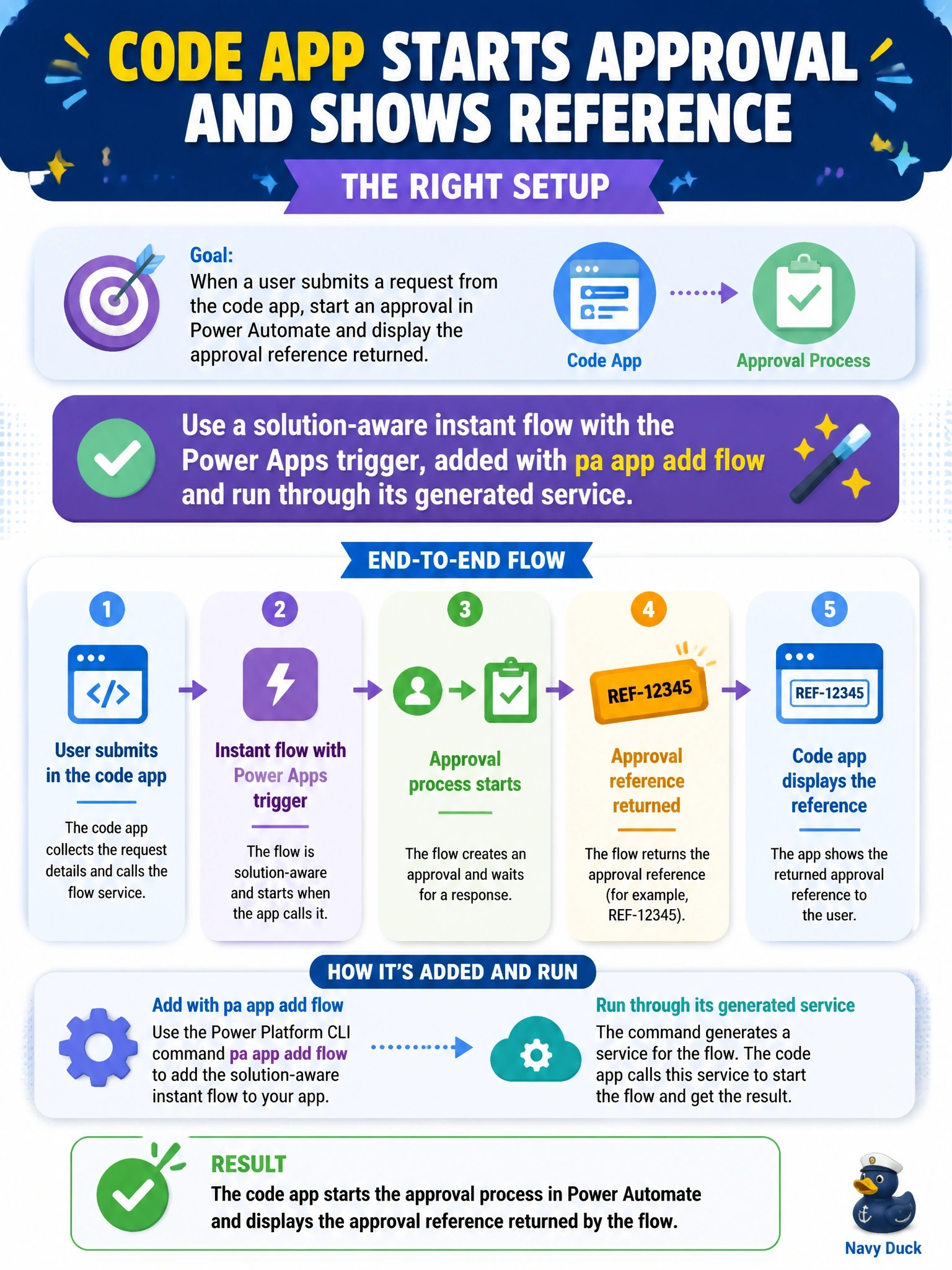
Code apps only talk to one kind of flow: solution-aware, instant, with the Power Apps trigger. Add it with the CLI and you get a typed service whose Run method hands back the response. The trap is any other trigger, which simply isn't supported here.
Full Explanation
Code apps support solution-aware instant cloud flows that use the Power Apps trigger. The developer lists them with pa app list-flows, then runs pa app add flow with the flow ID. The CLI downloads the flow's OpenAPI definition, generates typed models and a service with a static Run method, and records the flow and its connection references in power.config.json. Calling Run with the inputs starts the flow, and the result object exposes success, data with the typed response and error, so the approval reference returned by the flow can be shown immediately. Flows using other triggers, such as For a selected row, are not supported by code apps even if they are instant flows. A flow outside a solution cannot be added at all, and calling an HTTP trigger URL with fetch bypasses the managed connector path and is blocked by the default connect-src policy. Scheduled and automated flows are not supported, and reading results from run history is not a supported integration. Exam caveat: the person running pa app add flow needs access to the flow and its connections, and end users need sufficient Dataverse permissions to invoke it. Operational check: run pa app list-flows to confirm the flow is listed, add it, and inspect the generated Run signature.