
After a user clicks Submit in a code app, an order must be written to SAP through a gateway connector, a Teams message posted and an Outlook email sent. If the user closes the browser partway through, the remaining steps must still complete. What is the best design?
Select an answer to reveal the explanation.
Short Explanation
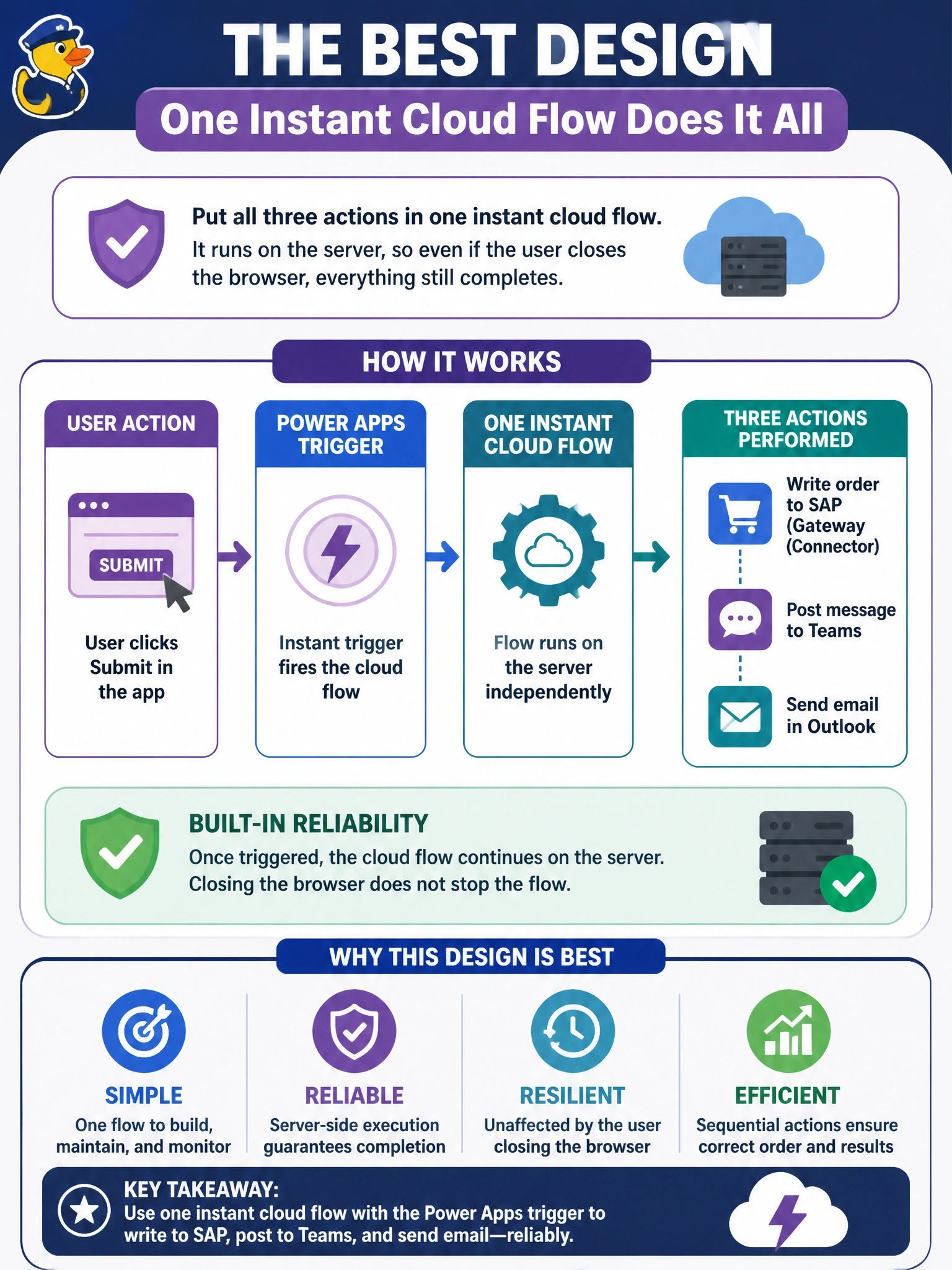
If the work has to finish even after your user walks away, it can't live in their browser tab. Hand the whole job to a cloud flow and let the server see it through. Faster browser code still dies the moment the tab closes.
Full Explanation
Work that must complete regardless of what happens to the browser belongs on the server. A code app can start a solution-aware instant cloud flow with the Power Apps trigger through its generated service; once triggered, the flow runs in Power Automate and executes the SAP, Teams and Outlook actions independently of the client session. The flow also centralizes retry policies, run history and error handling for the three connectors. Calling each connector in sequence from the click handler leaves the orchestration in the browser, so closing the tab after the first call leaves the order half processed. Running the calls in parallel with Promise.all shortens elapsed time but still depends on the page staying open, and partial failure leaves the steps inconsistent. Persisting pending steps in localStorage only replays them if the same user reopens the app on the same device, which could be days later or never. Exam caveat: calling connectors directly from a code app is fine for interactive reads and single writes; multi-step processes that must finish or be retried are where a flow is the better fit. Operational check: trigger the flow from the app, close the browser immediately, and confirm in the flow's run history that all three actions completed.