
A developer adds a new column, cr5a2_priorityscore, to a Dataverse table that a code app already uses as a data source. The column appears in the maker portal, but TypeScript reports that the property does not exist on the generated model. What should the developer do?
Select an answer to reveal the explanation.
Short Explanation
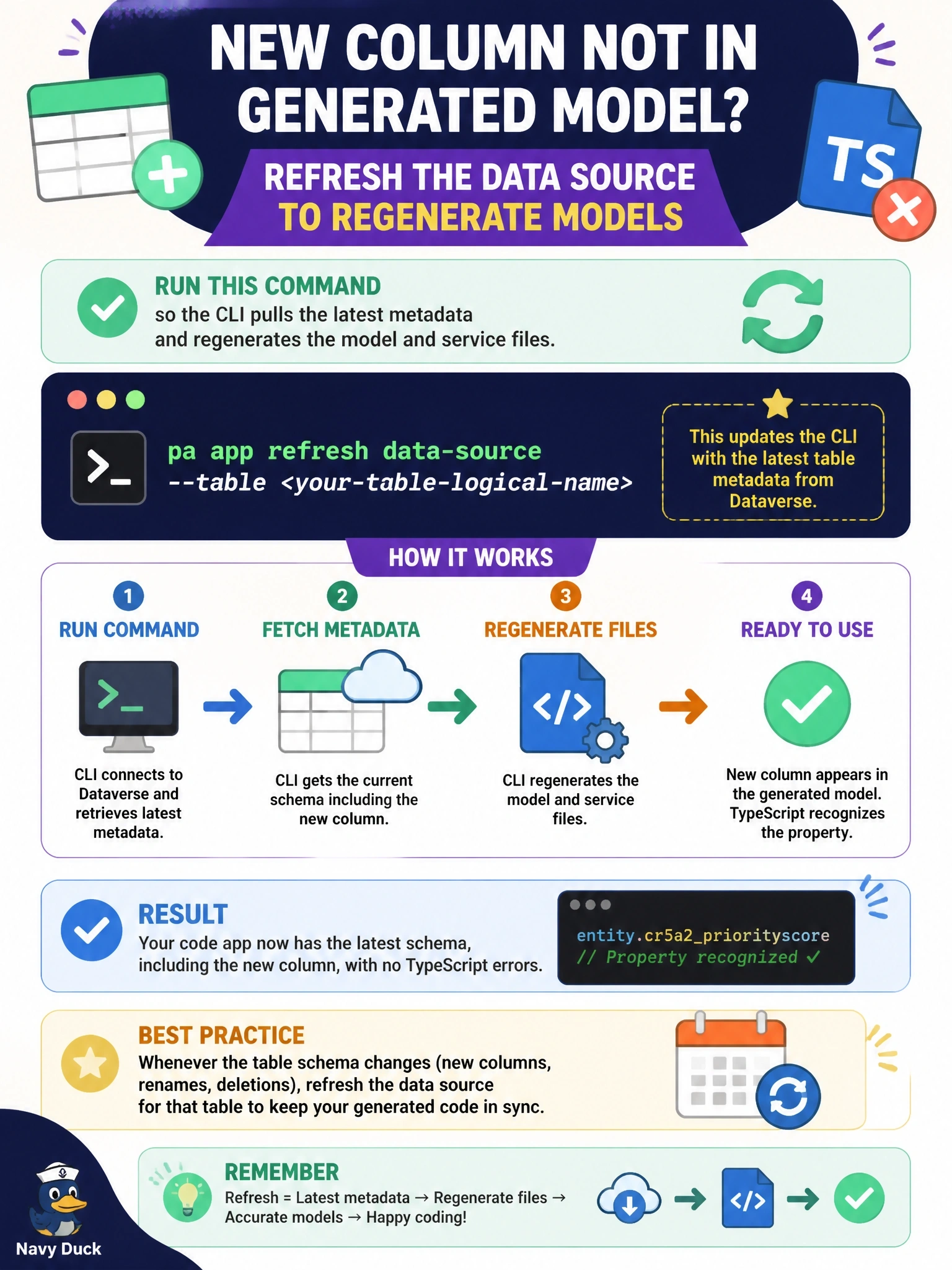
Generated models are a snapshot, like a printed map of a city that just built a new road. The map won't redraw itself, so you regenerate it with pa app refresh data-source. Don't fall for hand-editing generated files; the next regeneration wipes your edits.
Full Explanation
When a Dataverse table is added to a code app, the Power Apps CLI reads the table metadata and writes a model file and a service file into the generated folder. Those files reflect the schema at the moment they were generated, so a column created afterward does not exist in the TypeScript types until the generated files are rebuilt. The pa app refresh data-source command, given the data source name, regenerates them from current metadata and makes the new property available to the compiler. Republishing customizations and restarting the dev server fails by concept because TypeScript types are produced at code generation time, not discovered at runtime. Hand-editing the generated model is fragile: generated files are meant to be rewritten, and the edit is lost or drifts from the real schema on the next refresh. Pushing the app publishes compiled assets to the environment; it does not pull metadata back into the local project. Exam caveat: a column that exists but returns no data at runtime is a different problem, often a missing select entry or a security setting, not stale generation. Operational check: run the refresh, confirm the new property appears in the model file under the generated folder, and rebuild so the compiler error clears.