
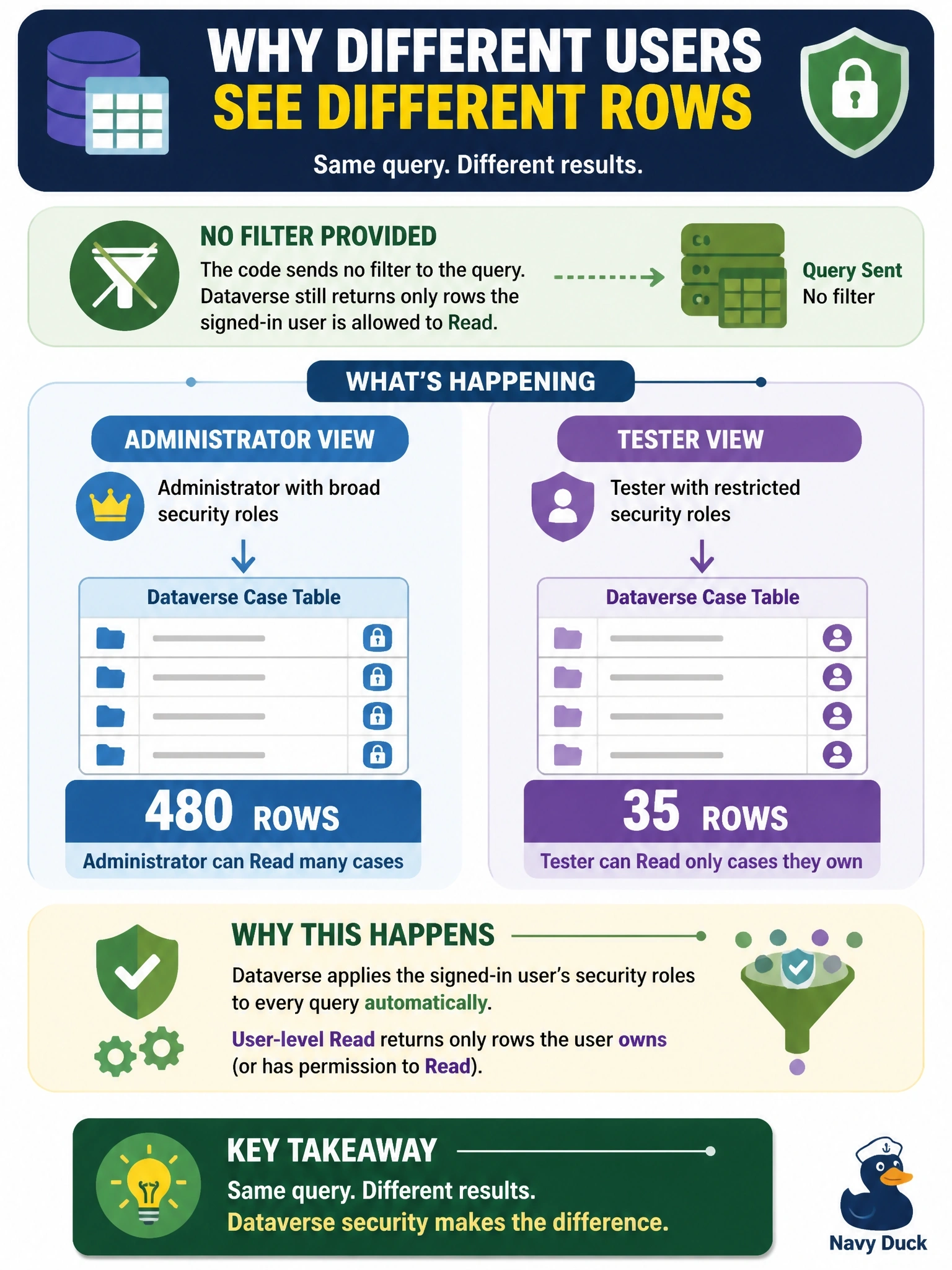
A code app lists rows from a Dataverse case table through its generated service. An administrator sees 480 rows, but a tester signed in with a restricted account sees only the 35 cases that the tester owns, and no error is raised. The code passes no filter to the query. What explains the difference?
Select an answer to reveal the explanation.
Short Explanation
Think of Dataverse as a bouncer who checks every ID at the door, no matter which app walks the request in. Your code app calls run as the signed-in user, so the tester's user-level Read privilege quietly trims the result to owned rows. The trap is hunting for a bug in your query when the security model is doing exactly its job.
Full Explanation
Power Apps code apps authenticate users with Microsoft Entra ID, and the generated Dataverse services send each request on behalf of the signed-in user. Dataverse then evaluates that user's security roles, business unit, team memberships and sharing before returning rows. A role that grants Read at user level returns only rows the user owns or that are shared with them, so the same unfiltered call legitimately produces different result sets for an administrator and a restricted tester, without any error. A browser cache explanation fails because the generated services do not persist one user's result set and replay it for another account. The idea that the app runs under the identity of the developer who published it is wrong; the host signs in the end user, and data policies govern connector combinations rather than trimming rows. Default paging applies equally to every caller and is not tied to administrator rights, so it cannot explain a difference that tracks ownership. Exam caveat: a fixed row count for every user points to paging or top, while a count that follows ownership points to security. Operational check: compare the tester's role privilege depth on the case table with the administrator's, then share one row with the tester and confirm it appears.