
A team is starting a code app for internal audit findings. Findings relate to departments and controls, each finding must be visible only to its owning team, and every field change must be recorded with who changed it and when. Which data platform best meets these requirements with the least custom code?
Select an answer to reveal the explanation.
Short Explanation
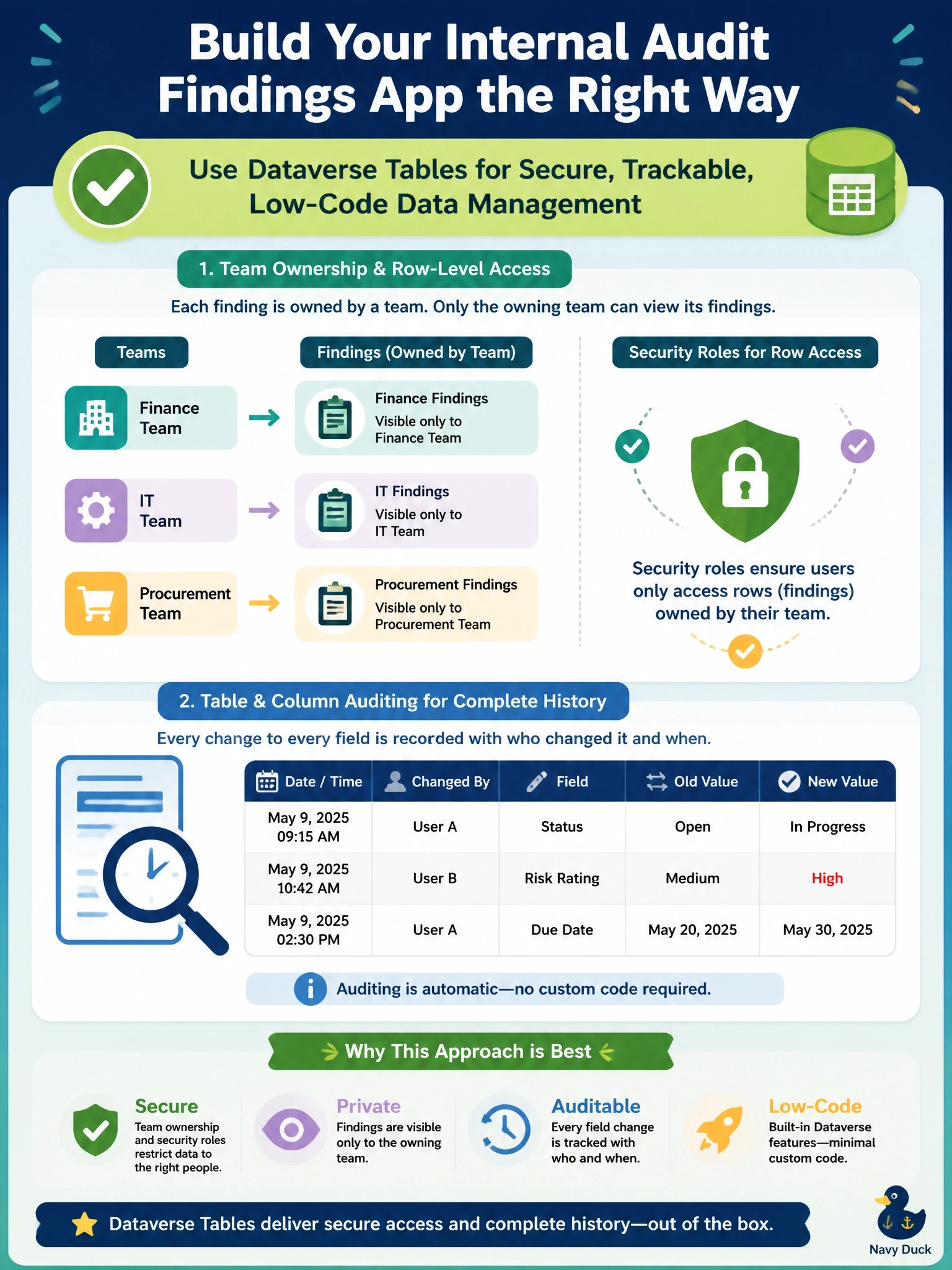
Why build your own security guard when the building already has one on staff? Dataverse gives you relationships, team-based row security and field-level audit out of the box. The trap is picking a generic database and then hand-coding all the security you just walked past.
Full Explanation
Dataverse is a relational store with built-in security and auditing, which is why it is the natural backend for a code app whose requirements are row-level access and change history. Tables can relate findings to departments and controls through lookups. Team-owned rows combined with security roles whose Read depth is set appropriately restrict each finding to its owning team, and the platform enforces this for every caller. Enabling auditing on the table and its columns records old and new values with the user and time, with no application code. An Azure SQL database reached through the SQL Server connector can store the data, but row filtering embedded in app queries is not a security boundary, and change history would need custom triggers or tables. SharePoint item permissions reset by the app after each save are brittle, scale poorly and rely on client code doing the right thing every time. Browser IndexedDB keeps data on one device, offers no shared security model, and a nightly sync means other users see stale findings. Exam caveat: choosing an external store can be right when the data already lives there, but not when security and audit are the stated drivers. Operational check: enable auditing on the table, create a team-owned test row, and confirm a user outside the team cannot retrieve it.