
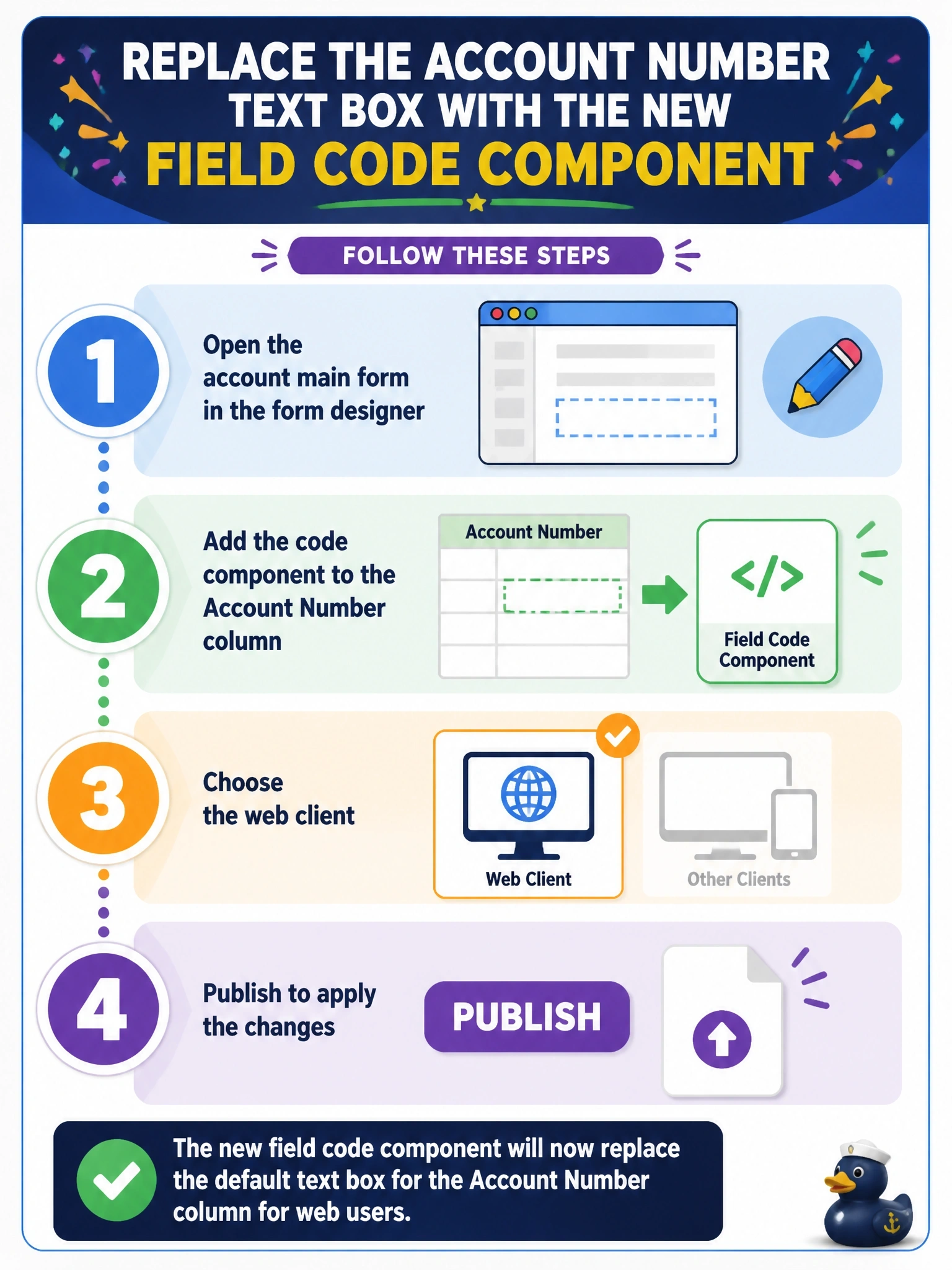
A solution containing a new field code component has been imported into an environment. The component should now replace the default text box for the Account Number column on the account main form for web users. What must be done?
Select an answer to reveal the explanation.
Short Explanation
Importing the component just puts it on the shelf. You still have to pick it up in the form designer, drop it on the Account Number column and publish, or users keep seeing the plain old text box.
Full Explanation
Importing a solution makes a code component available, but it does not change any form. To consume it, a maker opens the form in the form designer, selects the column, adds the component from the column's components list, configures any input properties, chooses the clients where it should be used, such as web, phone or tablet, and saves and publishes the form. From then on the platform renders the component in place of the default control for that column on that form, and the default control remains available where the component is not configured. Loading the bundle as a form library and calling init from OnLoad bypasses the framework entirely: the component would receive no context, no bound value and no lifecycle calls. A site map defines navigation areas and pages; it cannot attach a control to a column. Security roles control access to data and features, but code components are not shared through roles, and they never replace standard controls automatically. Exam caveat: components can also be added to views and subgrids as grid controls, and the same component can be configured differently on different forms. Operational check: open an account in the web client and confirm the Account Number column renders with the component, then open it on a client where the component was not selected and confirm the default control appears.