
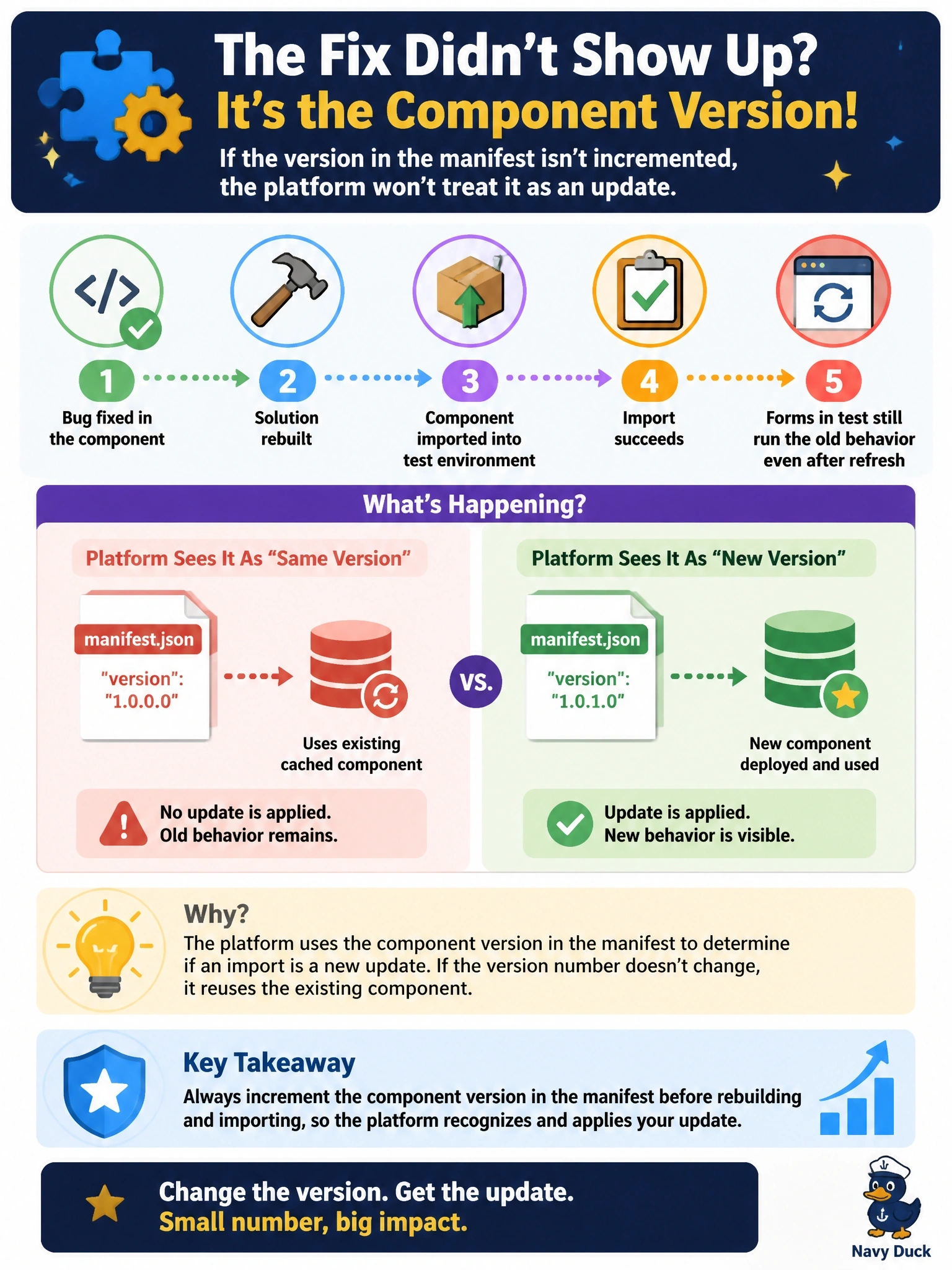
A developer fixes a bug in a code component, rebuilds the solution and imports it into the test environment. The import succeeds, but forms in test still run the old behavior even after a browser refresh. What is the most likely cause?
Select an answer to reveal the explanation.
Short Explanation
Dataverse looks at the version number on the box, not inside it. If you ship a fixed component with the same version, the platform shrugs and keeps serving the old one, so you bump the version every time you ship a change.
Full Explanation
Code component updates are recognized by the version attribute of the control element in the manifest. When a solution is imported with a component whose version has not changed, the platform keeps the existing component resources, so clients continue to load the previous bundle even though the import succeeds. Incrementing the version, typically the patch number, before building the solution signals that the component changed, and forms then load the new bundle. Managed solutions update components normally through upgrade or update imports; uninstalling first is unnecessary and would delete data and customizations that depend on the solution. The app designer does not cache component bundles, so removing and re-adding the form does nothing for a component whose version is unchanged. The local test harness only serves components on the developer's machine; environments load components from Dataverse and never from a developer workstation. Exam caveat: the version belongs to the component manifest, not to the solution, so raising only the solution version does not mark the component itself as changed. Operational check: compare the version shown for the component in the target environment's solution with the manifest version, increment it, rebuild, reimport, and confirm the fix appears after a hard refresh.