
A developer is changing a code component several times an hour and wants each build to appear in the shared development environment for testing on a real form without creating a solution project or importing zips. Which approach fits this need?
Select an answer to reveal the explanation.
Short Explanation
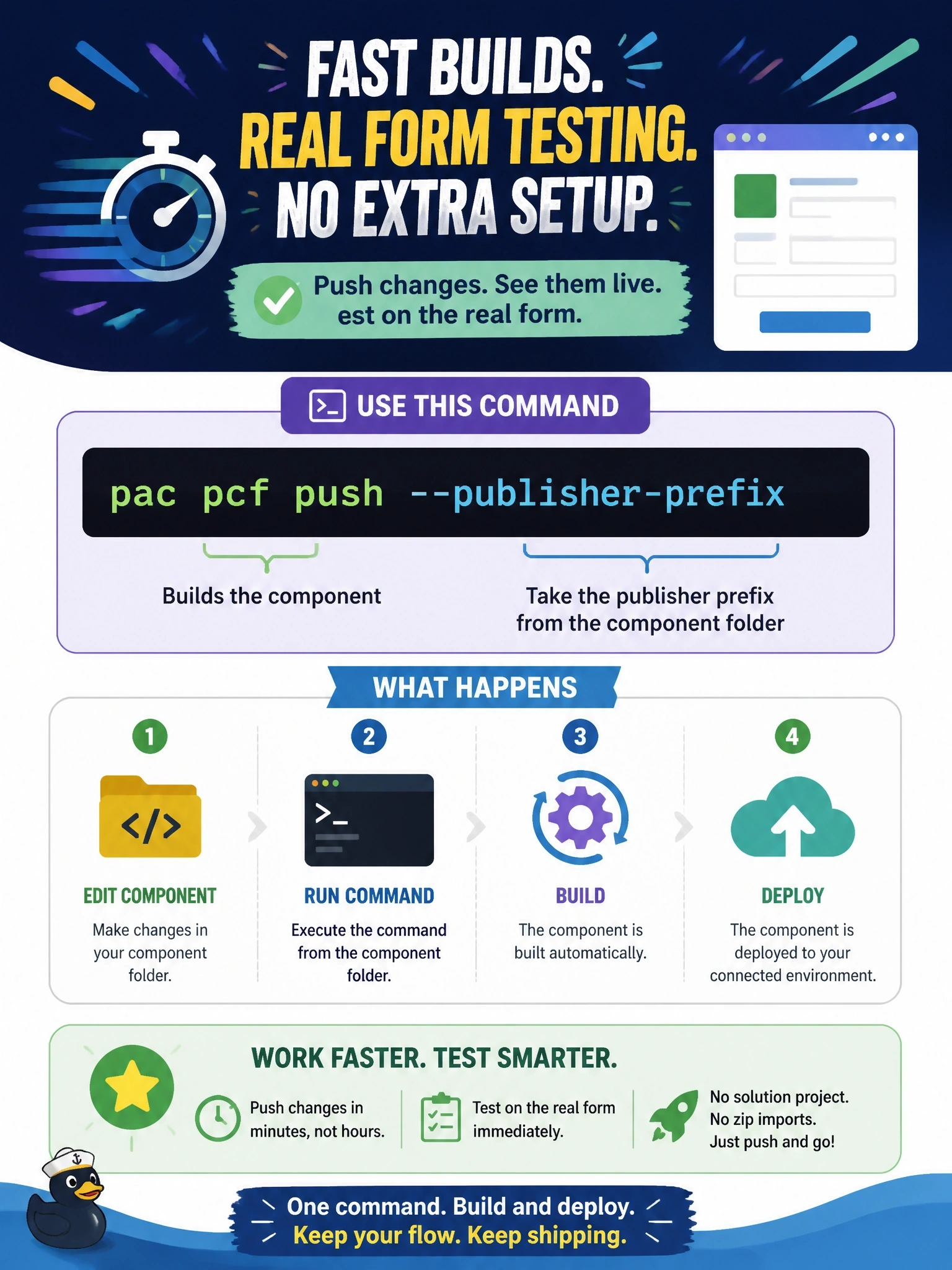
pac pcf push is the fast lane: build and drop the component straight into your dev environment so you can try it on a real form. You still package a proper solution for test and production, but you skip that ceremony while you're iterating.
Full Explanation
pac pcf push builds the component in the current folder and imports it into the environment selected by the active Microsoft Power Platform CLI authentication profile, using the supplied publisher prefix. It places the component in a temporary solution for that publisher, so the developer can add or refresh it on a form in the development environment without creating a solution project or managing zip files. This shortens the loop when testing behavior that the local test harness cannot reproduce, such as real metadata, the Web API or the form's layout. pac solution export retrieves a solution from an environment to a local file; it is the opposite direction and does not upload local component code. npm start watch runs the local test harness, which reloads changes in the browser on the developer's machine but does not deploy anything to Dataverse. pac pcf init scaffolds a new component project; running it again would overwrite the project rather than deploy it, and it does not upload to an environment. Exam caveat: push is a development convenience; components for test and production should be shipped inside a proper solution, ideally managed, through ALM. Operational check: after pushing, refresh the form in the development environment and confirm the component shows the latest change.