
A developer adds two new properties to the ControlManifest.Input.xml of a code component, but TypeScript reports that the properties do not exist on IInputs when the code references context.parameters for them. What should the developer do?
Select an answer to reveal the explanation.
Short Explanation
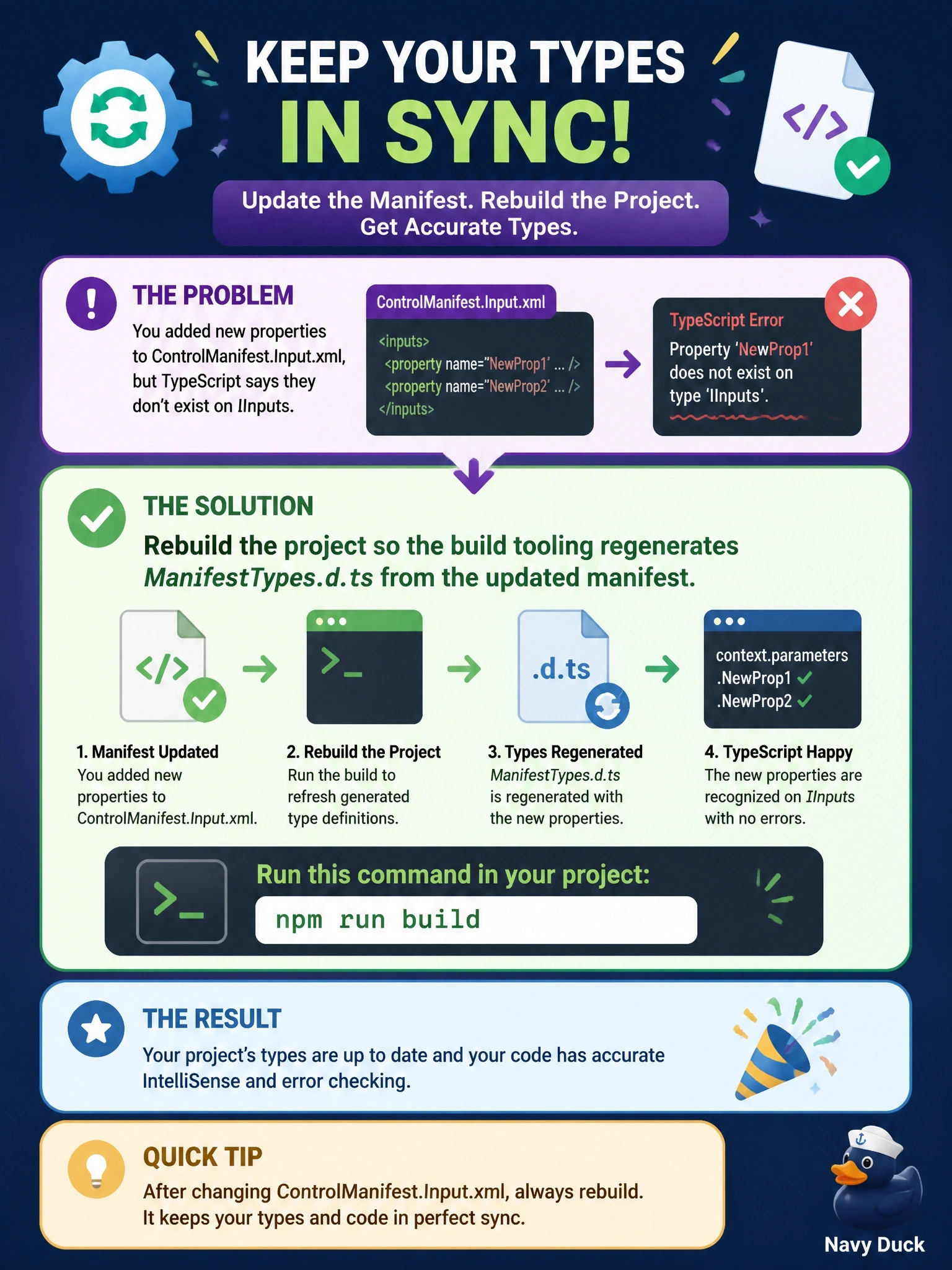
ManifestTypes.d.ts is a photocopy of your manifest made by the build. Change the original and you've got to make a fresh copy by building; hand-editing the photocopy gets overwritten the next time you build anyway.
Full Explanation
The IInputs and IOutputs interfaces used in a code component's TypeScript come from a generated declaration file, ManifestTypes.d.ts, in the project's generated folder. The build tooling creates it from ControlManifest.Input.xml, so after properties are added, renamed or retyped in the manifest, running the build, such as npm run build, regenerates the file and the new properties appear on context.parameters with the correct types. The package scripts created by the project template also include a script dedicated to refreshing these types. Editing the generated file by hand is fragile: the next build overwrites it, and a type that no longer matches the manifest hides real binding errors until runtime. Deployment with pac pcf push builds and imports the component into an environment, but regenerating types is a local build concern, and pushing to an environment just to fix local compile errors is the wrong tool. Restarting the editor only reloads existing files; the declaration file is not derived from the manifest by the language service, so the properties stay missing until the build runs. Exam caveat: the property names in code must match the manifest's name attribute exactly, including case. Operational check: after building, open the generated declaration file and confirm the two properties are present with the expected types, then confirm the project compiles.