
A dataset code component replaces a subgrid that can contain several hundred related rows, but it only ever shows the first page of rows. The developer wants users to be able to load more rows on demand. Which approach should the component use?
Select an answer to reveal the explanation.
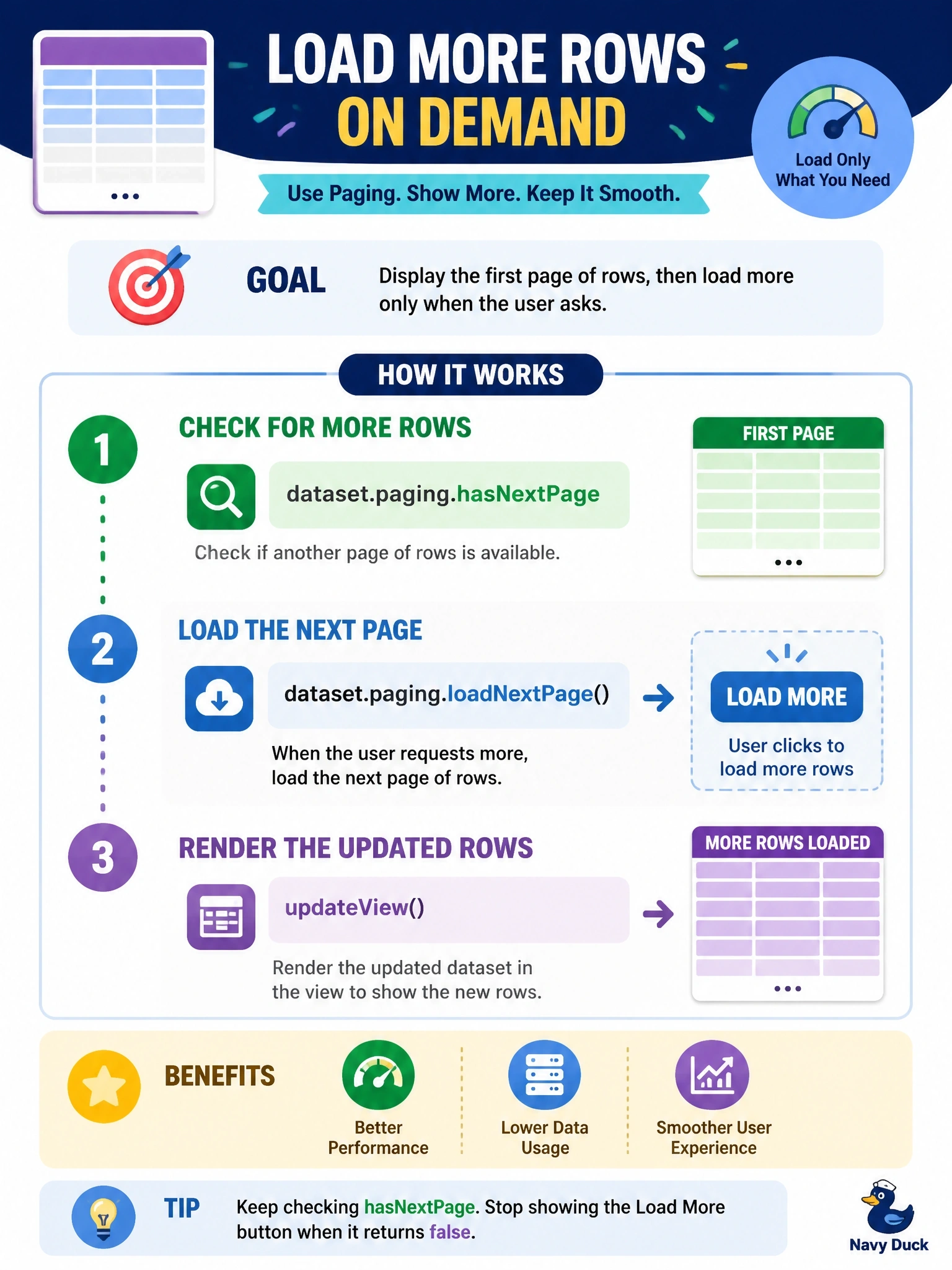
Short Explanation
The dataset hands you one page at a time, like a book you're reading. You check if there's a next page with hasNextPage, turn it with loadNextPage, and redraw when updateView brings the new rows in.
Full Explanation
Datasets are paged. The dataset's paging object reports whether more data exists through hasNextPage and hasPreviousPage, exposes the total result count when available, and provides loadNextPage, loadPreviousPage, loadExactPage and setPageSize. Calling loadNextPage asks the platform for the next set of rows; when they arrive the framework calls updateView, and the component renders the rows listed in sortedRecordIds. A button or infinite scroll that calls loadNextPage while hasNextPage is true gives users on-demand access to all rows while keeping each request bounded. The manifest does not hold a setting that forces every row into one page, and loading hundreds of rows at once would defeat the purpose of paging. refresh reloads the current page of data with the current settings; it does not append pages, so calling it in a loop just repeats the same request. Pulling data separately through context.webAPI duplicates the dataset, bypasses the view's filters and sorting, and there is no way to replace the dataset's rows with the results. Exam caveat: page size can be changed with setPageSize before loading, which is useful for components that show compact rows, but it should still be bounded. Operational check: open a record with more rows than one page, use the load control, and confirm the component shows the additional rows and hides the control on the last page.