
A field code component renders a formatted value and also adapts its layout to the space the form gives it. A developer asks when the framework calls updateView and what the method should do. Which description is correct?
Select an answer to reveal the explanation.
Short Explanation
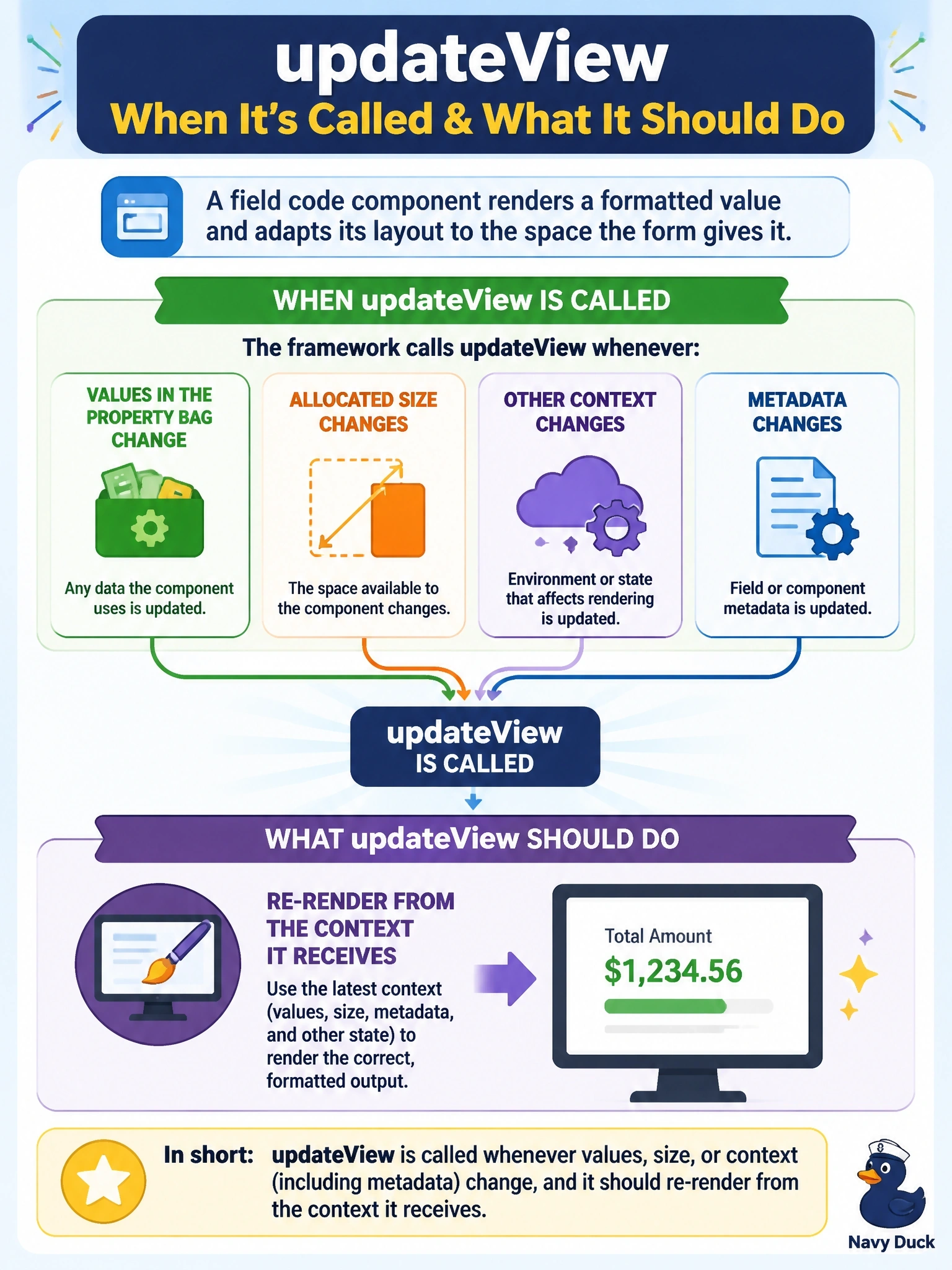
updateView is the framework tapping you on the shoulder saying, "Something changed, have a look." It might be a new value, a new size or new metadata, so you re-read the context and redraw instead of assuming you know what changed.
Full Explanation
The framework calls updateView after init and whenever anything in the component's context changes: values of bound or input properties, dataset contents, the allocated container width and height when the component tracks size, and metadata such as labels, visibility or disabled state. The method receives the current context, and the component should read what it needs from that context and update its display accordingly. Because many different changes trigger it, updateView should be idempotent and inexpensive, refreshing existing elements rather than recreating them. It is not called only once; components do not need timers or polling to discover changes, and polling would waste resources. It is not tied to getOutputs: an output change can lead to a later updateView, but updateView also runs for changes the component did not cause, such as another script setting the column or the form being resized. It is not a focus or selection event; user interaction is handled by event listeners the component attaches in init. Exam caveat: size-related values are only supplied when the component calls trackContainerResize in init, so a component that adapts to its container must opt in. Operational check: in the test harness, change the property value and the container size and confirm updateView runs and the component re-renders correctly each time.