
Users report that a model-driven form with a custom code component becomes slower each time it is opened and closed during a session. Profiling shows window resize listeners and a polling interval created by the component are still running after the form closes. What should the developer change?
Select an answer to reveal the explanation.
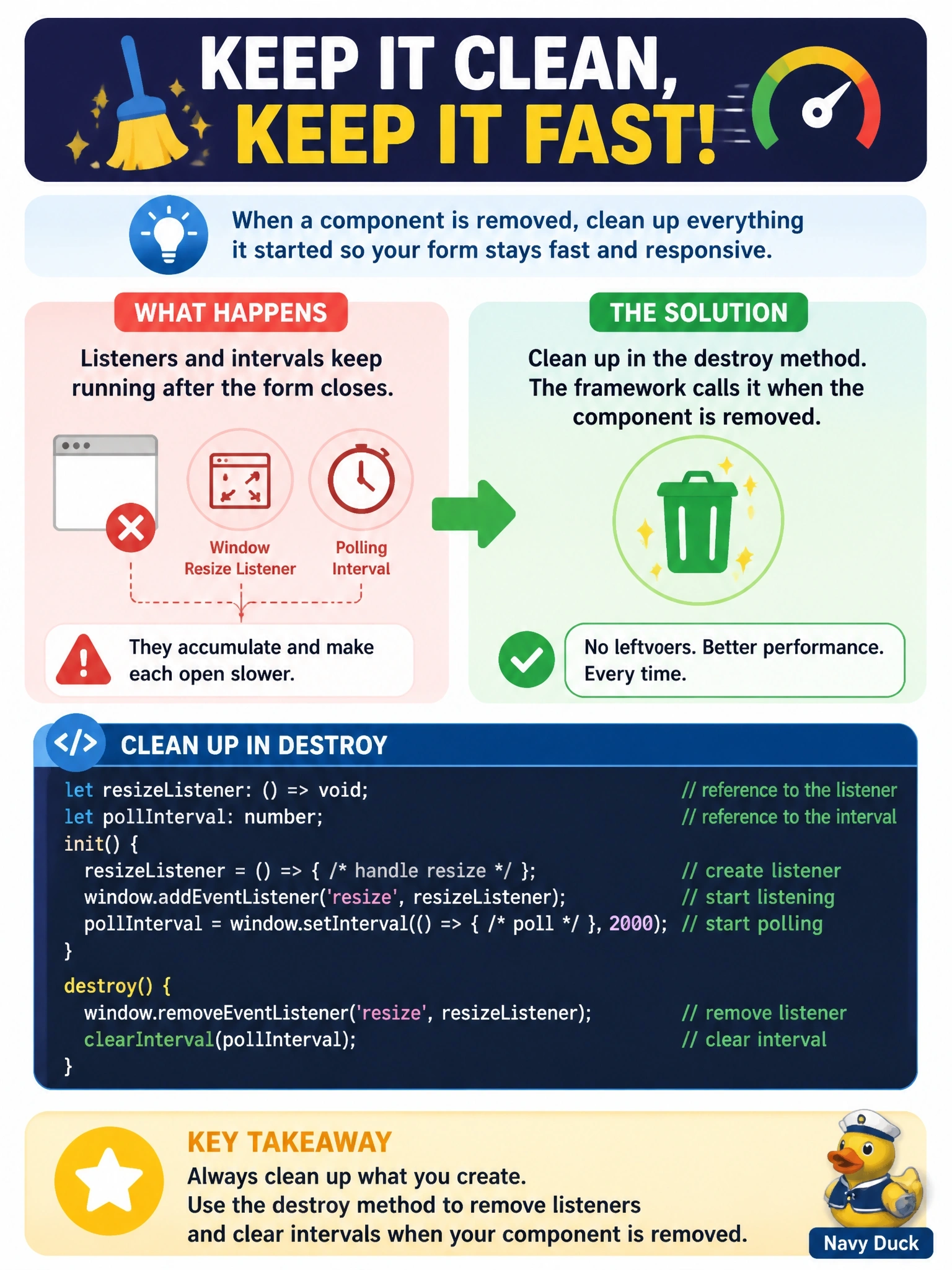
Short Explanation
destroy is checkout time: you hand back the keys, turn off the lights and stop the timers you started. Skip it and every visit leaves another tap running, which is exactly the leak your users are feeling.
Full Explanation
The component framework calls destroy when the component is removed from the DOM tree, for example when the user navigates away from the form. It is the component's opportunity to release anything that would outlive it: removing event listeners attached to window or document, clearing intervals and timeouts, cancelling pending requests and unmounting rendered UI, such as a React root, from the container. Listeners attached to global objects are not cleaned up when the component's container is discarded, so without destroy each form visit leaves another set behind, which matches the growing slowdown. Creating listeners in updateView makes the problem much worse, because updateView runs many times while the form is open and would register duplicates on each call. getOutputs only returns values to bind to columns; its return value does not signal disposal, and the framework does not track resources the component created on its own. Moving the logic into form scripts or a separate web resource does not remove the leak; it only changes who owns it, and it splits the component's behavior across artifacts. Exam caveat: virtual React components still implement destroy, even though the platform's React instance manages rendering. Operational check: open and close the form several times with the browser's performance tools running and confirm the listener count and timers return to their baseline after each close.