
A modern command on the opportunity form must call a Dataverse custom API and then open a dialog based on the response, which the team cannot express in Power Fx. How should the developer configure the command's action?
Select an answer to reveal the explanation.
Short Explanation
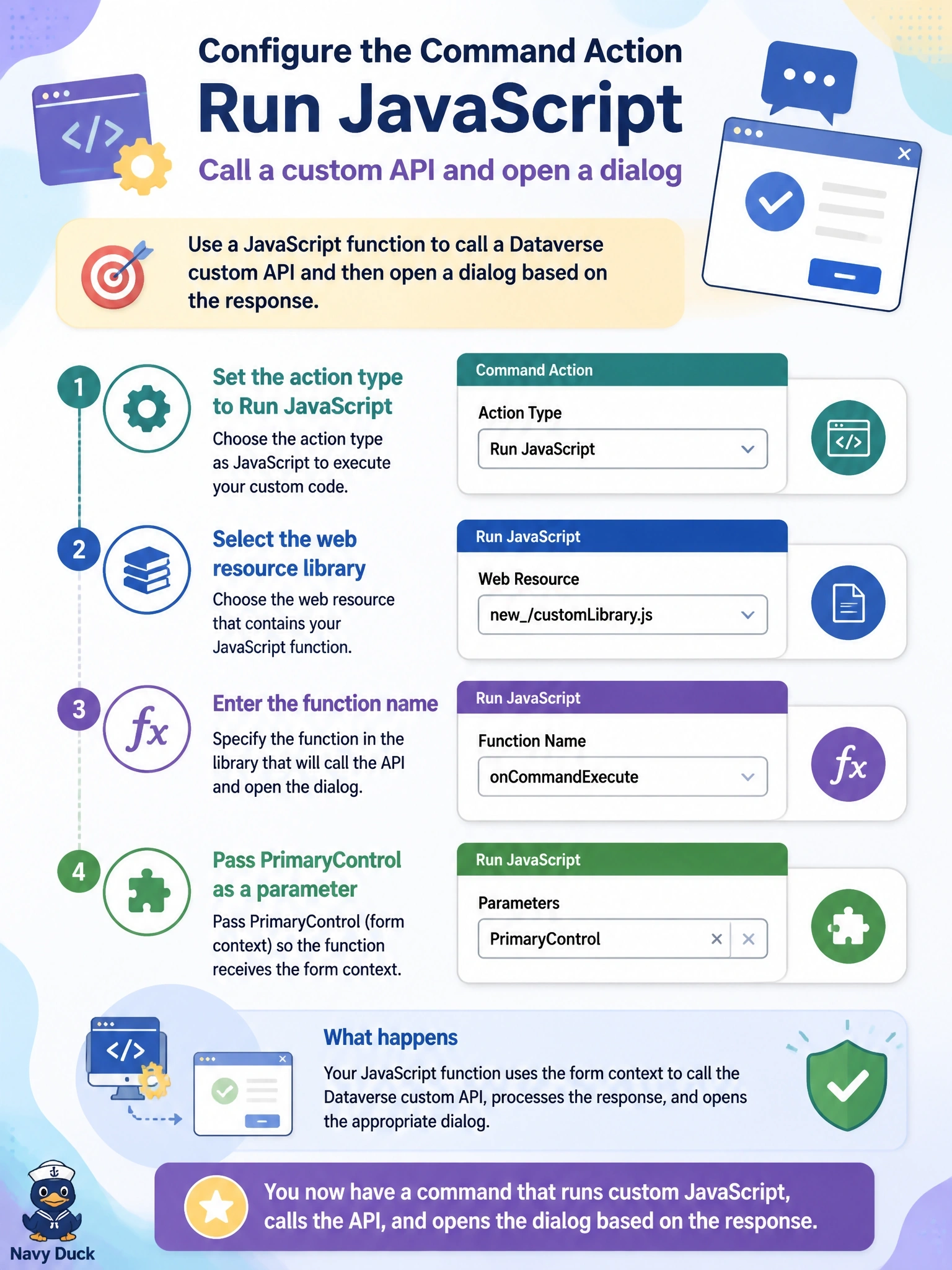
Modern commands speak two languages: Power Fx for the simple stuff and JavaScript when you need more muscle. Point the action at your library and function, pass PrimaryControl, and your code gets the form to work with.
Full Explanation
Modern commands in the command designer support two kinds of action. A Power Fx action covers data operations, navigation, confirmation and notifications. When the logic needs capabilities outside that set, such as calling a custom API through the Client API and acting on the response, the action can run JavaScript, and the developer selects a JavaScript web resource as the library, enters the function name, and adds parameters such as PrimaryControl, which passes the form context on a form command, or SelectedControl and selected item IDs on grid commands. Launch opens a URL in the browser; it does not send an authenticated Web API request or return the response to the command. Routing the command through a save repurposes an unrelated event, forces a save the user may not want, and makes the logic run on every save of the form as well. Business rules cannot call custom APIs; they set values, visibility, requirement levels and validation messages, and using a hidden column as a signal is a fragile workaround. Exam caveat: a command can still use a Power Fx Visible formula while its action runs JavaScript, so the two approaches can be combined. Operational check: publish the command, open an opportunity, select the button, and confirm the function receives the form context and the dialog reflects the custom API response.