
A modern command on the main grid of a model-driven app opens a review page for one selected account, and the button must be visible only when exactly one row is selected. Which Power Fx formula should the Visible property use?
Select an answer to reveal the explanation.
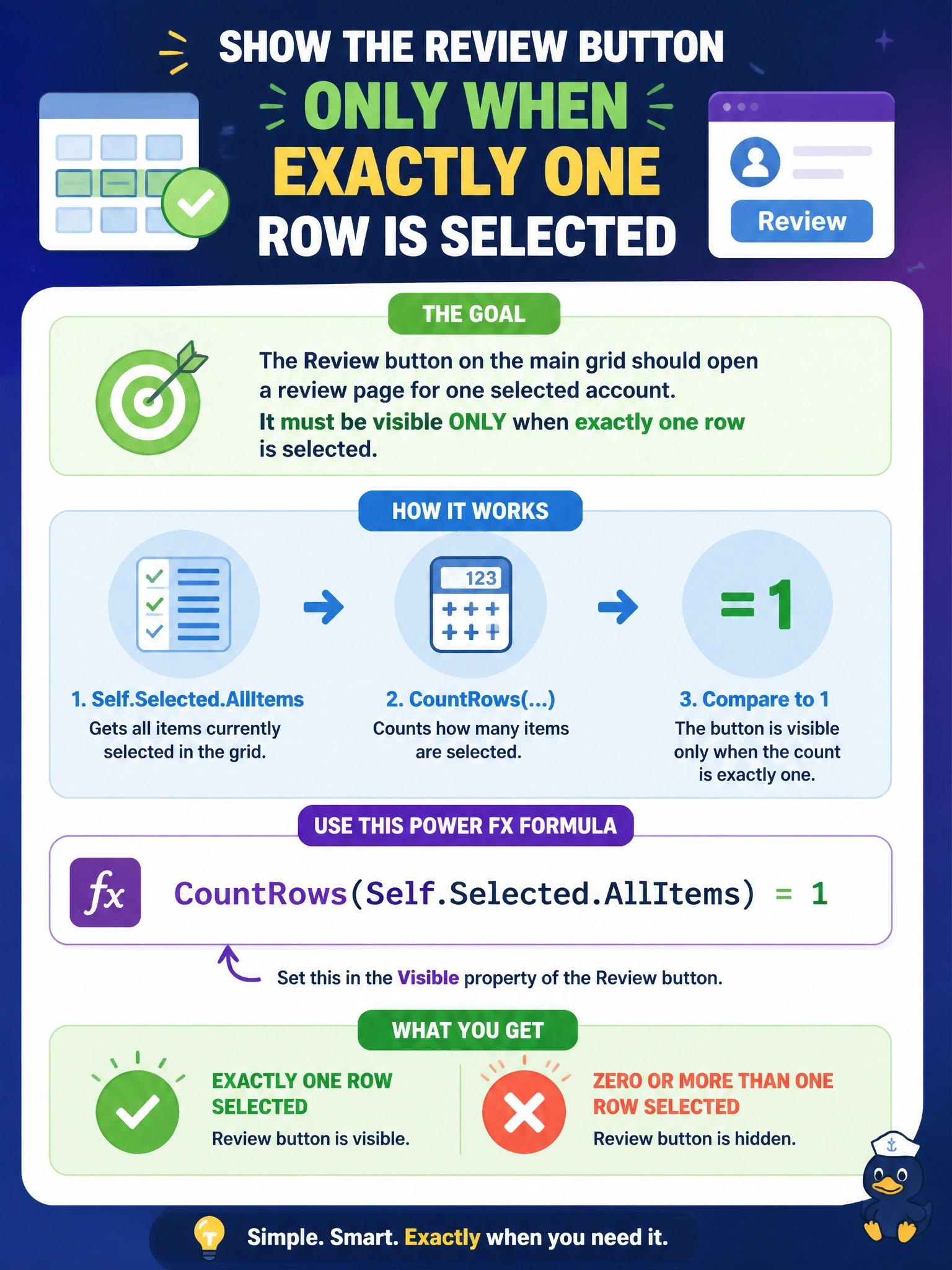
Short Explanation
Count the rows in the selection and show the button only when the count is exactly one. If you use greater than zero, you'll light it up for ten rows too, and the review page only makes sense for one.
Full Explanation
Modern commands use Power Fx for the OnSelect and Visible properties. The Selected property, provided by the host of the command, exposes Item, a single selected record, AllItems, a table of every selected record, State and Unsaved. In a grid, AllItems contains each selected row, so CountRows(Self.Selected.AllItems) = 1 is true only for a single selection and the button hides for zero or several rows. The formula with greater than zero shows the button for any non-empty selection, including multiple rows, which breaks the one-account requirement. IsEmpty(Self.Selected.AllItems) is true when nothing is selected, so it shows the button in exactly the wrong case. Self.Selected.State returns the mode of the selected control, Edit, New or View, which describes the form state rather than the number of selected rows, so comparing it to zero says nothing about how many accounts are selected. Exam caveat: Microsoft documents that Item is always blank when the selection maximum is not 1, so formulas meant to work across multi-select grids should reason over AllItems. Operational check: publish the command, wait for the publish to complete, refresh the app, and verify the button appears with one row selected and disappears with none or two.