
A developer writes formContext.getAttribute("telephone1").setVisible(false) to hide the Business Phone field on a form, and the browser console reports that setVisible is not a function. What is the cause?
Select an answer to reveal the explanation.
Short Explanation
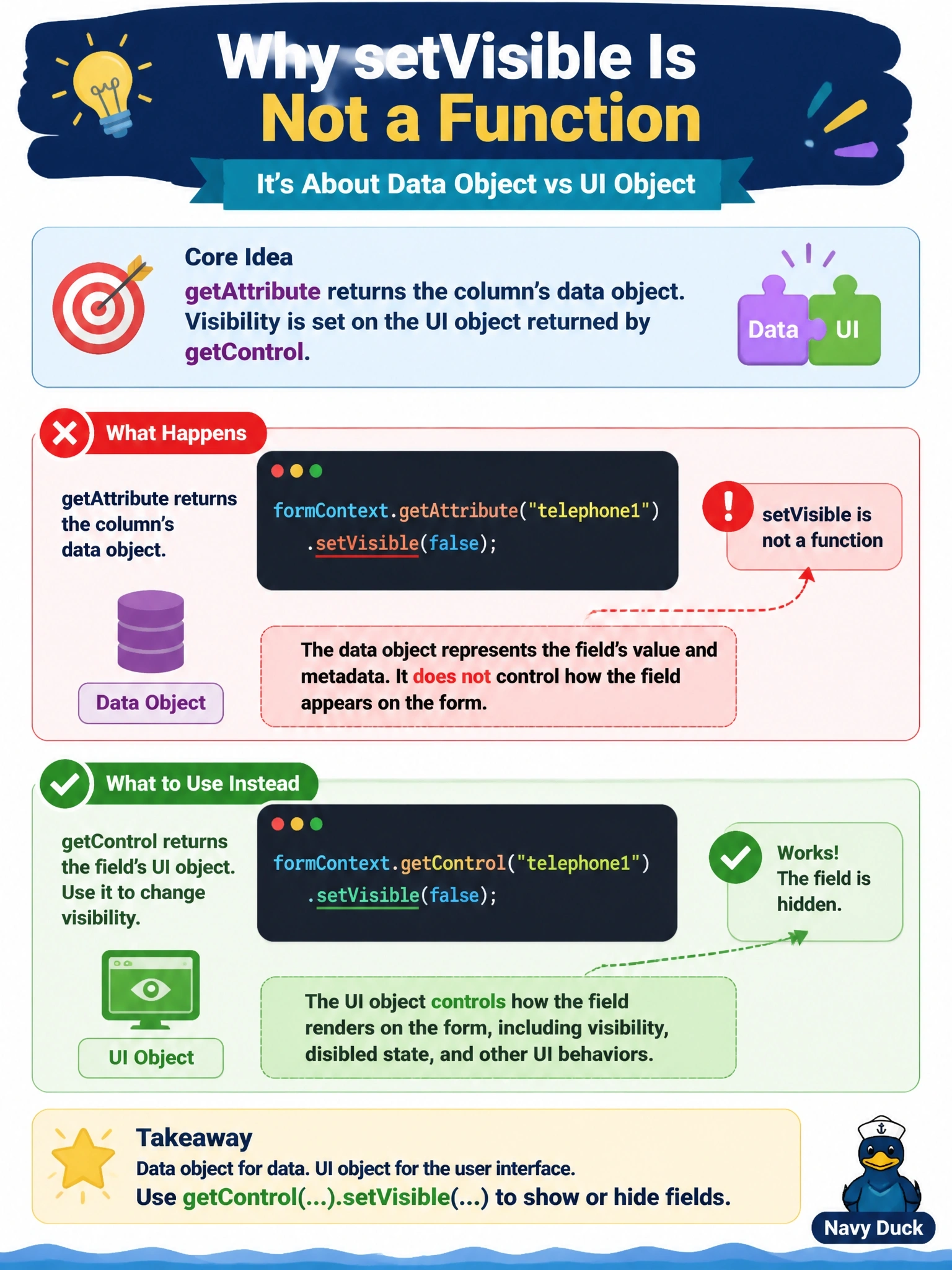
Think of the attribute as the value in the database and the control as the box you see on screen. You hide boxes, not values, so it's getControl(...).setVisible(false); attributes handle things like getValue, setValue and required level.
Full Explanation
The Client API separates data from presentation. formContext.getAttribute returns an attribute object for a column, with methods such as getValue, setValue, setRequiredLevel and setSubmitMode that act on the data regardless of how many times the column appears on the form. formContext.getControl returns a control object, the on-screen representation, with methods such as setVisible, setDisabled, setLabel and setNotification. Because visibility is a property of what the user sees, setVisible is defined on controls and not on attributes, which is why the call fails. A column placed twice on a form has one attribute and two controls, and the attribute's controls collection can be used to update each one. Tabs and sections do have setVisible, but so do individual controls, so hiding the whole section is unnecessary. Business rules are an alternative way to show or hide fields; they are not a prerequisite for scripting. Load timing is not the cause either: attribute objects never gain UI methods at any point, because the two object types are distinct by design. Exam caveat: to hide every occurrence of a column, iterate attribute.controls rather than calling getControl once. Operational check: in the handler, confirm that getControl returns a non-null object for the field and that setVisible(false) hides it in the running form.