
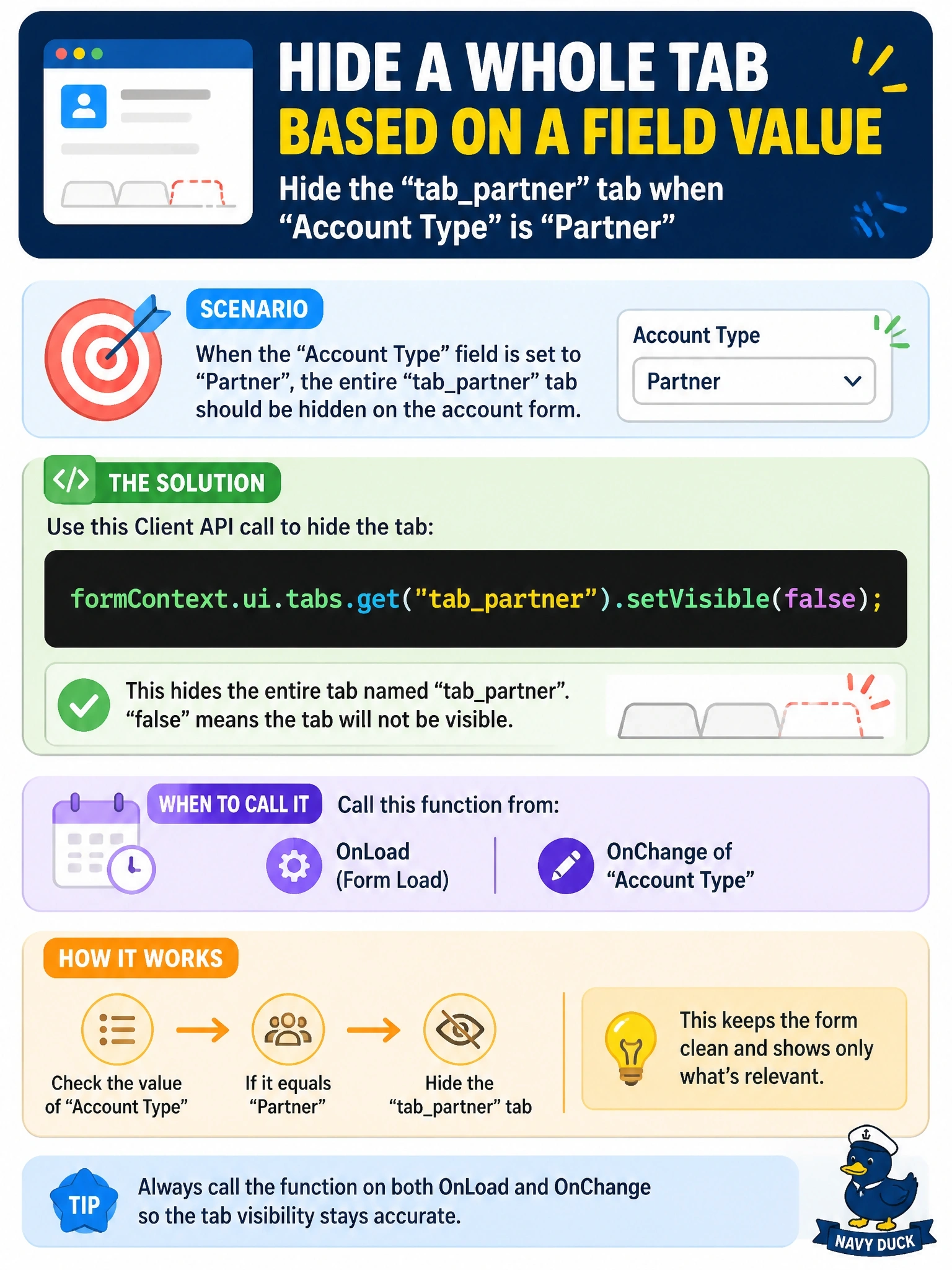
On the account form of a model-driven app, a whole tab named tab_partner must be hidden whenever the Account Type column is set to Partner. Which Client API call hides the tab?
Select an answer to reveal the explanation.
Short Explanation
Tabs live in their own drawer: formContext.ui.tabs. You grab the tab by name, call setVisible(false), and remember to run it on load too, or a saved Partner record opens with the tab showing again.
Full Explanation
The form context exposes UI elements through formContext.ui. Tabs are in the formContext.ui.tabs collection, so formContext.ui.tabs.get("tab_partner") returns the tab object, and its setVisible method shows or hides the tab with every section and control inside it. Calling the logic from the Account Type OnChange handler responds to the user's change, and calling it from OnLoad ensures a record that is already a partner opens with the tab hidden. The getControl method returns controls that are bound to columns or are other form controls such as subgrids; a tab is not a control, so getControl with a tab name returns null and the call fails. getAttribute returns data objects for columns, and submit mode governs whether a column is sent on save; it has no effect on layout. Sections are not in a form-level collection under formContext.ui; each tab has its own sections collection, reached through the tab object, and a section is a different element from a tab in any case. Exam caveat: hiding a tab is presentation only and does not secure the data, which still flows through the Web API and other forms; use column security or security roles when data must be protected. Operational check: open a partner account and a customer account and confirm the tab visibility on load and after changing the type.