
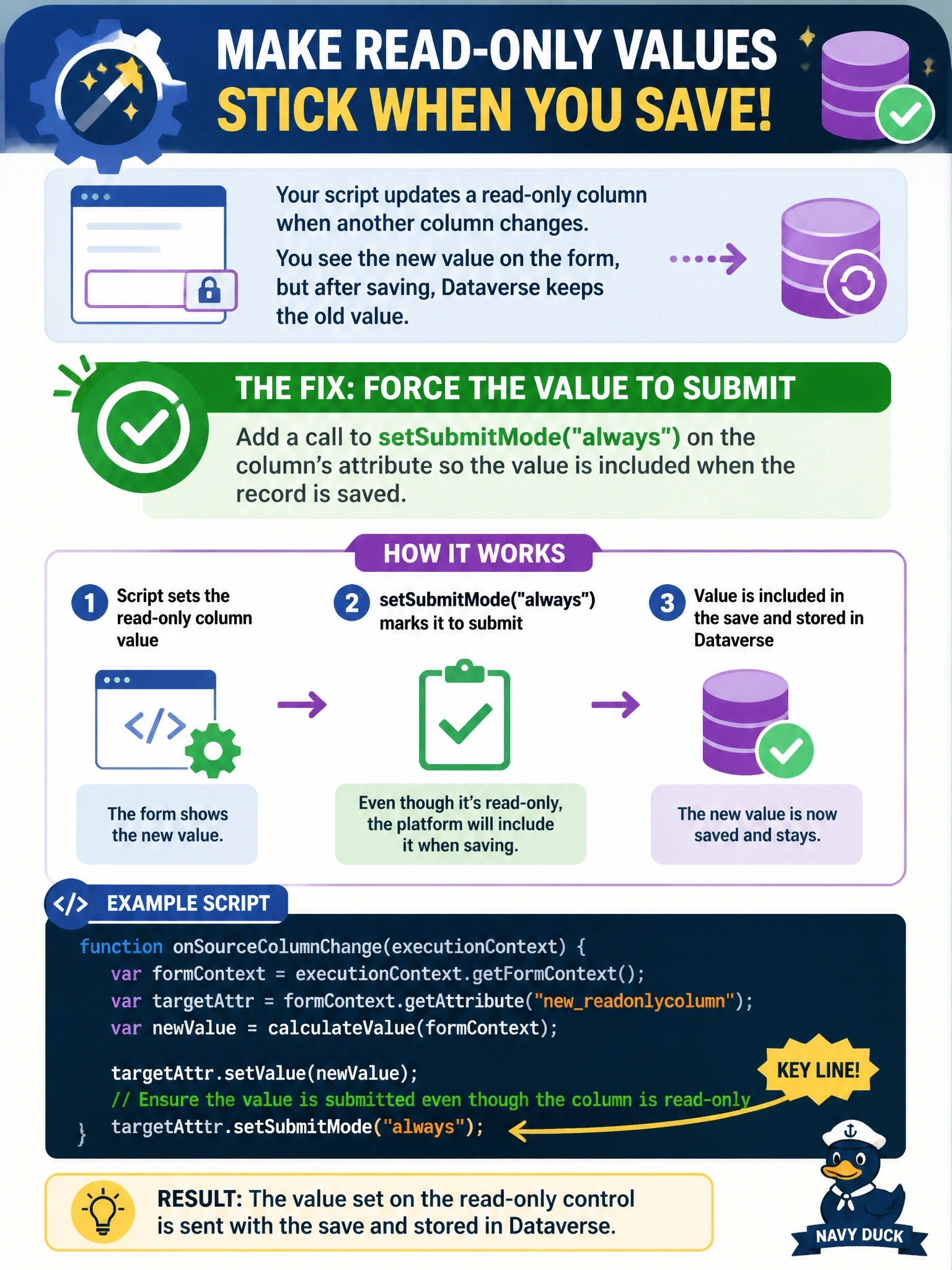
In a model-driven app, a form script sets the value of a column that is read-only on the form whenever another column changes. The new value appears on screen, but after saving, the stored value in Dataverse is unchanged. What should the developer add to the script?
Select an answer to reveal the explanation.
Short Explanation
A read-only column on the form is like a locked envelope the mail room doesn't bother to send. You tell the form to always send it with setSubmitMode("always"); otherwise your nice on-screen value never leaves the browser.
Full Explanation
When a record is saved, the form submits only the columns whose submit mode allows it. By default, values on disabled or read-only controls are not sent, so a script that changes such a column updates only the in-memory form value. Calling setSubmitMode("always") on the attribute, which is the data object retrieved through formContext.getAttribute, forces the column to be included in the save request regardless of whether the control is enabled. Refreshing the form data with formContext.data.refresh(false) reloads values from the server without saving, so it discards the scripted value instead of persisting it. Calling setDisabled(true) only changes the control's state; the column is already read-only, and disabling a control does not mark the attribute for submission. Making the column required changes validation, not submission rules: it would block a save when the column is empty, but it does not force a disabled column's value into the request. Exam caveat: if the requirement is that the value must always be correct no matter how the record is written, including imports and API calls, the logic belongs in a plug-in, because client scripts only run in the form. Operational check: set the value, save, and inspect the record through the Web API or audit history to confirm the column was written.