
A release pipeline in Azure DevOps uses Microsoft Power Platform Build Tools to import solutions into a production environment that enforces multifactor authentication for all interactive users. Which authentication approach should the pipeline's service connection use?
Select an answer to reveal the explanation.
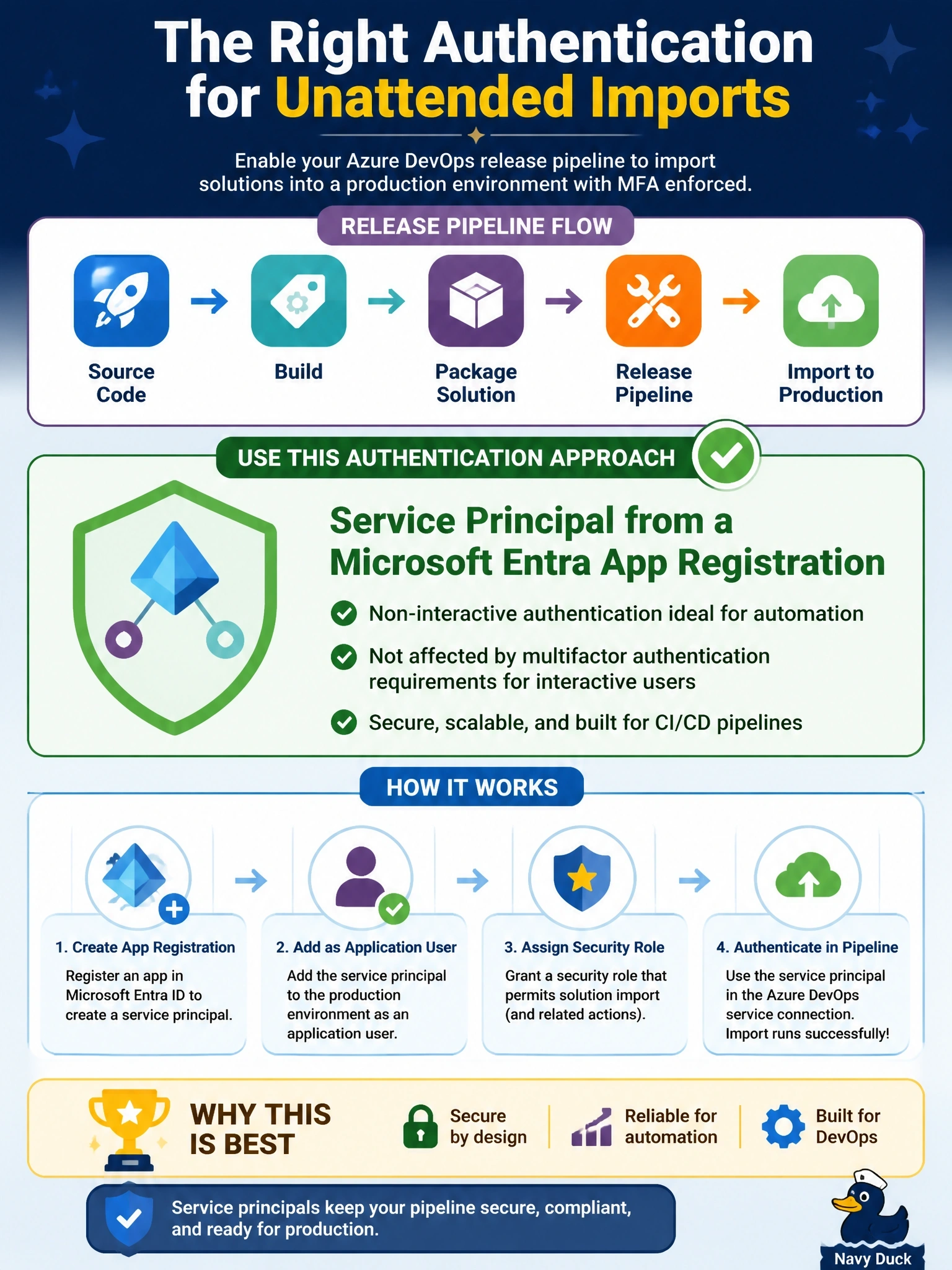
Short Explanation
Your pipeline is a robot, so give it a robot's badge, not your own password. A service principal set up as an application user can sign in without a phone prompt, and it doesn't break when someone leaves the team.
Full Explanation
Build Tools tasks authenticate to Dataverse through a Power Platform service connection. The recommended configuration is a service principal: an app registration in Microsoft Entra ID whose application ID and credential are stored in the connection, together with an application user for that principal in each target environment. The application user gets a security role with the privileges the pipeline needs, such as importing solutions, so authorization is explicit and auditable. A username and password tied to a person fails here in two ways: it cannot satisfy an interactive multifactor prompt in an unattended run, and it binds production deployments to one employee's account and lifecycle. A personal access token authenticates to Azure DevOps, not to Dataverse; Dataverse only accepts Microsoft Entra tokens issued for the environment. The project build service account is an Azure DevOps identity that Dataverse cannot recognize as a user, so no security role can be assigned to it. Exam caveat: authentication and authorization are separate; a valid token for a principal with no application user, or with no suitable role, still fails. Operational check: confirm the application user exists in the target environment with the intended role, then run a Who Am I task through the service connection before the import step.