
A company wants its Azure DevOps release pipeline built with Microsoft Power Platform Build Tools to stop automatically when a solution contains code or configuration issues above an agreed severity, and to deploy only managed solutions to test and production. What should the developer configure?
Select an answer to reveal the explanation.
Short Explanation
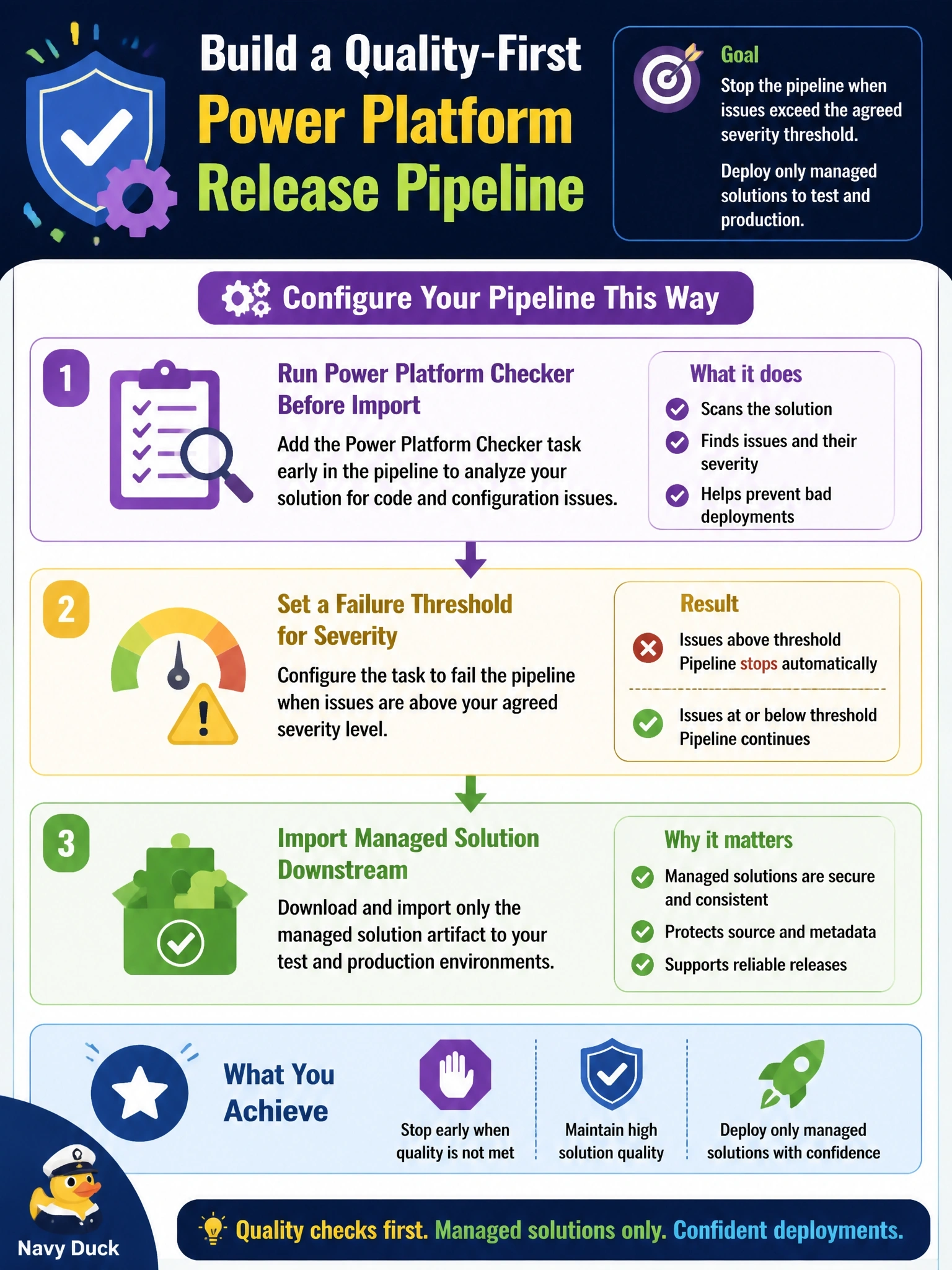
Put the inspector at the factory gate, not on the customer's driveway. If you run the checker before import and let it fail the build on serious findings, a bad package never ships, and shipping managed keeps people from patching production by hand.
Full Explanation
Power Platform Checker is the solution analysis service exposed to pipelines as a Build Tools task. It evaluates the solution against a rule set covering plug-ins, web resources and other components, and it can be configured to fail the run when findings meet or exceed a chosen severity, which turns static analysis into a quality gate. Running it before the import task means a failing solution never reaches the target environment. Deploying the managed artifact keeps downstream environments locked to what was built and tested and supports clean upgrades and uninstalls. Importing first and checking afterward inverts the gate: the defect is already live and recovery depends on a manual rollback. ESLint can be useful for scripts, but the premise is false because the checker is available as a pipeline task, and linting web resources alone misses issues in plug-ins and other solution components. Deploying unmanaged solutions downstream invites direct edits in production, creates unmanaged layers that hide later managed updates, and a weekly check is not a gate at all. Exam caveat: the checker analyzes the solution package; it does not replace functional tests. Operational check: introduce a known rule violation in a test branch and confirm the checker task fails the run and the import task never starts.