
Importing a managed solution into the test environment fails with a message that a required component is missing: a custom column on the account table that one of the solution's forms references. The column exists in the development environment. How should the developer resolve this?
Select an answer to reveal the explanation.
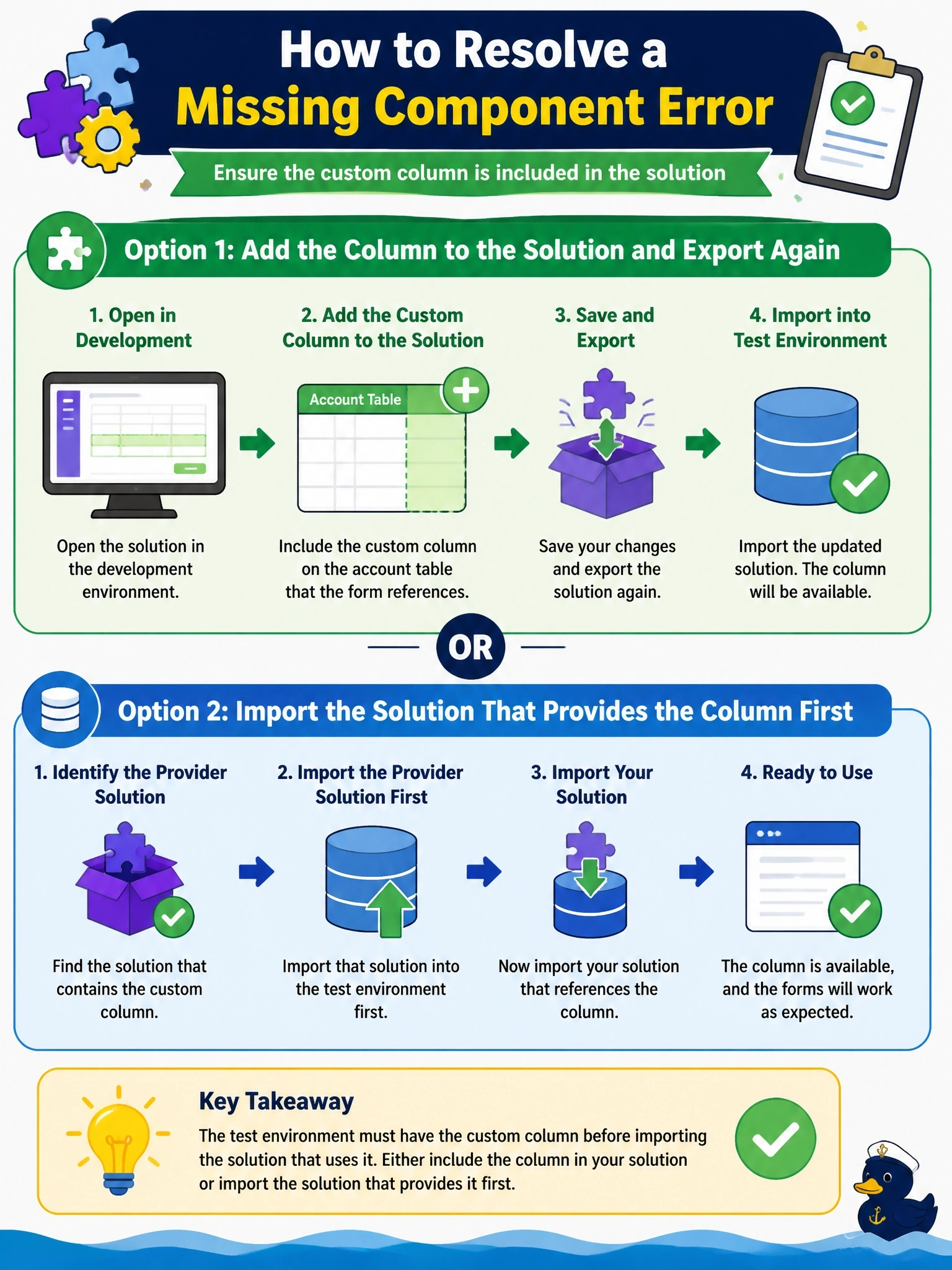
Short Explanation
Think of dependencies as ingredients a recipe expects to find in the kitchen. If the form needs that column and the test kitchen doesn't have it, the import stops. You either pack the ingredient in your solution or make sure the solution that brings it arrives first. The trap is thinking an unmanaged import just skips the check.
Full Explanation
Dataverse tracks dependencies between solution components, such as a form that displays a column. When a solution is imported, the platform verifies that every required component is either in the solution or already present in the target; if not, the import fails and lists the missing dependency. The resolution is to include the missing component, here the custom column, in the solution, for example by adding it as a table subcomponent, or to import first the solution that owns it so the dependency is already satisfied in test. Importing as unmanaged does not bypass dependency validation, and unmanaged solutions should not be used to deploy to test or production anyway. Publishing customizations makes existing unmanaged changes visible in the user interface; it cannot create a column that does not exist in the target. Deleting the column in development is blocked while the form depends on it and would break the form even if it succeeded. Exam caveat: missing dependencies often appear when components are added to a solution without their required subcomponents, so use the option to add required components when building the solution. Operational check: in the development solution, view the column's dependencies, confirm it is included, export, and retry the import in test.