
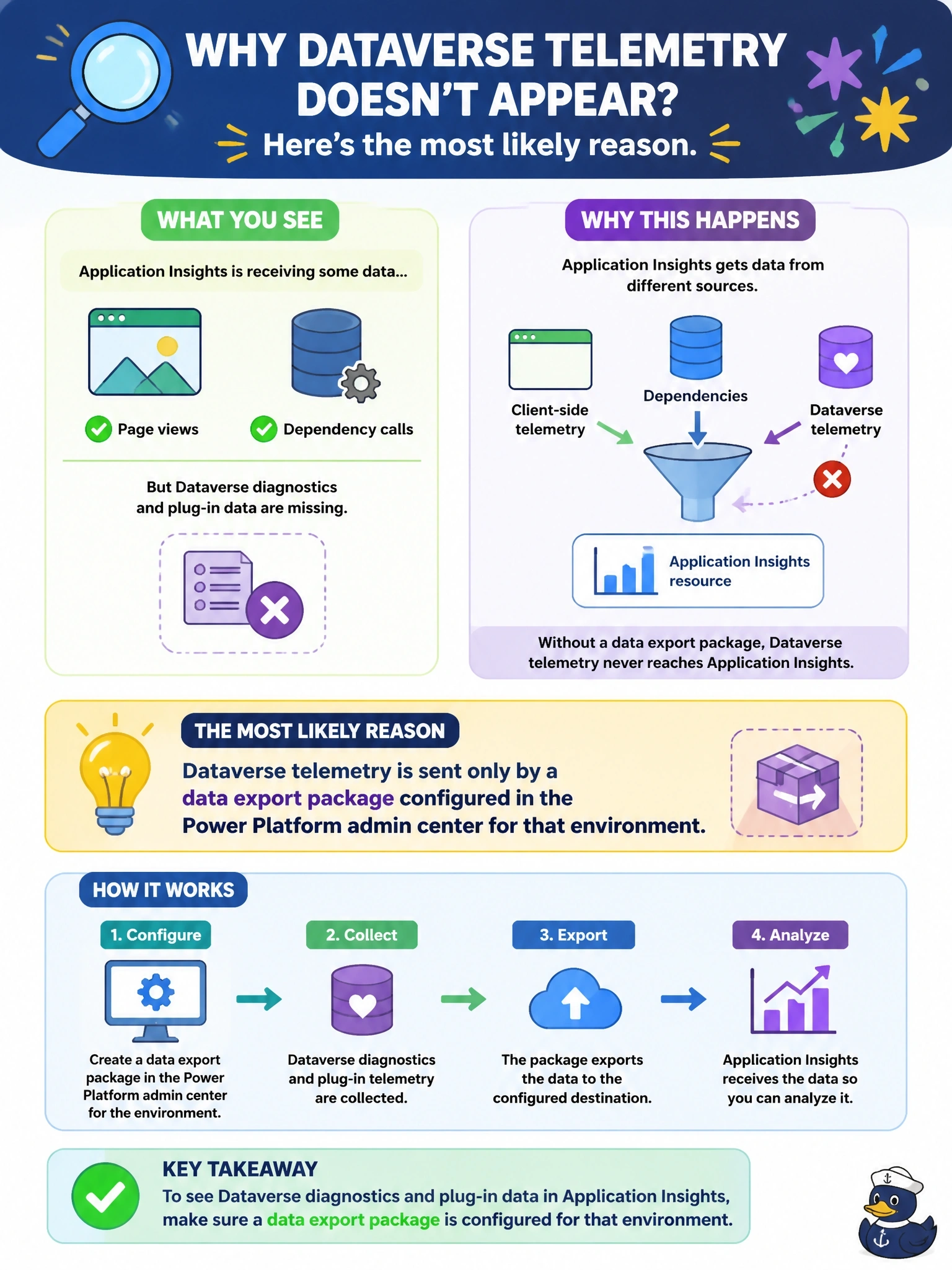
A code app sends client-side telemetry to an Application Insights resource, and page views and dependency calls appear as expected. However, the same resource contains no Dataverse diagnostics or plug-in data for that environment. What is the most likely reason?
Select an answer to reveal the explanation.
Short Explanation
Think of it like two separate mail routes into the same mailbox: your code app sends its own letters, but Dataverse only mails its diagnostics once an admin sets up the export. The browser SDK can't see what happens on the server. The trap is assuming one instrumentation covers both ends.
Full Explanation
Client-side instrumentation in a code app captures what happens in the browser: page views, client exceptions and the app's outgoing calls. It cannot observe processing inside Dataverse, such as plug-in executions or API performance, because that work runs on the platform's servers. Dataverse diagnostics and performance telemetry reaches Application Insights only when an administrator creates a data export package in the Power Platform admin center, selecting the data type, the source environment and the target Application Insights resource; this requires appropriate admin roles and a managed environment. Until that package exists for the environment, the resource receives only the app's own events. Plug-in assemblies do not use a connection string configuration to forward platform telemetry; plug-ins can write traces with the tracing service or use their own logging, but platform diagnostics depend on the export. Sampling reduces the volume of client telemetry; it is configured in the app's SDK and does not affect a separate server-side pipeline that was never set up. There is no multi-week delay tied to a code app's deployment; after an export package is created, data typically begins arriving within 24 hours. Exam caveat: one Application Insights resource per environment keeps the built-in reports accurate. Operational check: open Data export in the admin center, confirm a package exists for this environment, and verify its destination.