
A Copilot Studio agent must let employees update the status of their own Dataverse opportunity rows. Security requires that the agent never change a row the employee could not change in the model-driven app. How should the developer configure the agent's Dataverse action?
Select an answer to reveal the explanation.
Short Explanation
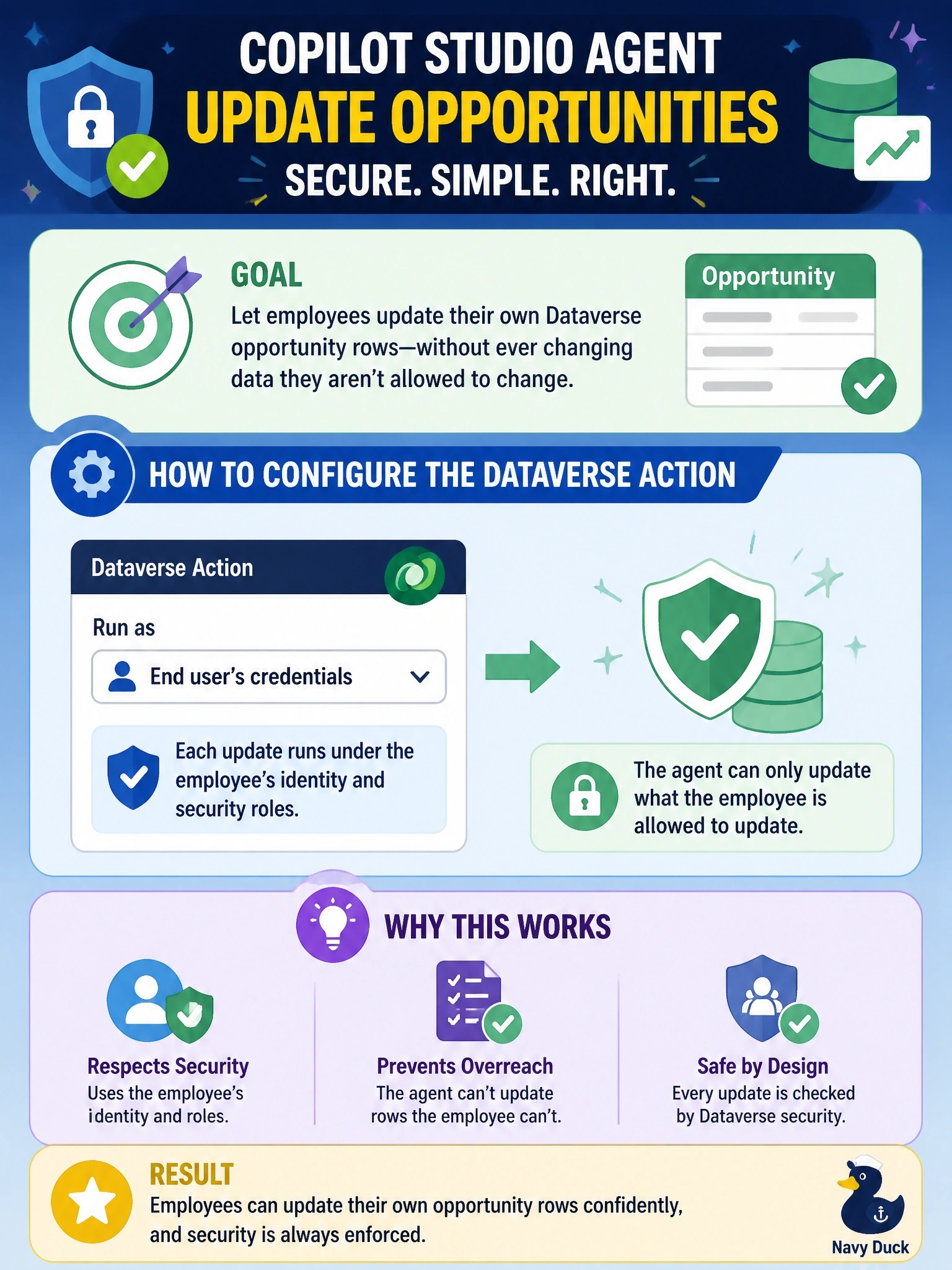
Think of it like lending someone your car versus letting them drive their own: when the agent acts with your user's credentials, Dataverse's own security decides what they can touch. Instructions in a prompt aren't a lock. The trap is the all-powerful service identity plus a polite request to behave.
Full Explanation
Agent actions that call connectors, such as the Dataverse connector, can run with the credentials of the end user who is chatting with the agent or with credentials supplied by the maker. Configuring the action to use end-user authentication means each request reaches Dataverse with the employee's own identity, so the platform enforces that employee's security roles, business unit, team membership and sharing exactly as it does in the model-driven app. No extra logic is needed, and audit history shows the real user. An application user with System Administrator can change any row, and an instruction to the model is not a security boundary: a crafted prompt or a model error can lead to unauthorized changes. Using the maker's connection makes every employee act with the maker's permissions, which is privilege escalation even if prompt rules try to restrain it. Having the agent read roles and decide is still model-driven judgment about authorization, which is non-deterministic and duplicates logic Dataverse already enforces. Exam caveat: some scenarios legitimately need a service identity, such as background agents, but then the identity's role must itself be scoped to least privilege. Operational check: sign in as two employees with different roles, attempt to update a row only one of them can edit, and confirm the other receives an access error.