
A Copilot Studio agent helps employees request equipment. Fulfilment always follows the same five steps: check budget, create the order, reserve stock, notify the manager, and log the request. The business wants these steps to run identically every time the agent invokes them. How should the developer design this?
Select an answer to reveal the explanation.
Short Explanation
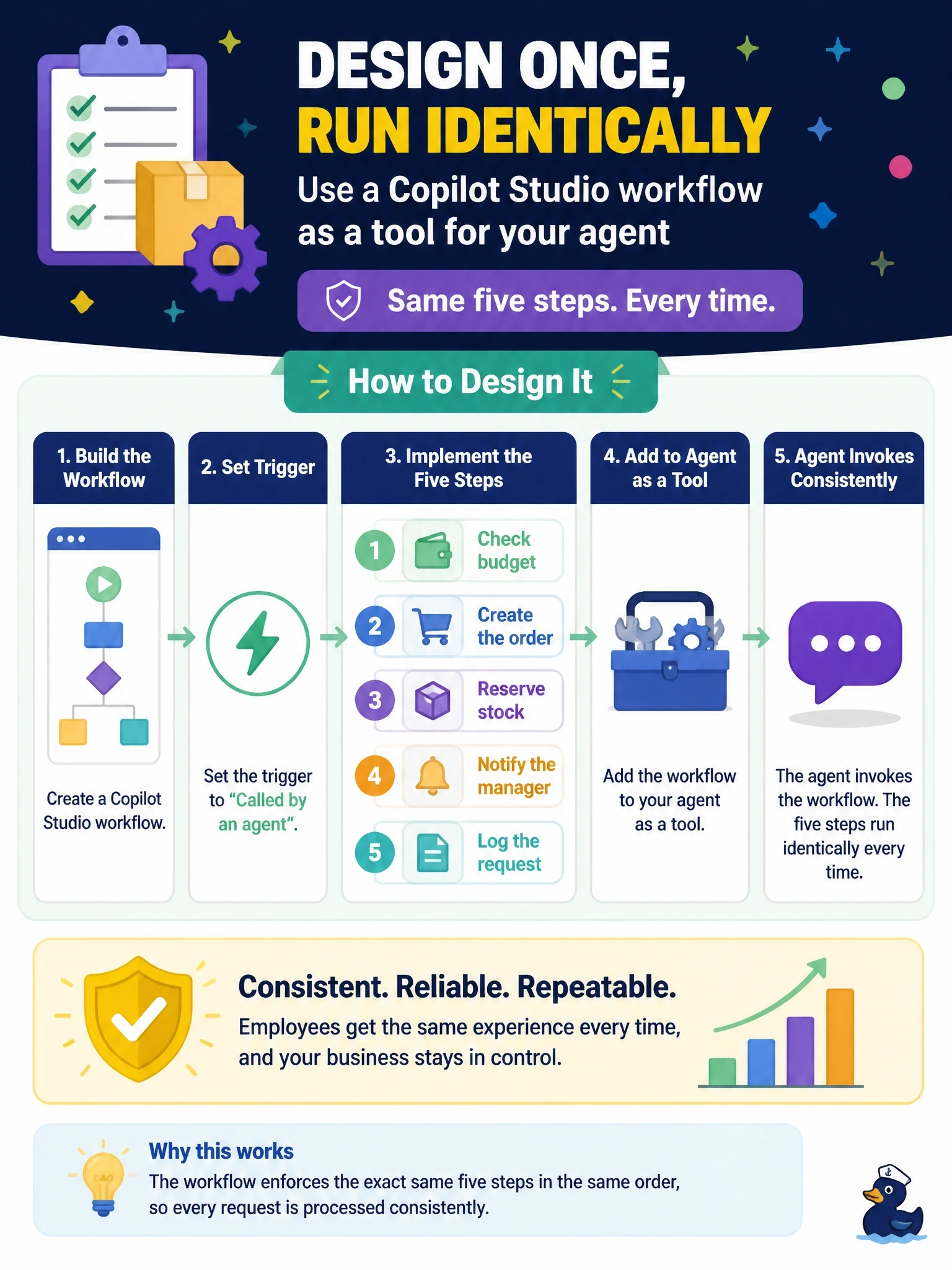
Think of the agent as a smart front-desk assistant and the workflow as the back-office checklist it hands the job to. The conversation can be flexible, but the five steps run the same way every single time. The trap is writing the steps into instructions and hoping your agent follows them in order.
Full Explanation
Copilot Studio agent flows, managed on the Workflows page, are deterministic automations: they follow a rule-based path in which the same input produces the same output. A flow that uses the trigger for being called by an agent can be added to the agent as a tool, so the agent gathers the request conversationally and then hands it to the flow, which performs budget checking, ordering, reservation, notification and logging in a fixed sequence with connectors and error handling. Writing the steps into instructions leaves execution to generative orchestration, which is non-deterministic, so steps could be skipped, reordered or repeated. A knowledge source supplies text for grounded answers; it lets the agent describe the procedure but does not execute any step. A generative answers node produces a natural-language response from sources; it generates text, not reliable system actions. Exam caveat: agent flows run on Copilot Studio capacity, and an existing Power Automate cloud flow can be converted into an agent flow, a one-way change, when the team wants to manage it in Copilot Studio. Operational check: invoke the tool from the agent's test pane several times with the same inputs and confirm the flow run history shows the same five actions in the same order.