
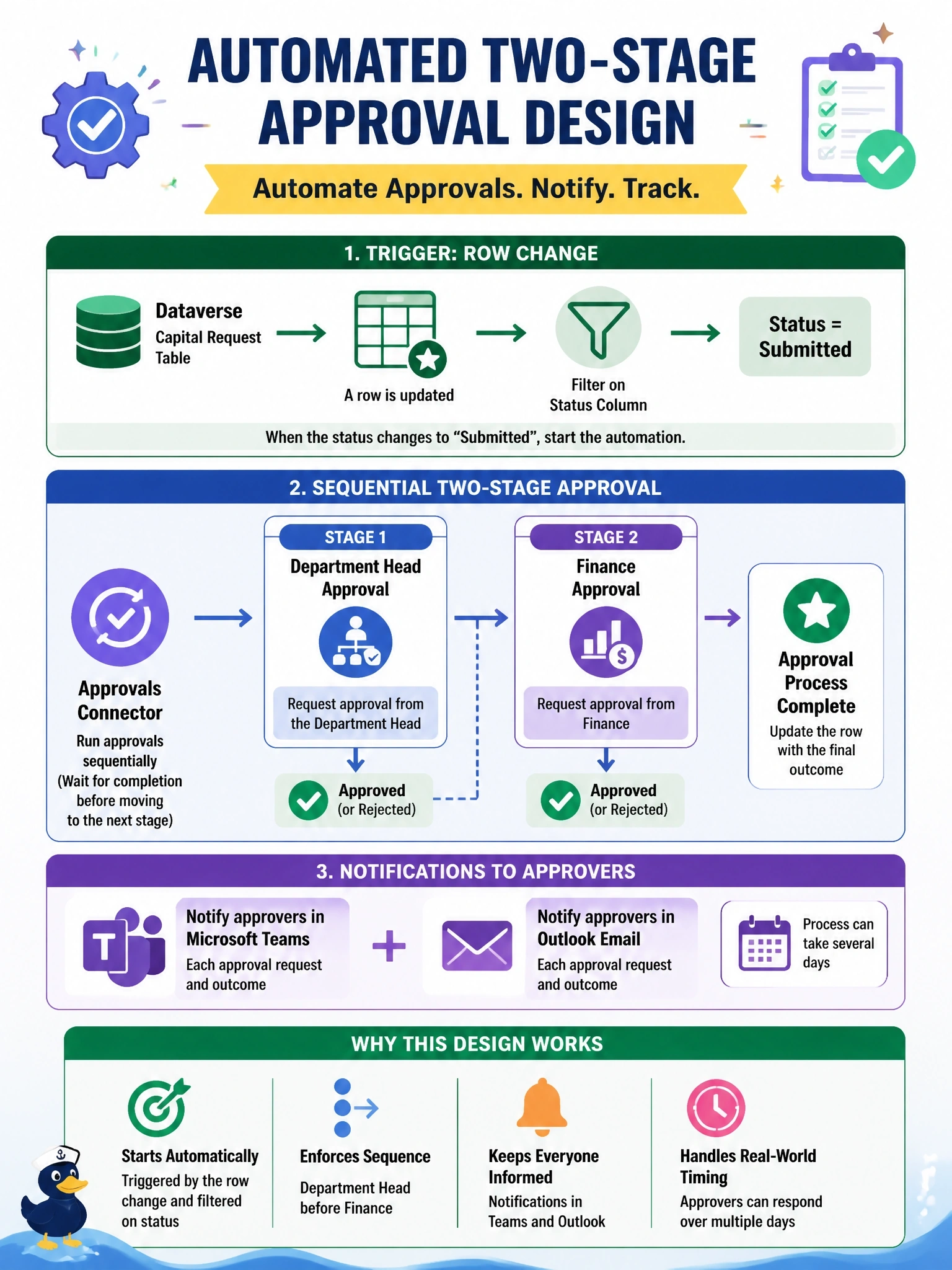
When a capital request row in Dataverse changes to Submitted, a two-stage approval must start: the department head approves first, then finance. Approvers must be notified in Microsoft Teams and Outlook, and the process can take several days. Which automation design should the developer use?
Select an answer to reveal the explanation.
Short Explanation
Think of a long approval like a relay race: the baton passes from the department head to finance, and it can take days. Your automated cloud flow can wait that long and nudge people in Teams and Outlook along the way. The trap is the plug-in, which can't sit around for days waiting on a human.
Full Explanation
Event-driven business processes that involve people belong in Power Automate. An automated cloud flow using the Dataverse trigger for a modified row, with a trigger condition or filter on the status column, starts only when the request reaches Submitted. The Approvals connector then creates the first approval for the department head and, when it completes, a second for finance; approvals appear in Teams and Outlook and in the approvals center, and the flow can wait for days because cloud flow runs are long-lived. Outcomes can be written back to the row. A synchronous plug-in runs inside the save transaction and is subject to a short execution time limit, so it cannot wait for human responses, and holding the transaction would block the user. A business process flow guides users through stages on a form, but it does not by itself send approval requests or notifications to other people. A form OnSave script runs only when a user saves on a form, executes in the browser, and cannot reliably track a multi-day process or record decisions made elsewhere. Exam caveat: business process flows and approval flows can complement each other, with the flow handling notifications. Operational check: set a test row to Submitted and confirm the run history shows the first approval waiting for the department head.