
An address-entry experience that shows suggestions in a dropdown as the user types is implemented as JavaScript copied onto twelve forms. The copies have drifted apart, and one copy injects its dropdown by editing the form's HTML. How should the developer redesign it as a reusable component?
Select an answer to reveal the explanation.
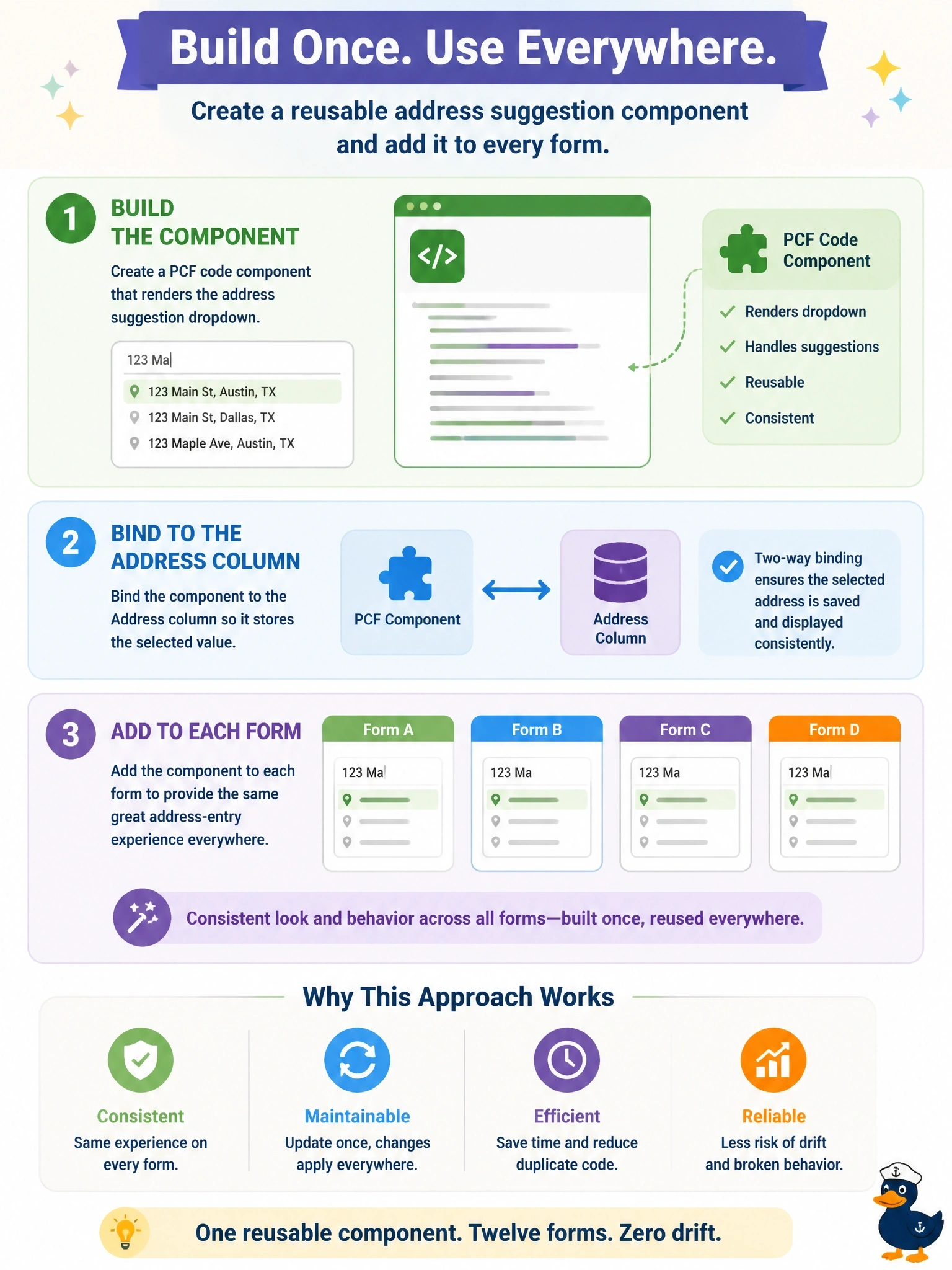
Short Explanation
Think of the twelve script copies as twelve photocopies of a recipe, each with different scribbles in the margins. A PCF component is the one master recipe you bind to the column everywhere. And watch the trap: editing the form's HTML directly is unsupported, shared library or not.
Full Explanation
Power Apps component framework code components are the supported way to deliver custom interactive UI inside model-driven forms. The component owns its own DOM container, renders the suggestion dropdown there, binds to the address column through its manifest, and reports changes back through notifyOutputChanged, so it behaves like a native control. Packaged in a solution, a single build is configured on all twelve forms, which removes the drift and the copies. Business rules cannot render custom UI or call address services, and form-scoped rules are defined per form rather than shared. A generative page creates a separate page experience; removing the columns from forms breaks the users' editing flow and does not provide a reusable control. Consolidating the script into one web resource fixes duplication, but injecting elements into the form's HTML relies on the page's internal structure, which Microsoft does not support and can change at any update; client scripts should use the Client API instead. Exam caveat: shared JavaScript libraries remain the right pattern for form logic such as validation or field behaviour; custom rendered controls belong in PCF. Operational check: configure the component on two forms, type a partial address, and confirm the selected suggestion is saved to the bound column.