
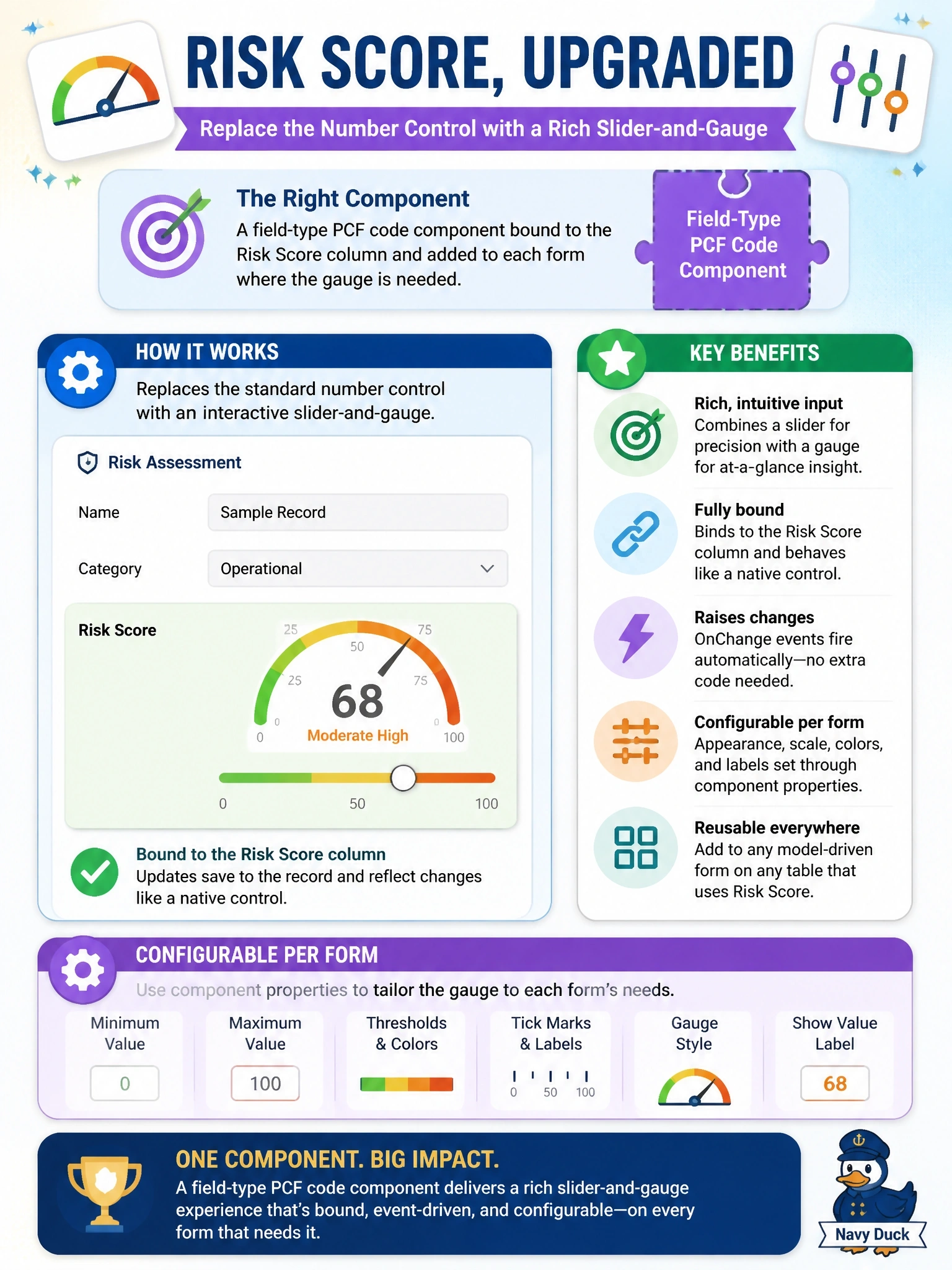
A rich slider-and-gauge input must replace the standard number control for a Risk Score column on many model-driven forms across several tables. It must bind to the column, raise changes like a native control, and be configurable per form through properties. Which component type is the right fit?
Select an answer to reveal the explanation.
Short Explanation
Think of a PCF field component as a custom knob you can bolt onto any form, wired straight to the column underneath. It reads the value, writes changes back, and you set its properties per form. The trap is the web resource, which sits next to the column rather than replacing its control.
Full Explanation
Power Apps component framework code components are reusable controls written in TypeScript. A field component declares a bound property in its manifest, so on each form the maker replaces the column's standard control with the component and configures its input properties. The framework passes the current value in through the context, and the component calls notifyOutputChanged when the user moves the slider, so the form treats the change exactly like a native control, including dirty tracking and save. Because the component is packaged in a solution, one build serves every form and table where it is configured. A code app is a full application, so routing users out of the form to set one value breaks the editing experience and duplicates form logic. A generative page creates a separate page experience, not a control inside existing forms. An embedded HTML web resource can reach form context through supported methods, but it does not replace the column's control or participate in binding, and copying it to many forms repeats configuration. Exam caveat: use a dataset component instead when the control renders a grid or collection of rows. Operational check: add the component to two forms, change the value with the slider, and confirm the form becomes dirty and saves the new score.